Answered
Layer Style Feathering
Hello!
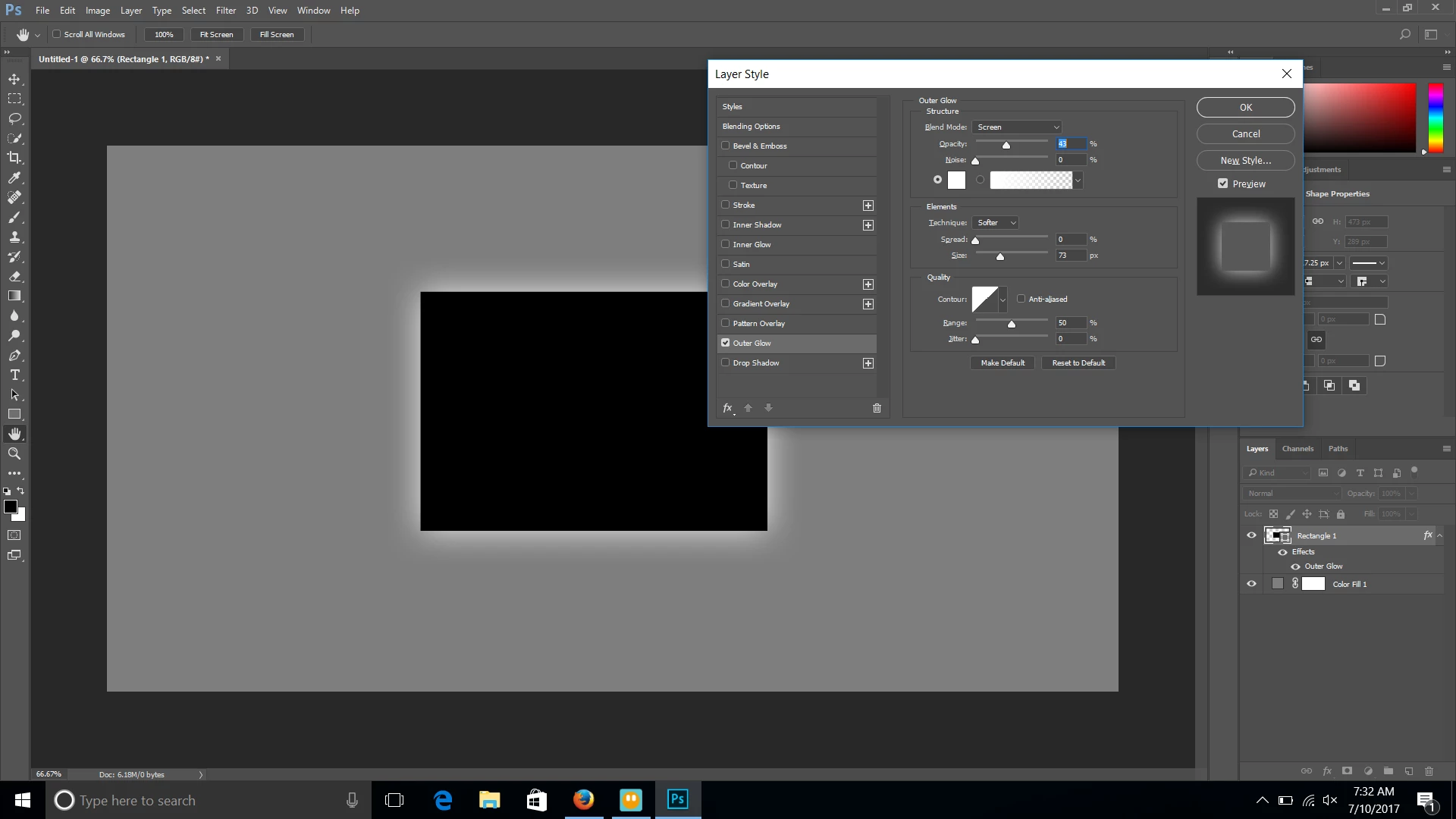
Is there any way to feather or mask a layer style? I'm using the outer glow option, however the edge is really obvious so doesn't look very seamless or natural.
Thank you in advance for any help with this! 

Hello!
Is there any way to feather or mask a layer style? I'm using the outer glow option, however the edge is really obvious so doesn't look very seamless or natural.
Thank you in advance for any help with this!
Other than committing the outer glow to a separate layer, your only options are to adjust the opacity, spread, and size sliders.
Already have an account? Login
Enter your E-mail address. We'll send you an e-mail with instructions to reset your password.
 AdChoices