
Participant
April 13, 2022
Answered

layer [turns white]

  • April 13, 2022
  • 4 replies
  • 1926 views

already 2 days i cant create a new layer. as soon a i press ctrl+j, the layer turns white. how to fix it? this problem is only in rgb, in lab and others i havent the same problemm
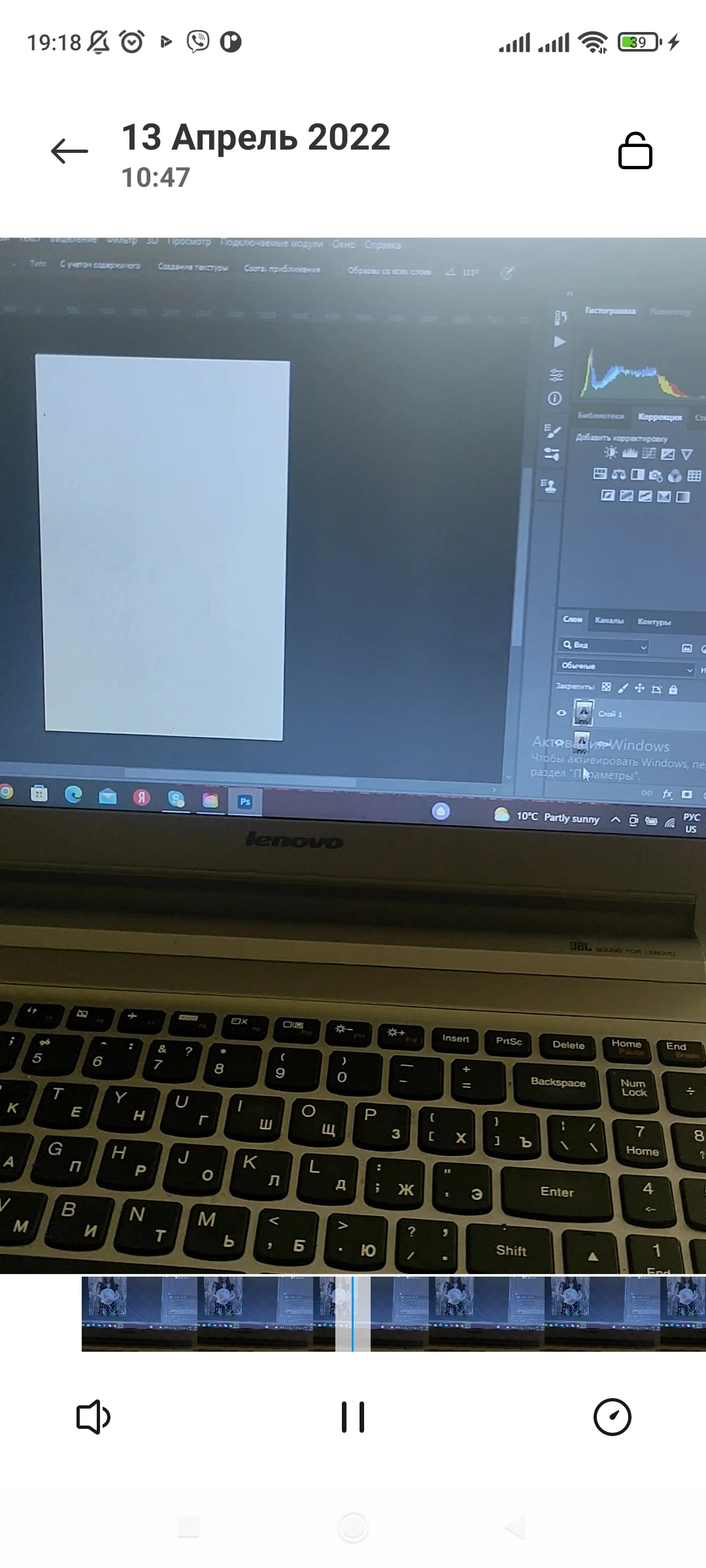
 

[subject edited by moderator for clarity]


This topic has been closed for replies.
Correct answer c.pfaffenbichler

Does turning off »Use Graphics Processor« in the Performance Preferences (Photoshop > Preferences > Performance > Graphic Processor Settings) and restarting Photoshop have any bearing on the issue? 

4 replies

Maico Fotografia
Participant
April 19, 2022

I'm trying to put toghether 2 images but when I paste the second one, the spacework goes white, I can see in the layers the images but even if I creat a new layer, it's going to be white all the workspace...

Vinnylo26
Participant
April 18, 2022

I had the same exact issue and I found the solution withouth disabling your GPU!!!


All you have to do is re-download the update of previous Photoshop version 23.2.2, and get rid of version 23.3, because it is the newer version that is causing this to happen.

c.pfaffenbichler
Community Expert
c.pfaffenbichlerCommunity ExpertCorrect answer
Community Expert
April 13, 2022

Does turning off »Use Graphics Processor« in the Performance Preferences (Photoshop > Preferences > Performance > Graphic Processor Settings) and restarting Photoshop have any bearing on the issue? 

Participant
April 14, 2022

Yes, thank you ❤️

Ged_Traynor
Community Expert
Community Expert
April 14, 2022

You will lose some functionality that requires a GPU, what you need to do is enable the Use Graphics Processor and in the Advanced Settings disabled this option and restart Photoshop

Ged_Traynor
Community Expert
Community Expert
April 13, 2022