
Yustas240
Inspiring
December 28, 2017

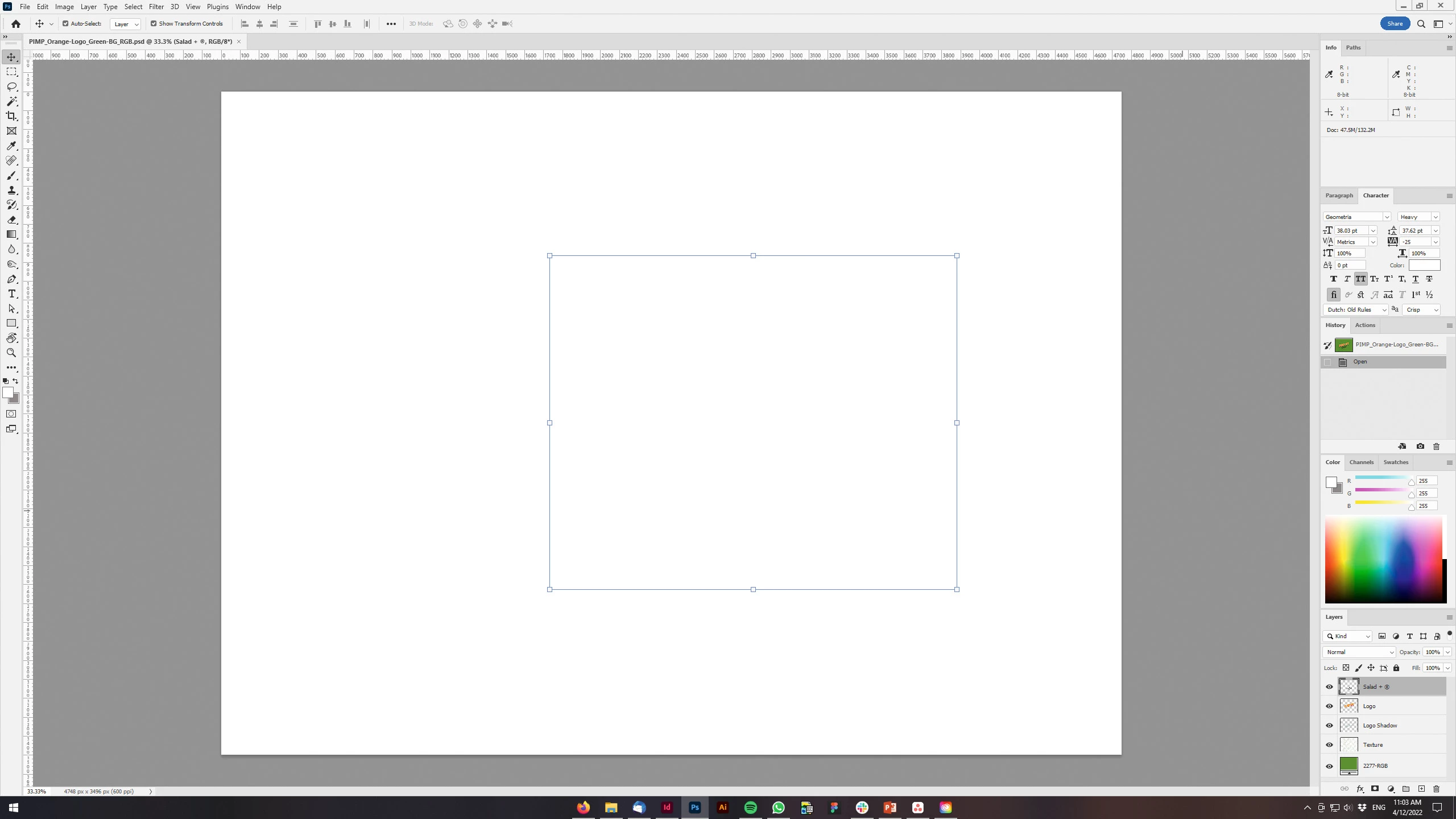
P: Photoshop 23.3 opens images with everything in white color.

  • December 28, 2017
  • 150 replies
  • 77262 views

Hey!

Just updated my Photoshop to 23.3 version. And when I'm trying to open any RGB file - it opens with all layers colored in white color. Seems like RGB is not active at all.

IF I transfer it into CMYK - all good.


Windows 10 Home.

Below is the print screen of RGB file turned into CMYK. Cuz I was unable even to make a printscreen in RGB.
 

150 replies

Participant
April 14, 2022

I see a few people have posted about this bug already. Just putting my hand up to say it's happening to me as well.


All I see are blank canvas' when I open prexisting PSDs. Not sure what's going on, but everything is all good when I revert back to the previous version (23.2).


Working on a Windows computer. Cheers!

Inspiring
April 14, 2022

I too reverted back to 23.2. In my case it was only PSD files that had text layers. Nothing but blank page. Other PSD's with regular image layers were fine. 

April 14, 2022

Win10 Proにて23.3.0にアップした直後から、

背景のみですと従来通りの作業ができますが、複数レイヤーになると背景以外のレイヤーの画像が荒れた状態で見え、ある程度拡大すると画像すべてが真っ白になります。


Ged_Traynor
Community Expert
Community Expert
April 14, 2022

Hi

Go to preferences > performance > advanced settings and uncheck this option, restart Photoshop

Participant
April 14, 2022

Updated windows and nvidia and intel drivers to latest versions, and updated photoshop to latest version. Opening an image in photoshop comes up with the window looking normal, but the workspace where the image would normally be is gone and it shows through to windows behind it. Also tried opening photoshop first then dragging image in, same effect. Tried restarting PC as well. 

Ged_Traynor
Community Expert
Community Expert
April 14, 2022

Hi

Try going into the preferences > performance > advanced settings and uncheck this option, restart Photoshop to see if t helps

Participant
April 13, 2022

After opening a psd file with Photoshop 23.3.0 I get an alert box (screenshot in German):


"Some text layers may need to be updated before they can be used for vector-based output. Do you want to update these layers now?"

No matter if I click "No" or "Update", the result is always the same: The psd file is completely white and not editable.

I am back on 23.2.2 and can edit all psd files as usual.


Photpshop 23.3.0, Windows 10 Pro 21H2


BG, Peter Hellinger

Participating Frequently
April 13, 2022

I was having the same issue and several others. I couldn't open any psd files, Photoshop would crash.

I opened Preferences / Performance and under Graphics Processor settings / Advanced I turned of GPU Compositing and it solved my issues.

I have an older NVIDIA GeForce GTX 550 Ti  Graphics Card 

Participant
April 13, 2022

Yes, this has also been happening to me since yesterday (recently updated photoshop 2022, using Windows 64bit). I copy/paste and it only pastes a white image. If I try to draw onto the image, no drawing will occur. If I turn off my graphics processor in the performance settings then I will be able to copy/paste again, but my graphics card is recently updated. I copy paste literally all the time, so this is a very recent problem. I know there was an update to Photoshop right before this occured, could it possibly be an update snafu?

Participant
April 13, 2022

OK So I got it to work, after reinstalling my Graphics Card. So weird, not sure what even happened there, but at least now I can copy paste.

Participant
April 16, 2022

Yes, i just follow as you did off option preference> performance> Graphic Processor settings.now can create duplicate layer. But, just wonder without graphic processor support how smooth and speed can use photoshop..won't be problem while working?

Participant
April 13, 2022

With Photoshop 23.3.0, my photo turns white when I click on levels adjustment. OS version is Windows 10. I open an rgb tif, and go to click on levels adjustment. My expected result is to see the image intact, with a small histogram with sliders showing at the right. The actual result is the photo turns white.

Participant
April 13, 2022

My photoshop updated to v. 23.3 this morning. Whenever I go to run any of my actions all it does is make my image completely white. I have turned my graphics processed off, and it fixed the white but then everything went crazy and started freezing up. I've got my graphics processor turned back on now and we are back at square one. Please help!

Ged_Traynor
Community Expert
Community Expert
April 13, 2022

Hi

Try unchecking this option in preferences > performance > advanced settings and restarting Photoshop to see if it helps

Participant
April 13, 2022

Abro cualquier archivo trabajado ayer y se visualiza todo en blanco.
Al exportar a imagen si sale bien pero no puedo visualizar nada en la mesa de trabajo.

Favor su ayuda.
Gracias.


Ged_Traynor
Community Expert
Community Expert
April 13, 2022

Hi

If you're on version 23.3, try unchecking this option in preferences and restarting Photoshop to see if it help

Kukurykus
Legend
April 13, 2022
Participant
April 13, 2022

Like the title says. I'm assuming this is a bug introduced with the latest update, because everything was functioning perfectly yesterday. I Installed the hotfix as well, 23.3.0.