Participant
June 20, 2023
질문

Lightroom "edit in" Photoshop not working AND Photoshop not closing

  • June 20, 2023
  • 2 답변들
  • 315 조회

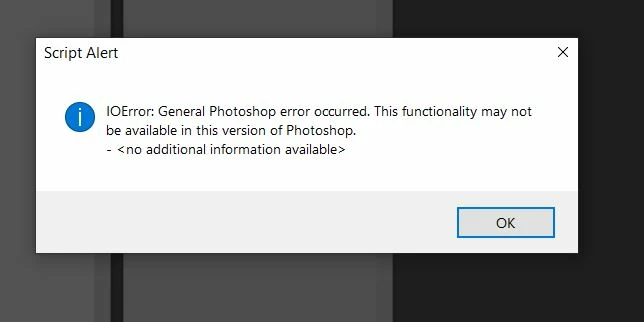
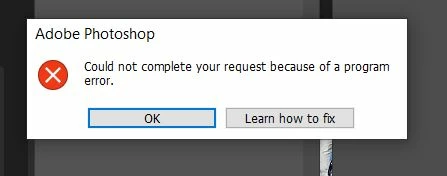
I've experienced this problem that many others seem to have had. And I've tried the responses given such as uninstalling and reinstalling both LR and PS. When clickingon "edit in" in LR, PS opens but the image does not load and I get a IO script alert (see screen shot). Also, and I don't see this reported by others, when this happens I cannot close PS and get a "Could not complete" error. (see other screen shot). I'm a bit frustrated wtih this 
    이 주제는 답변이 닫혔습니다.

    2 답변

    TheDigitalDog
    Inspiring
    June 20, 2023

    You could try running the Creative Cloud Cleaner Tool to remove all traces of the Adobe software before reinstalling it (yet again):  https://helpx.adobe.com/creative-cloud/kb/cc-cleaner-tool-installation-problems.html

    And be sure to reinstall Photoshop first, then Lightroom, the order is important, 

    Author “Color Management for Photographers" & "Photoshop CC Color Management/pluralsight"
    kglad
    Community Expert
    Community Expert
    June 20, 2023

    in the future, to find the best place to post your message, use the list here, https://community.adobe.com/


    p.s. i don't think the adobe website, and forums in particular, are easy to navigate, so don't spend a lot of time searching that forum list. do your best and we'll move the post if it helps you get responses.


    <moved from using the community>