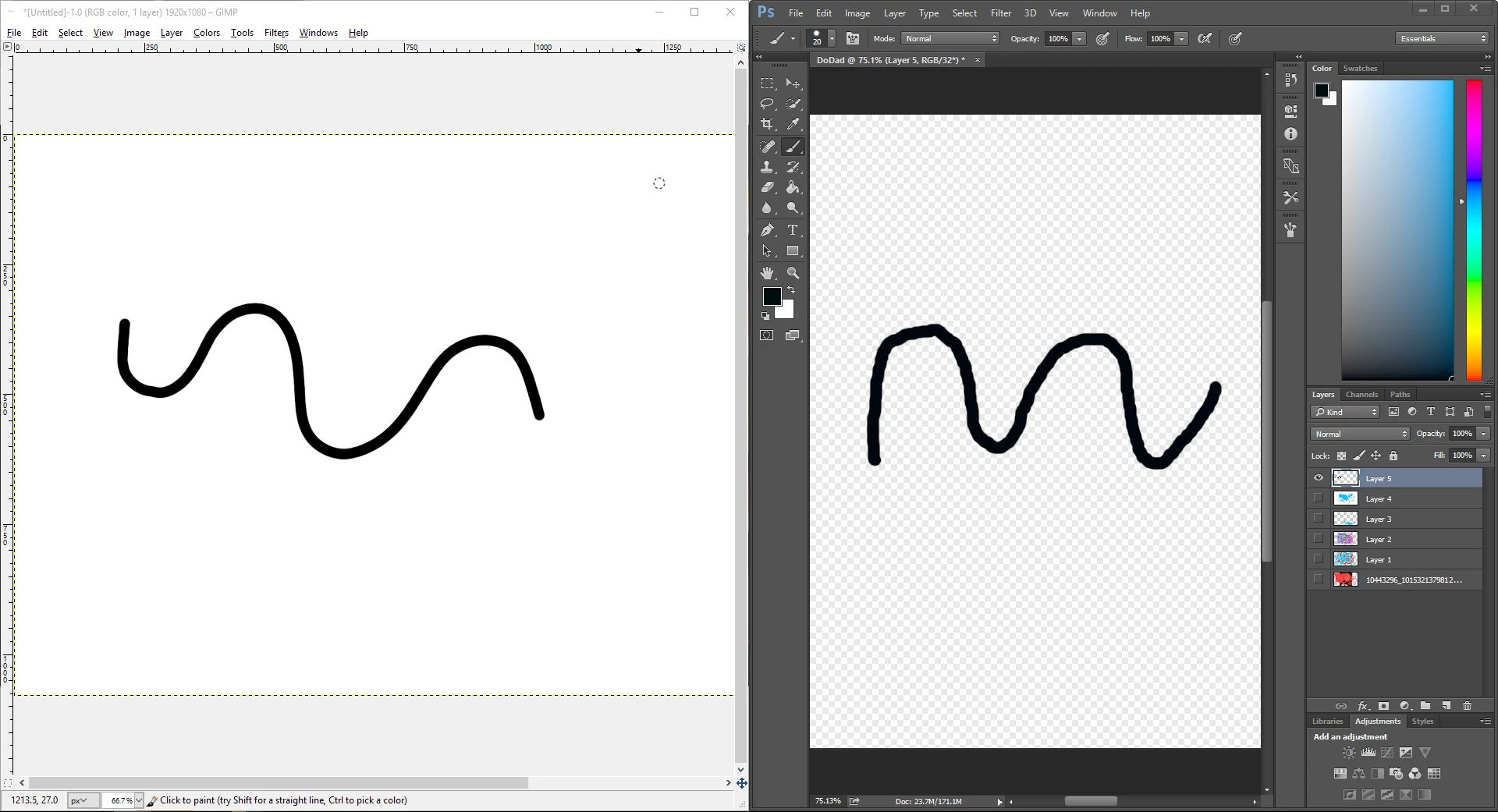
Photoshop is not brilliant at drawing nice smooth lines because of its pixel editing origins. It can't easily reproduce the flowing curves you can get with drawing programs like Illustrator because the lines are not mathematically derived, instead it just lays down pixels. You will get a better result by using the Freehand Pen tool and then stroking the path as mentioned above, but its not the same as just drawing on a canvas. Generally the softer the brush you use the smoother the stroke will look, but at the price of not looking sharp.
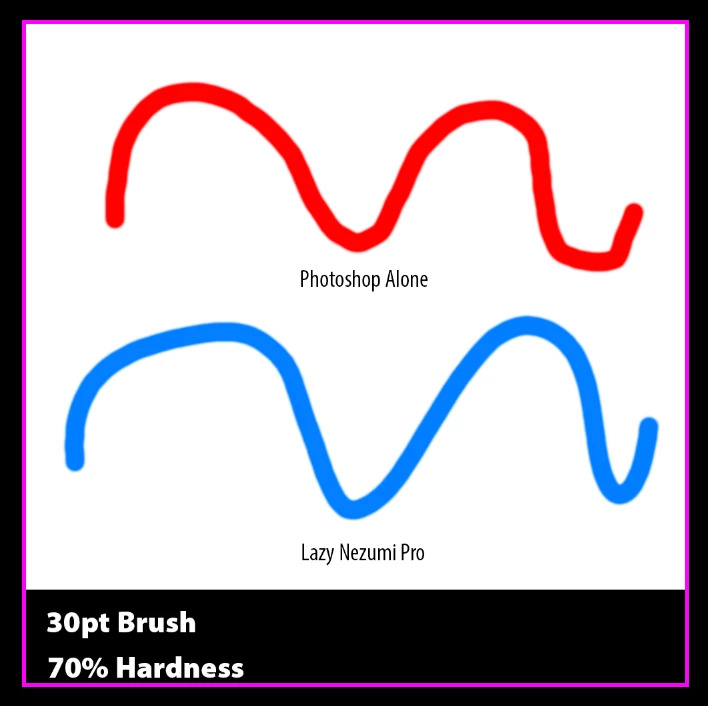
If very smooth brush strokes are of importance to you, there is a tool available called Lazy Nezumi Pro . I'd say its close to indispensable if you are a professional graphics artist as it completely solves the problem. Trouble is its not free , although not very expensive either-about $35. Below are two curves drawn with a mouse using exactly the same brush settings. As you can see LNP smoothes off the sharp edges when there is a direction change. Although it works happily with a mouse it really is designed for smoothing output from tablets and is very good at handling pressure sensitivity-vastly superior in fact to what you get with the manufacturers drivers alone. Whether its worth buying depends on how much of this kind of thing you do, but there is a 14 day free trial. http://lazynezumi.com/
Hope that helps
Terri


 AdChoices