
Participant
January 10, 2020
Question

Missing Settings File in Adobe Photoshop 2020

  • January 10, 2020
  • 3 replies
  • 4081 views

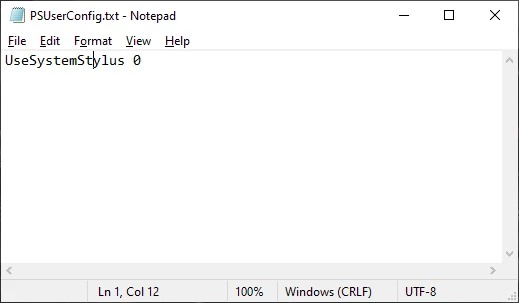
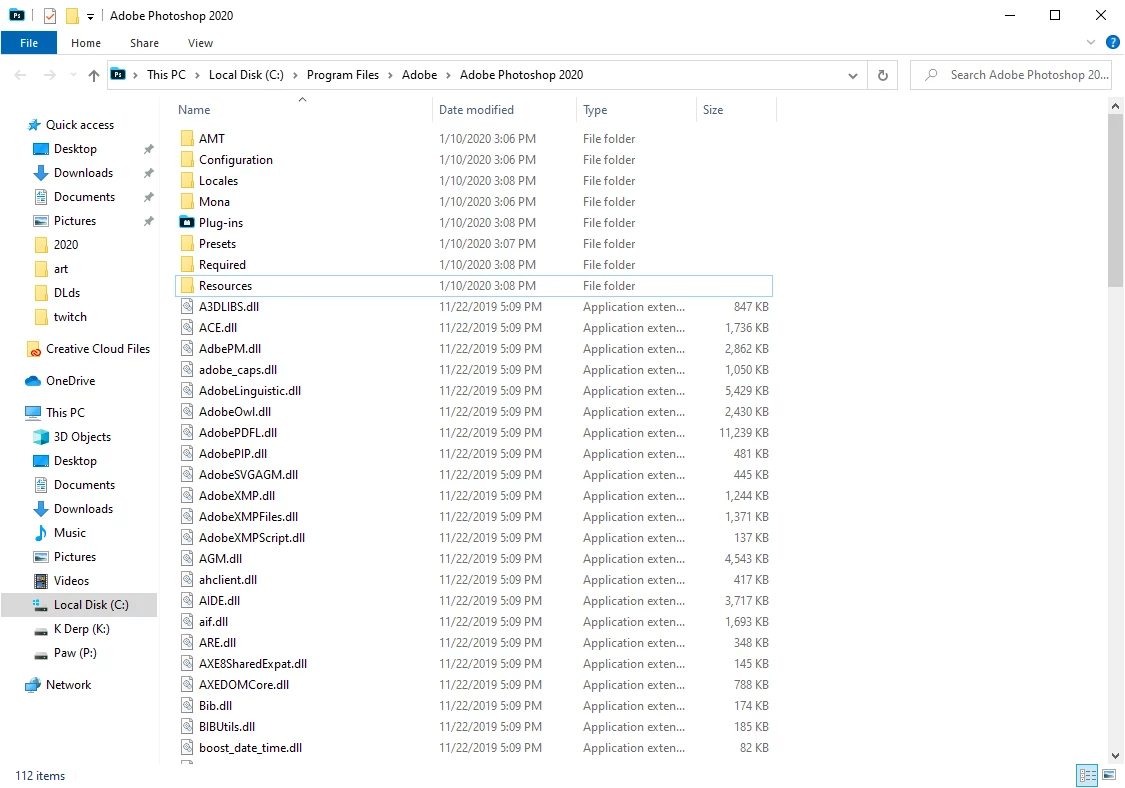
I'm currenting trying to solve my pen pressure issues in photoshop 2020 and I've already made this file that i'm suppose to put in my settings file but I can't seem to locate it. I've arleady uninstalled and reinstalled photoshop 2020 on my computer. Does anyone know how to fix this issue?


This topic has been closed for replies.

3 replies

Participant
July 17, 2020

Did you ever get this solved because, I figured it out? The problem was in the "File Explorer." Under the "View Tab" Check "Hidden Items." Then User, app data, etc... It was quite frustrating for me so I wanted to pass on the sollution, for anyone else going through that headache.

JJMack
Community Expert
Community Expert
January 11, 2020

If you add that file to your Photoshop CC Preferences. Yot neeed to configure your Pen Device driver not to use Windows Ink API with Photoshop CC to use WinTab Api instead.  Your Pen Device Diver and Photoshop need to using the same API for correct operation.

JJMack
Participating Frequently
May 3, 2020

Hi JJMack. How do you configure the Pen Driver from Windows Ink API to WinTab Api?

Participant
May 5, 2020

[for Intuos Pro]

In the Wacom Tablet Properties, undaer tool, select your stylus, select mapping. Uncheck box in lower left corner.

assause
Community Expert
Community Expert
January 11, 2020

The place to put PSUserContig.txt is the user folder.
c: \ Users \ [username] \ AppData \ Roaming \ Adobe \ Adobe Photoshop [version] \ Adobe Photoshop [version] Settings \


Although it is a Japanese document, there is something useful.

https://helpx.adobe.com/jp/photoshop/kb/cq08110039.html

Participating Frequently
May 3, 2020

I have the same problem as Kassandra. All of the internet suggests the same path as you do, but the version i have does not have /Photoshop 2020 Settings/ Folder. 

assause
Community Expert
Community Expert
May 4, 2020

See the screenshot attached.
You can confirm that the setting folder and various files exist in the location shown.