


Participating Frequently
October 15, 2020
Question

Multicolor Logo converted into One Color in PS Action or Script

  • October 15, 2020
  • 1 reply
  • 2282 views

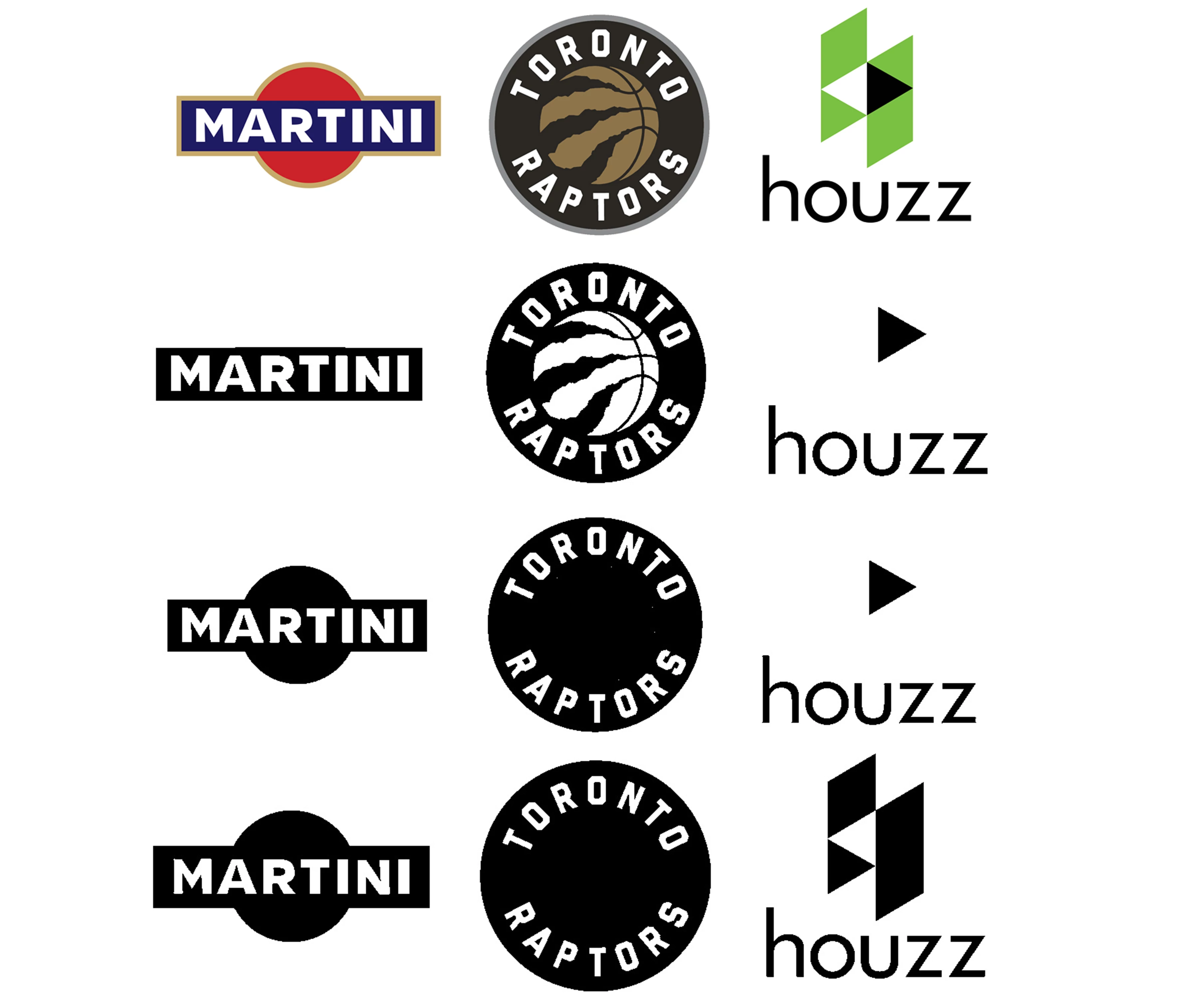
I am trying to automate converting any logo into one color. This process is very easy for logos with individual pieces but for logos with other colors nested inside them it is hard to find a one size fits all setting. I am currently just using threshold in my workflow and different settings create different results. I was hoping for some sort of adjustable threshold that could examine the the colors and decide which colors lighter then the main would be black while the other white. Also I know that the image trace feature in illustrator would work much better but i dont want to have to jump back and forth within the  action or script. Thanks for any help. I included a example of 3 logos at he same threshold settings and the results.
This topic has been closed for replies.

1 reply

JJMack
Community Expert
Community Expert
October 16, 2020

JJMack
Participating Frequently
October 16, 2020

That is amazing. I've done some research and have found the potrace but haven't been able to find the potracesvgspace script. Is there a specific spot I can look?

Really appreciate it

JJMack
Community Expert
Community Expert
October 16, 2020

The gray matter between your ears.  That is where my script came from.  I may have posted one here that create  Custon shapes not placed the Protrace svg as a vector smart object like my potracesvgspace script. The converted Path is not as good as the SVG though I have to tweak thee custom shapes created. photoshop script black and white raster to vector 

JJMack