
My PS app window apears, but is blank. Pressing new file does nothing. Mac
I have Mac Catalina - version 10.15.3
I do not know why, but one day I opened PS and the window was empty. I clicked in the top left corner file>new and nothing happened. I tried file>open.. and nothing. I can only open pre-existing PS files saved to my desktop.
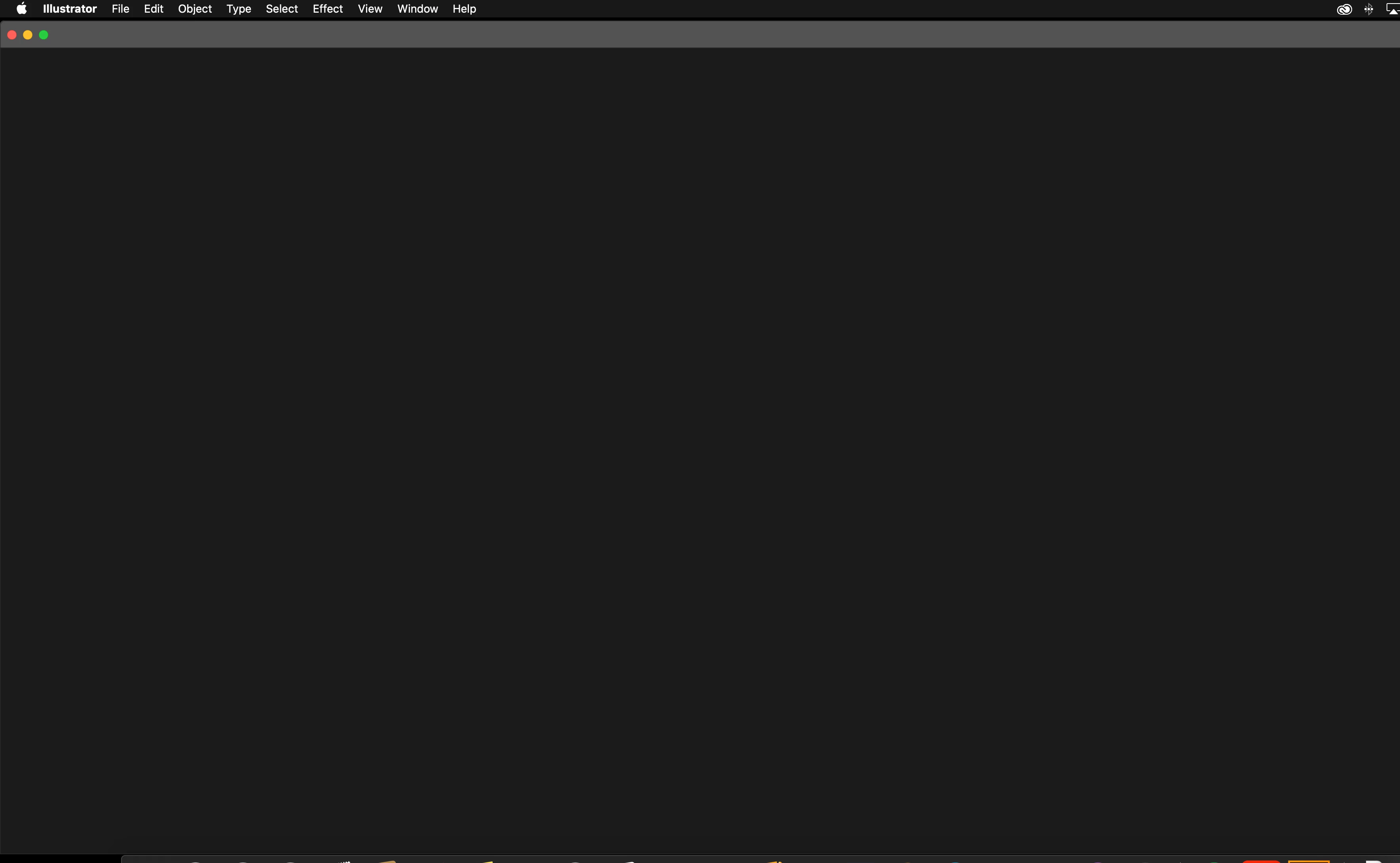
I am having the same issue with AI and any adobe app I download. When I click file> new nothing happens. Only in AI if I click file>new from template... a separate window will pop up and allow me to create.
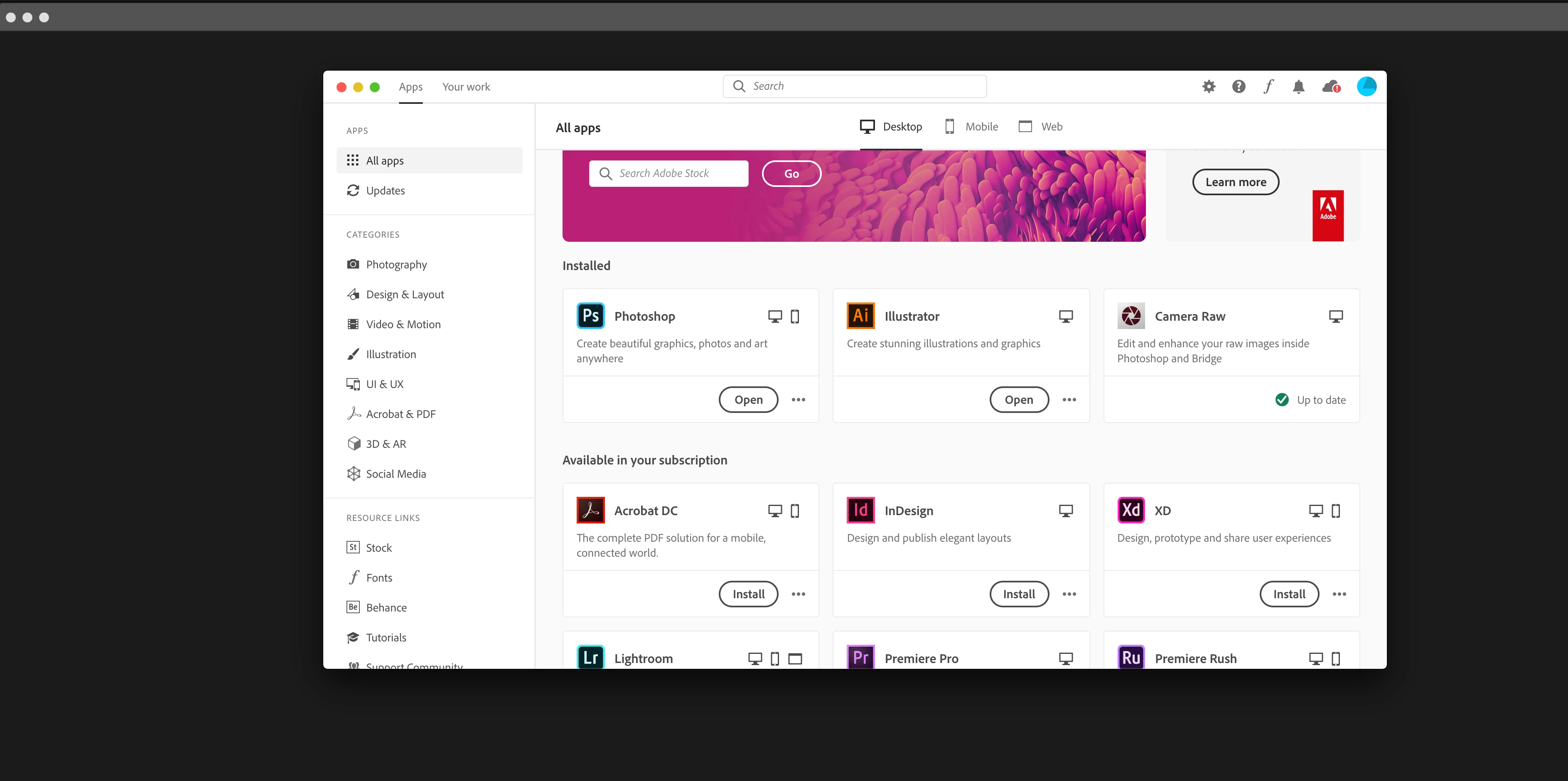
My creative cloud would only open a blank window as well. There were no error messages.
I followed instructions to uninstall and clean any adobe programs from my computer including plug-ins. Fresh start. restarted computer etc.
Re downloaded everything. The creative cloud window is back to normal, but my other adobe apps PS and AI are appearing as a blank window. I can open previously PS saved files from my desktop. While an old file is open I tried file>new and no response. There are no error messages.
Any help would be appreciated. The photos are after reinstalling apps and creative cloud. Thank you! 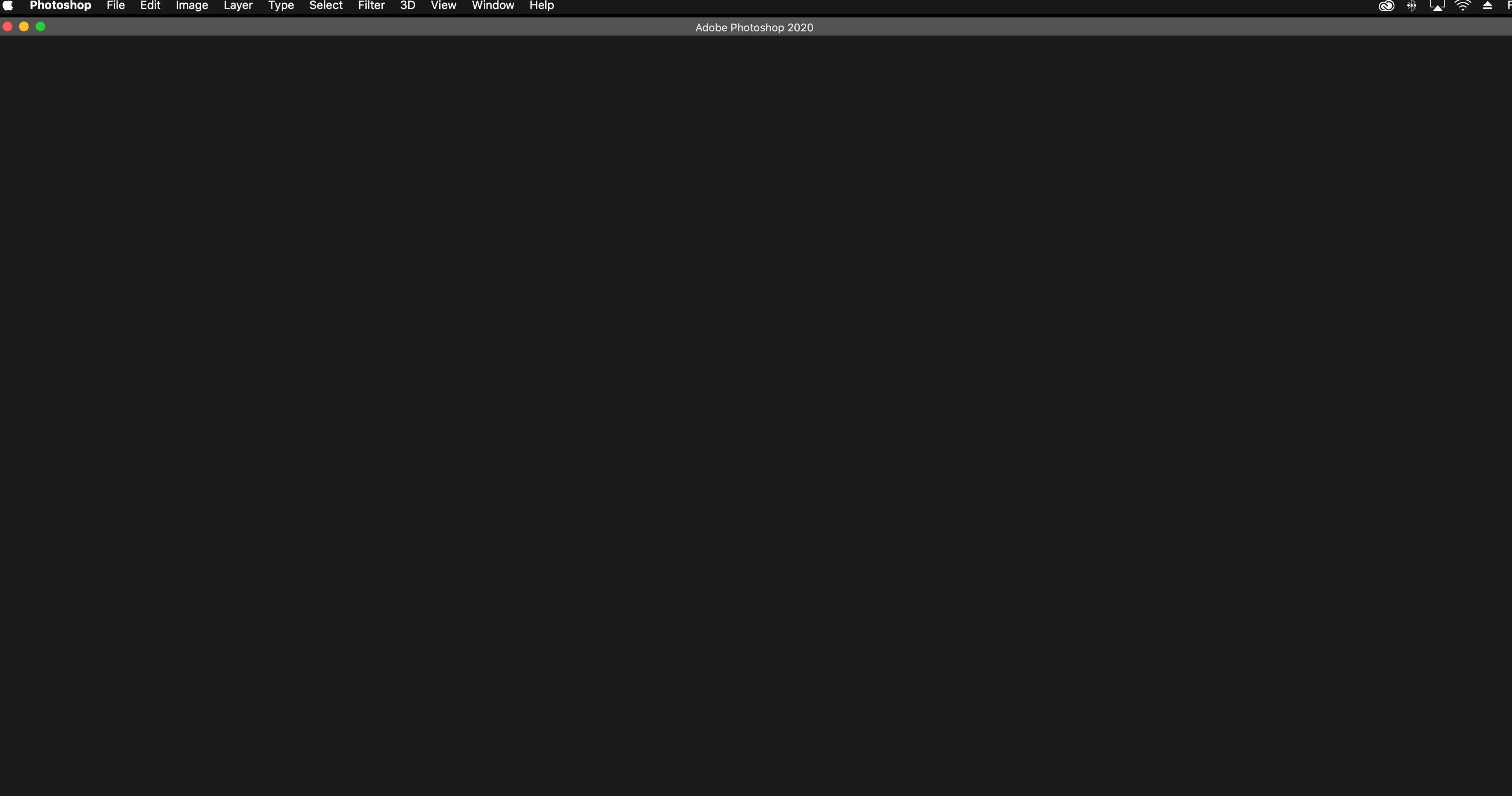


 AdChoices