Copy link to clipboard
Copied
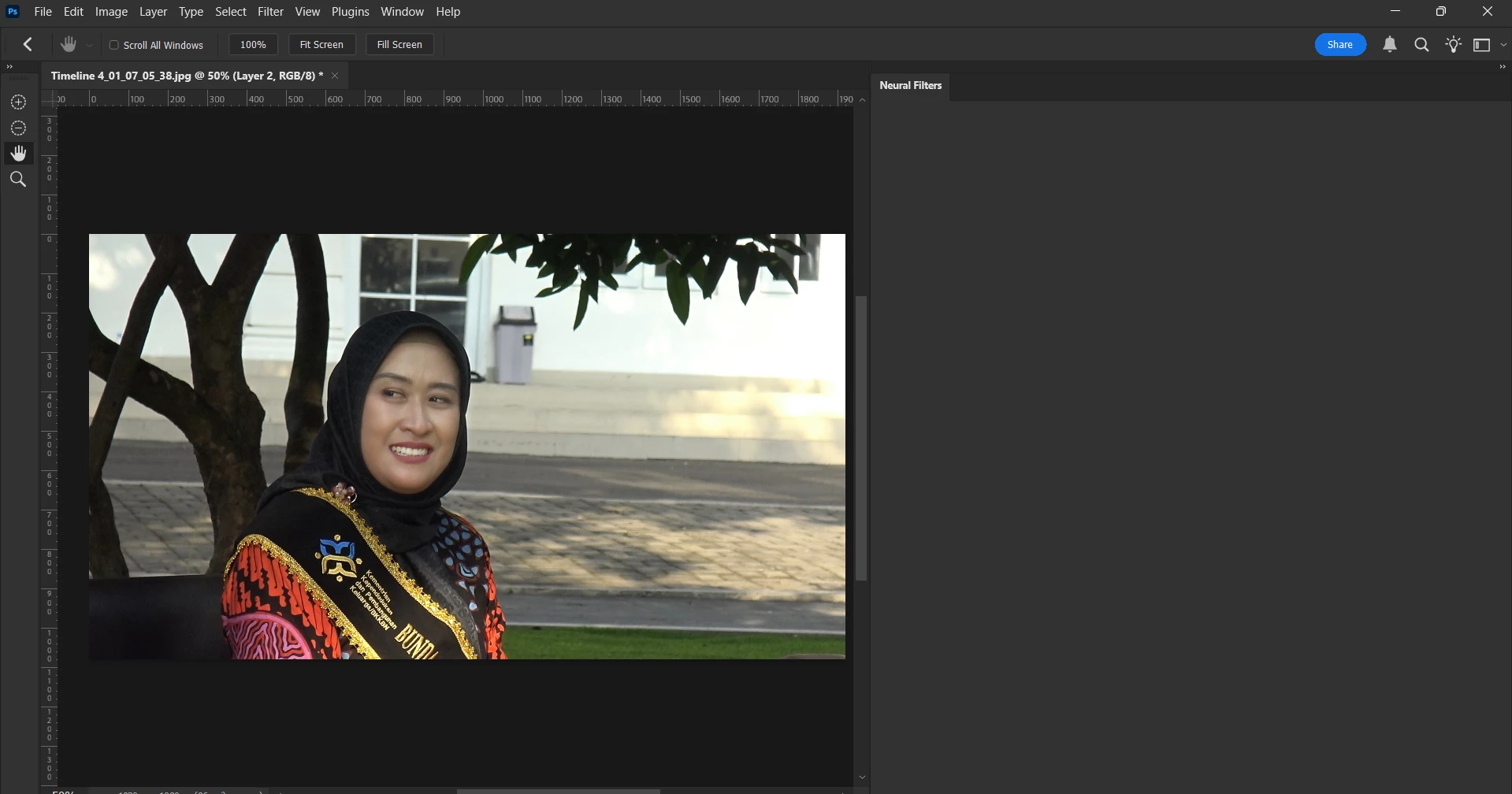
I am currently experiencing an issue with the Neural Filters in Adobe Photoshop. A few days ago, I noticed that whenever I attempt to access the Neural Filters panel, it appears blank, with no filters displayed. I am unsure of the cause, as all other features within the application are functioning normally.
I would appreciate any assistance or guidance regarding this matter.
Thank you.
Check out the correct answer in this thread for the toolbar icons missing
Also, can you post your Photoshop system info, in Photoshop go to Help > System Info, hit the copy button and paste the entire thing into this thread
Copy link to clipboard
Copied
@DiskominfoKra try manually resetting your Photoshop preferences
https://helpx.adobe.com/ie/photoshop/using/preferences.html#Manually
Remember to back up your settings before doing the preference reset
https://helpx.adobe.com/ie/photoshop/using/preset-migration.html
Copy link to clipboard
Copied
I have done resetting.
I have already reset the preferences, and I noticed that some of the icons are missing. However, when I open the Neural Filters panel, it still appears completely blank.
Copy link to clipboard
Copied
Check out the correct answer in this thread for the toolbar icons missing
Also, can you post your Photoshop system info, in Photoshop go to Help > System Info, hit the copy button and paste the entire thing into this thread
Get ready! An upgraded Adobe Community experience is coming in January.
Learn more