

해결됨
New to Photoshop 2023. What am I supposed to see when I launch the application?
I am new to Photoshop 2023. What am I supposed to see when I launch the application? All I see is a blank screen with a menu bar. What am I missing?
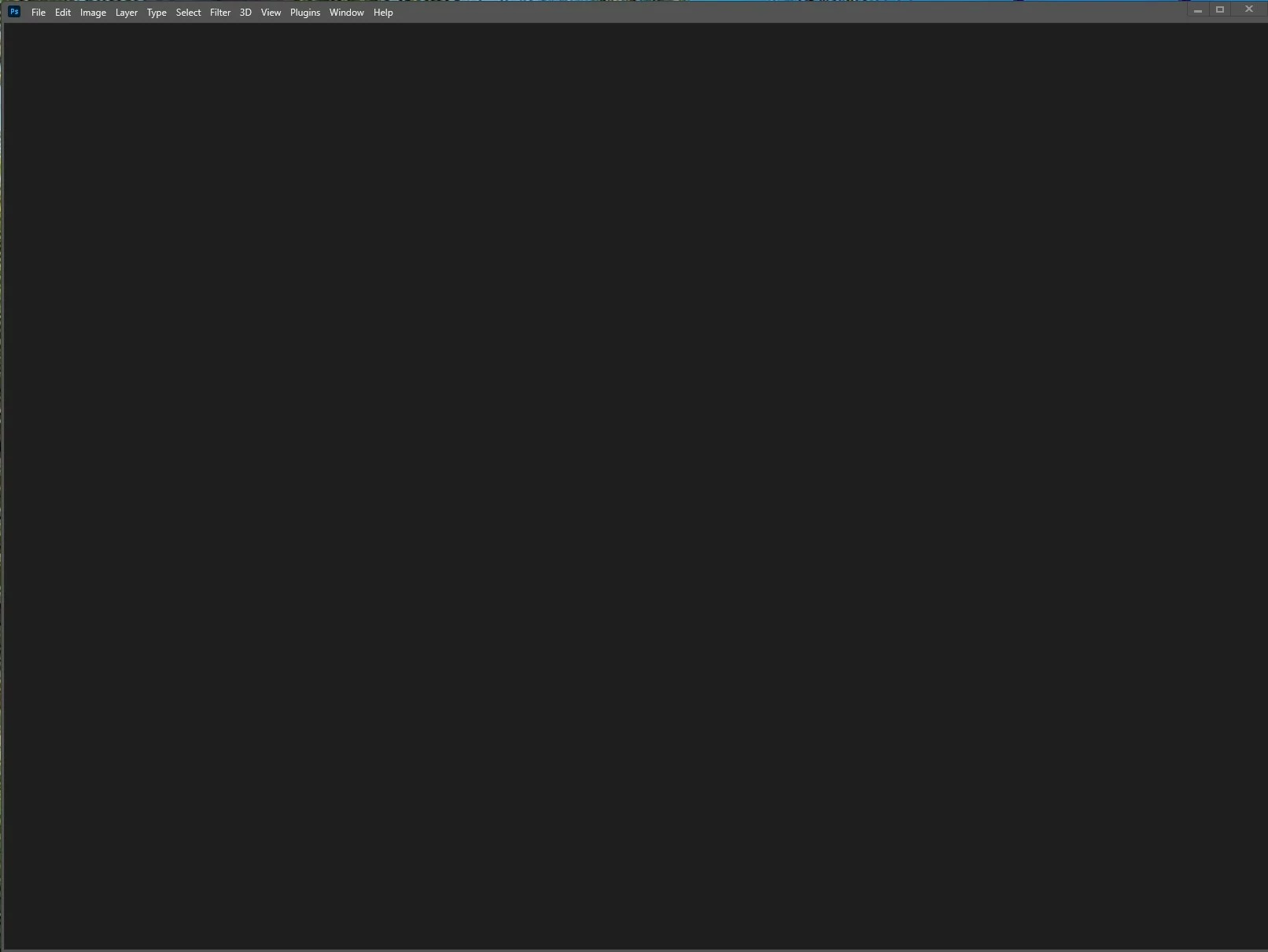

I am new to Photoshop 2023. What am I supposed to see when I launch the application? All I see is a blank screen with a menu bar. What am I missing?
You can also reset preferences upon a quit if Photoshop is running by going into General Preferences>General>Reset on Quit.
*To manually delete Photoshop preferences:
Quit Photoshop.
Navigate to Photoshop's Preferences folder:
macOS**: Users/[user name]/Library/Preferences/Adobe Photoshop [version] Settings
Windows 10: Users/[user name]/AppData/Roaming/Adobe/Adobe Photoshop [version]/Adobe Photoshop [version] Settings
**Note:The user Library folder is hidden by default on macOS. In the Finder, hold down the Option key when using the Go menu. The library will appear below the current user's home directory.
Now you can drag the entire Adobe Photoshop [Version] Settings folder to the desktop or somewhere safe for a backup of your settings
I fixed the issue by renaming the UXP folder to ~UXP.
Enter your E-mail address. We'll send you an e-mail with instructions to reset your password.
 AdChoices