Participant
March 23, 2023
Question

No save dialog

  • March 23, 2023
  • 2 replies
  • 853 views

In my class, this is a major problem.

In Photoshop, when I (students) need to save, they press any of the 3 save dialogs: Save, Save as, Save a copy, and a black box comes up, but no info in it. Nothing to read, click or save. Saving is not possible. The problem began about a week ago. It's not on every computer, but it's persistent. I have found no workaround. Full menus and functionality are present with open documents. Tells me CC cant connect to the internet. See photos.

I have:

  • Rebooted PS, rebooted mac
  • Changed Prefs for legacy save
  • Reset prefs
  • Updated CC
  • Updated PS
  • Deleted suite and reinstalled
  • Running OS Monterrey 12.2.1, then with no results, updated to OS 13.2.1 Ventura

None of these steps have resolved. Half of my computers will not load the save dialog. Cannot save via any menu. It would be really cool if my students could save their work.
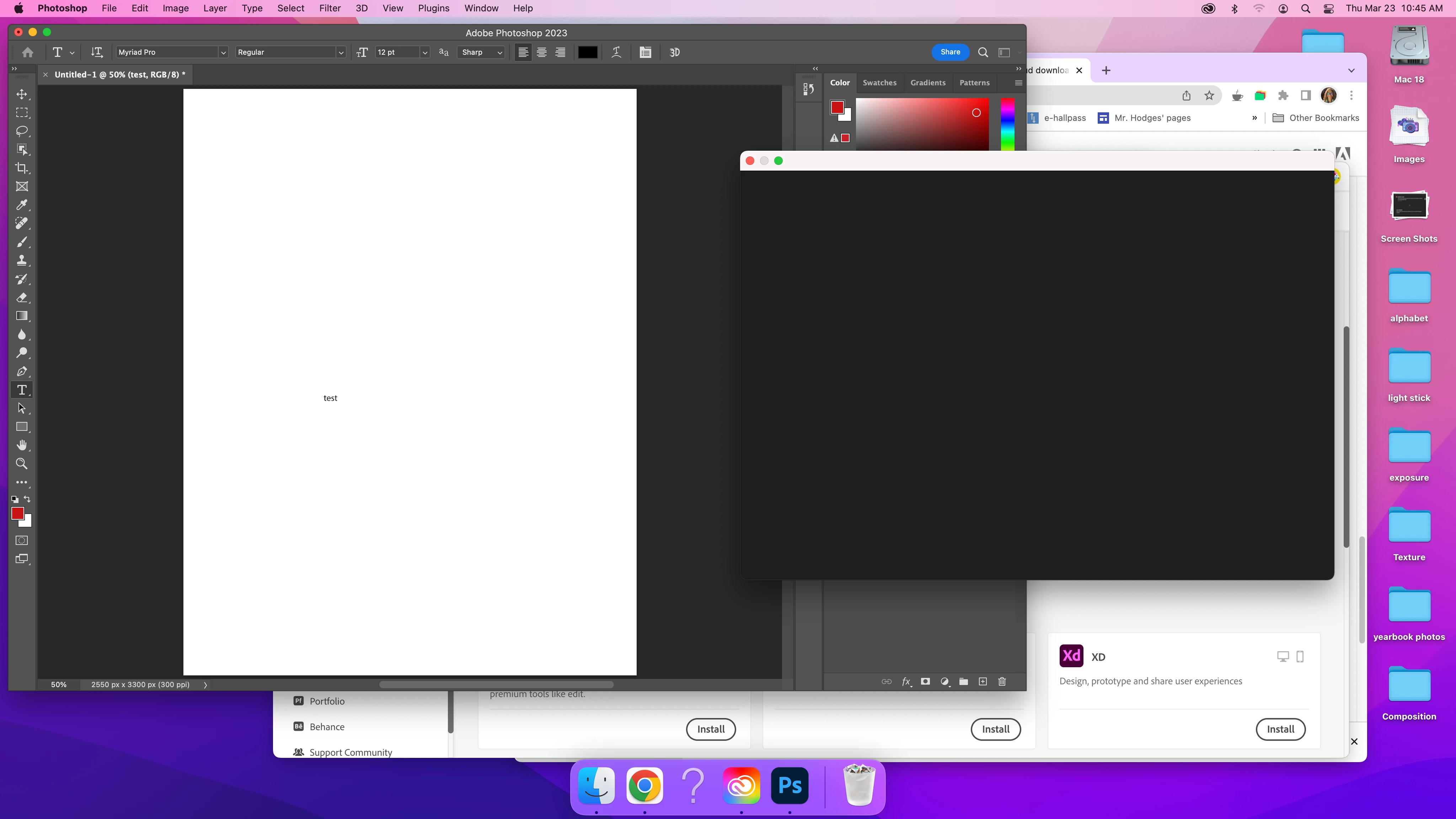
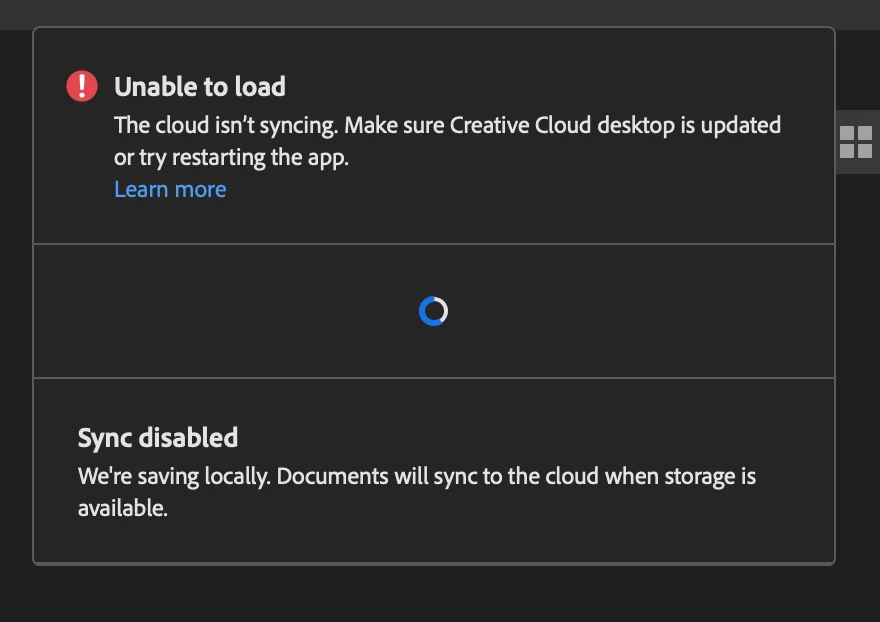
 

This topic has been closed for replies.

2 replies

Kevin Stohlmeyer
Community Expert
Community Expert
March 23, 2023

@hodgysan The other issue could be managed by your IT Admin - who runs your school's deployment or Adobe account? I'm going to move your post to the Enterprise forum where we can get more assistance.


hodgysanAuthor
Participant
March 23, 2023
15 of my 20 classroom macs work correctly. 5 do not, despite extensive
testing, deleting, resetting, reinstalling. (Process ubmitted to original
thread.) Same 5 computers do not connect.

Thanks!
--
Steven Hodges
Digital Media Teacher
The Gilbert School
Nikhil R Gupta
Community Manager
Community Manager
March 23, 2023

@hodgysan did you try the drag-and-drop option on Photoshop?


1. Close Photoshop and launch again.

2. Drag and drop a file on Photoshop to open.

3. Now try to check if you can see the Save dialog box or is that still Black.

We have a known issue where the Save Dialog box is coming as Black with no options to choose. Opening a file on PS by Drag and drop fixed the issue for some of the customers.

Kevin Stohlmeyer
Community Expert
Community Expert
March 23, 2023

Hi @hodgysan Go to Photoshop Preferences/Technology Preview and check “Disable Native Canvas”. 

Then check this post: https://community.adobe.com/t5/photoshop-ecosystem-bugs/p-photoshop-24-2-when-trying-to-open-or-save-box-is-blank/idc-p/13674100/page/5#M79089