
Not enough memory (RАМ) - still not fixed!
Hi all,
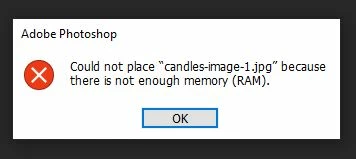
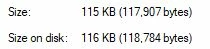
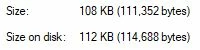
I opened a very small PSD file - 735x200 - 115 kb. After that I tried to place an image as a smart object. The image was only 108 kb. And then BOOM - Could not place "image-name" because there is no enough memory (RAM).
At this moment the used ram was 33% - from everything, not only from Photosop.
I am having this issue 4 months alrady and tryed everything from the community but still exist and stopping me from work. As I can see from the community it's not something new. It is a shame that Adobe still can't fix this. This is what I am working and in such a cases I am forced to use other software... and soon I will just migrate to something new and never go back to Adobe, not because I like the other stuff more but it just WORKS and I am not paying for just having the Ps icon on my desctop!
As from Adobe will ask, here is the software info:
Creative cloud version: 5.3.1.470
Photoshop version is: 21.2.4
Window 10 Pro
Version 1909 (OS Build 18363.1139)
All apps up to date!


 AdChoices