


Parts of images, SOs, and text disappearing [PS 2019; macOS 10.14.1]
After the latest Photoshop update (CC 2019), parts of layers disappear when I make any sort of edit. Move an object, change a color, add a layer, etc.
The parts that disappear will return if I move the object around a few times. When the parts disappear, they are actually gone and aren't visible when I export the image or flatten the image.
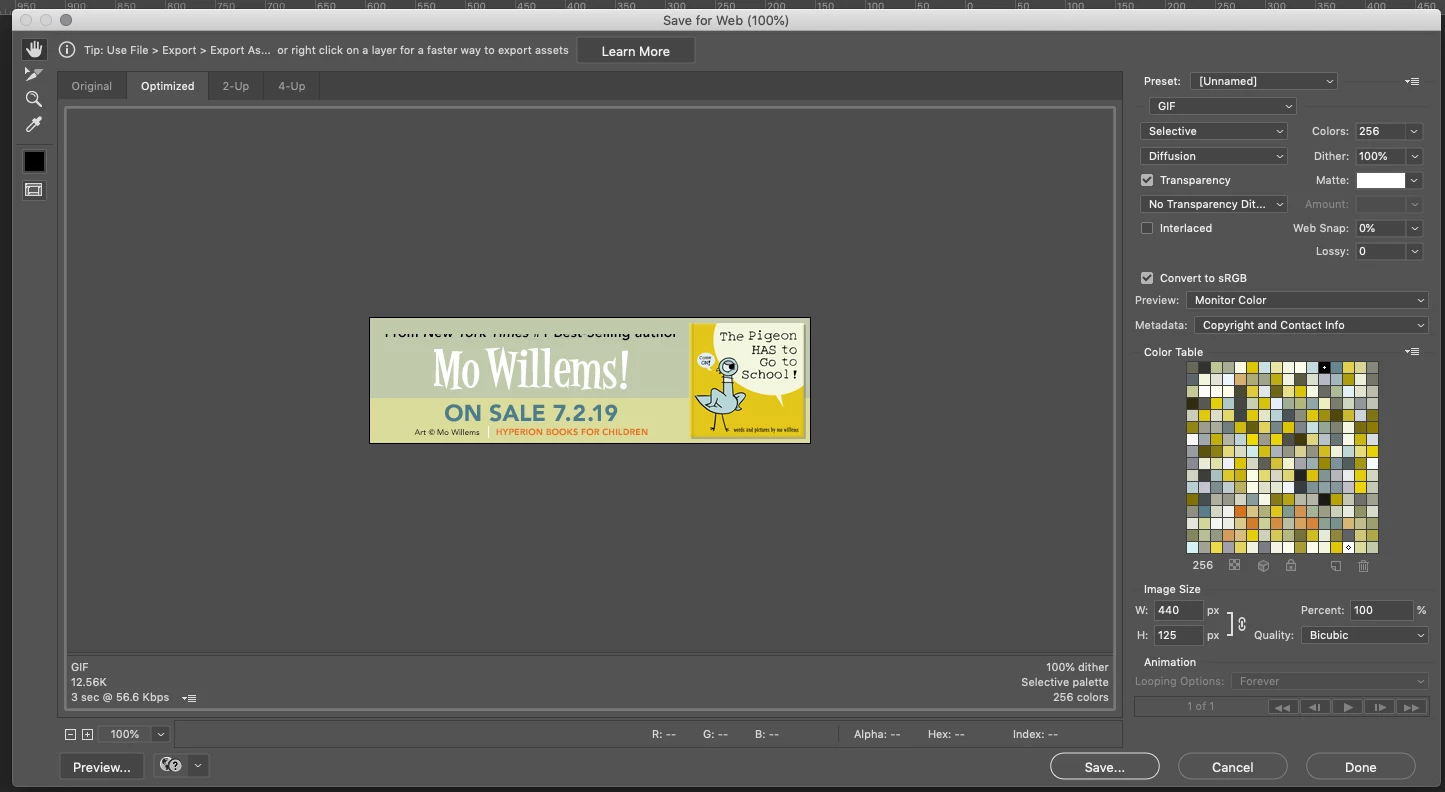
For instance, half of the top line of type disappeared when I changed the text color from white to black. (image below)

But if I move the object a few moves using the arrow keys, the missing parts return:

This is happening mostly with text and smart objects. But it's happing with some pixel-based layers as well.
When I export the image or layers, the missing parts are not visible in the final export. Since doing ANYTHING causes this to happen, I'm having to export each layer separately and scrutinize it for missing data and it's taking way too much time.
Is anyone else experiencing this problem?
System info:
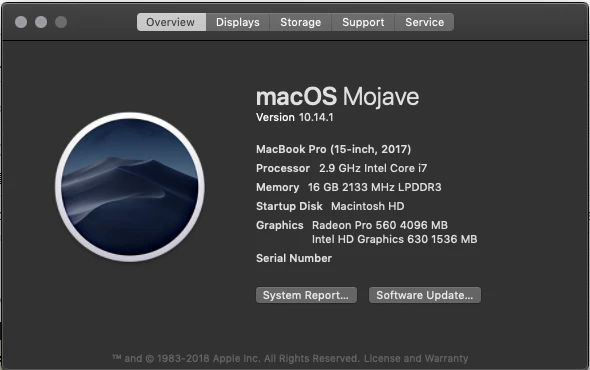
[versions added by moderator]
 AdChoices