
Sashalxrd
Participating Frequently
September 2, 2021
Answered

PEN TOOL SELECTION

  • September 2, 2021
  • 2 replies
  • 3400 views

Hi,

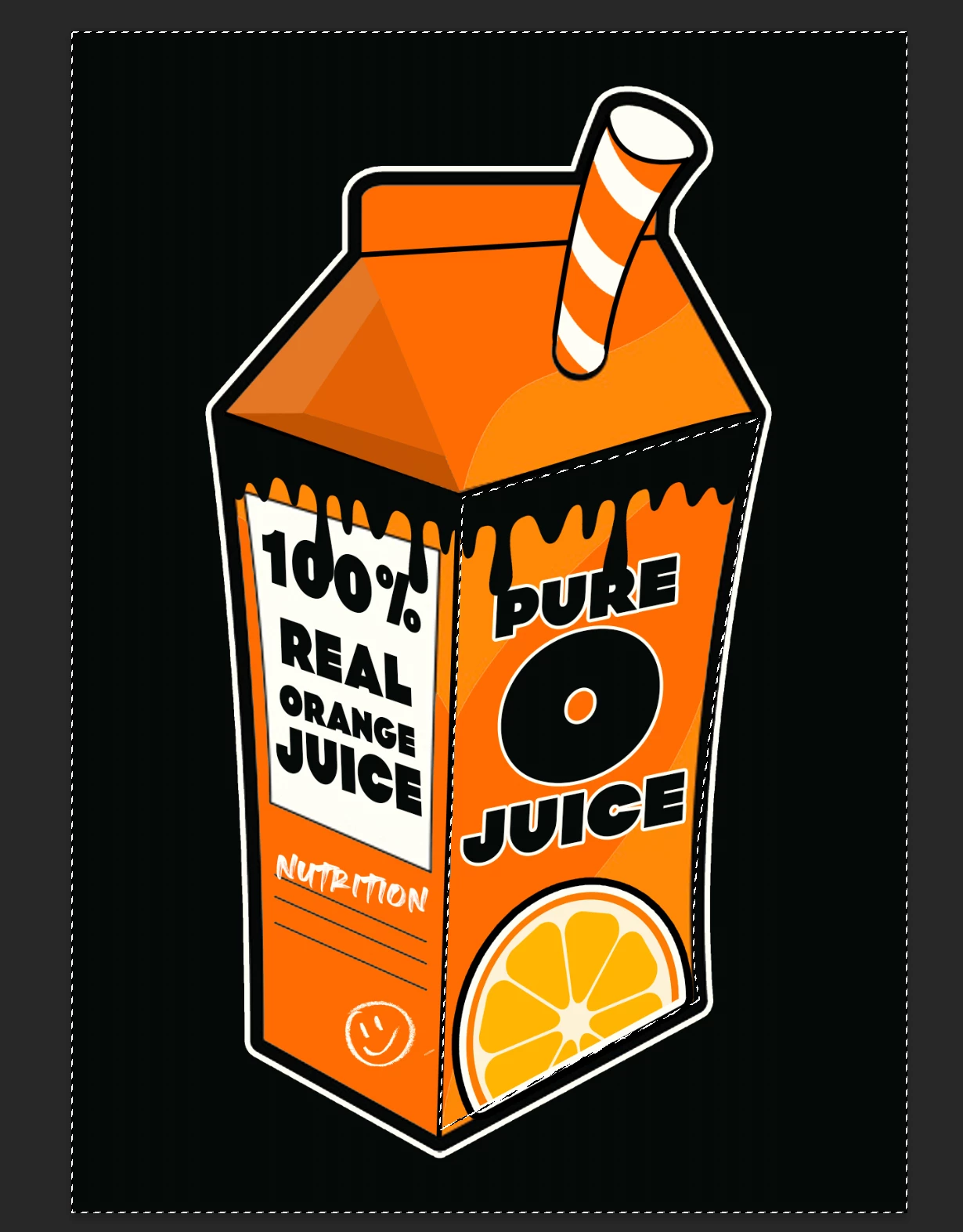
Usually when I select an object with the pen tool it would select only that, but only recently the pen tool would select the whole canvas aswell resulting in selecting everything else but what I wanted. I've attached a screenshot below to show you what I mean. 

Is there anyway I can fix this so the pen tool will only select what I want without the whole canvas aswell?
This topic has been closed for replies.
Correct answer Ged_Traynor

"Does it need to be on "Combine shapes"?" Yes

2 replies

Participant
February 15, 2022

I am running into this same issue, however none of the path operations are working for me. Each path operation presents the same issue of selecting what I used the pen tool with as well as the entire background.

Participant
February 15, 2022

Never mind, I got it! Had to remake draw the path and then make sure combine shapes was on.

c.pfaffenbichler
Community Expert
Community Expert
September 2, 2021

Select the Path (or all the subPathItems) – what is the »Path operations«-setting in the Options Bar? 

Sashalxrd
SashalxrdAuthor
Participating Frequently
September 2, 2021

Its currently on "Subtract front shape".  Does it need to be on "Combine shapes"?


Ged_Traynor
Community Expert
Ged_TraynorCommunity ExpertCorrect answer
Community Expert
September 2, 2021

"Does it need to be on "Combine shapes"?" Yes