Exit
  • Global community
    • Language:
      • Deutsch
      • English
      • Español
      • Français
      • Português
  • 日本語コミュニティ
  • 한국 커뮤니티
0

Photoshop 2018 Bug, Problem

New Here ,
Nov 02, 2017 Nov 02, 2017

Hey,

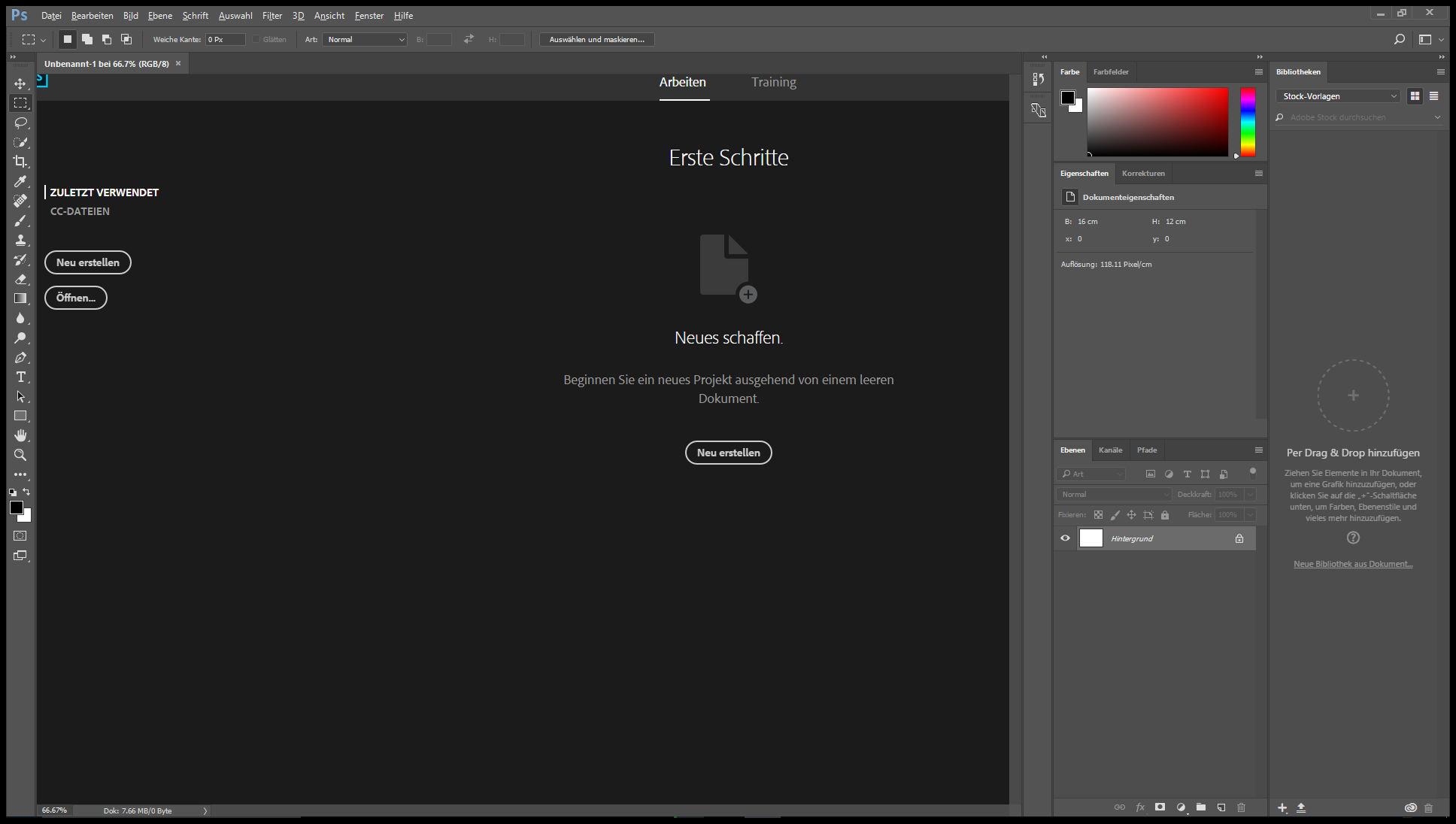
i have since 3 days a Problem with Photoshop CC 2018, if i start it, it don't run correctly, i press "New Project" and create it but it Show me this and i can do nothing. I hope you can help me. I reistalled all but it is the same problem.

Unbenannt.png

955
Translate
Report
Community guidelines
Be kind and respectful, give credit to the original source of content, and search for duplicates before posting. Learn more
community guidelines

correct answers 1 Correct answer

Community Expert , Nov 02, 2017 Nov 02, 2017

Hi

Try this - go to Preferences - >General and uncheck "Show Start Workspace when no documents are open".

Restart Photoshop and see if you can use Fie >New to start a new document.

Alternatively :

Go to Preferences > General and click Reset Preferences on Quit. Click OK then close and restart Photoshop

Dave

Translate
Adobe
Community Expert ,
Nov 02, 2017 Nov 02, 2017

Hi

Try this - go to Preferences - >General and uncheck "Show Start Workspace when no documents are open".

Restart Photoshop and see if you can use Fie >New to start a new document.

Alternatively :

Go to Preferences > General and click Reset Preferences on Quit. Click OK then close and restart Photoshop

Dave

Translate
Report
Community guidelines
Be kind and respectful, give credit to the original source of content, and search for duplicates before posting. Learn more
community guidelines
New Here ,
Nov 03, 2017 Nov 03, 2017

Hi,

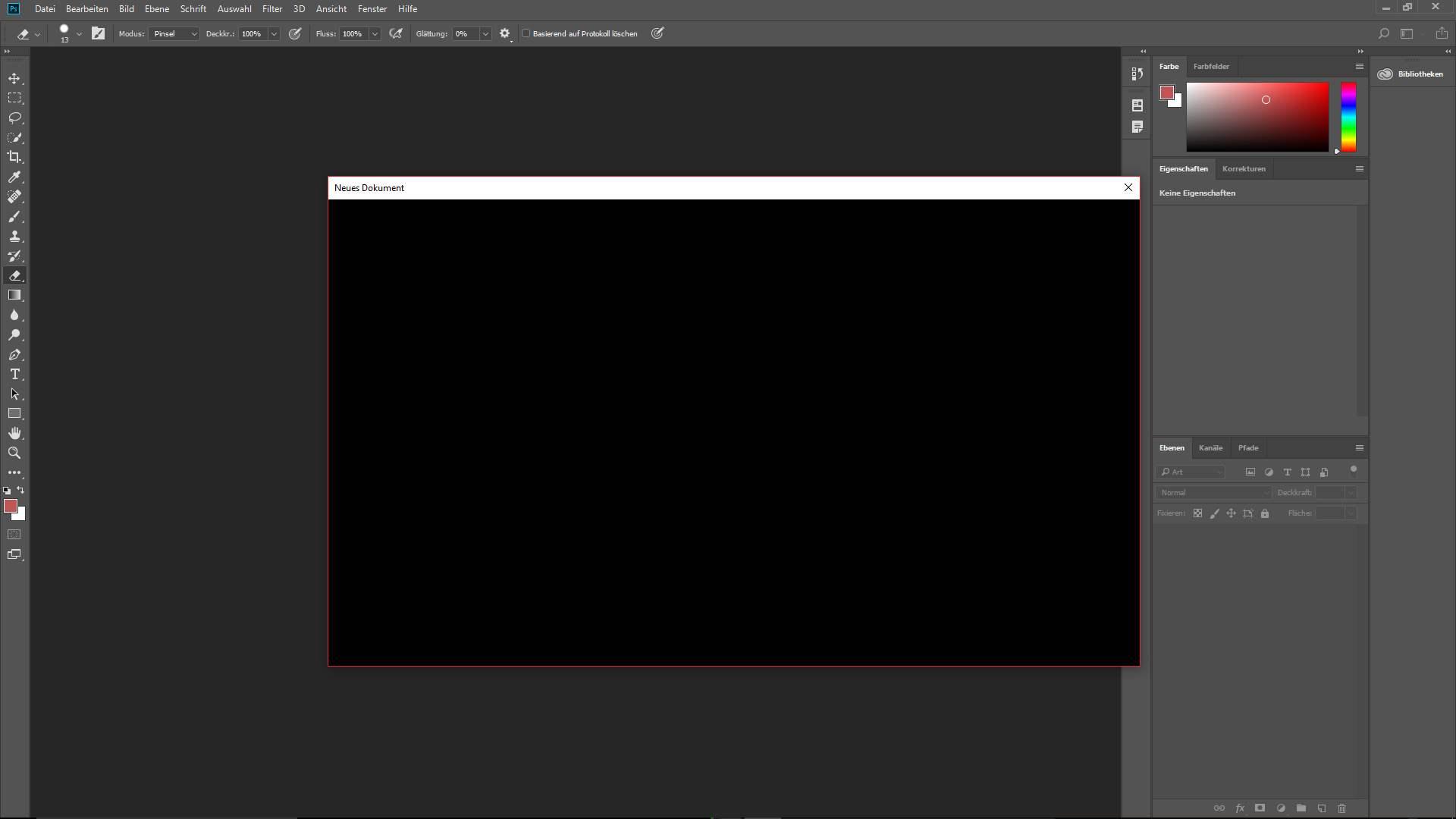
thanks for answer, but i still have the Problem 😕 now Shows it me this if im starting new documentUnbenannt2.png

Translate
Report
Community guidelines
Be kind and respectful, give credit to the original source of content, and search for duplicates before posting. Learn more
community guidelines
Community Expert ,
Nov 03, 2017 Nov 03, 2017

Hi

Did you try resetting Preferences ?

Dave

Translate
Report
Community guidelines
Be kind and respectful, give credit to the original source of content, and search for duplicates before posting. Learn more
community guidelines
New Here ,
Nov 08, 2017 Nov 08, 2017

Hi

Yes. several times

Regards,

Translate
Report
Community guidelines
Be kind and respectful, give credit to the original source of content, and search for duplicates before posting. Learn more
community guidelines
LEGEND ,
Nov 08, 2017 Nov 08, 2017

Hello,

are you sure this is CC2018? I don't have the German version but the English version has a new link to Lightroom libraries as shown below and yours doesn't.
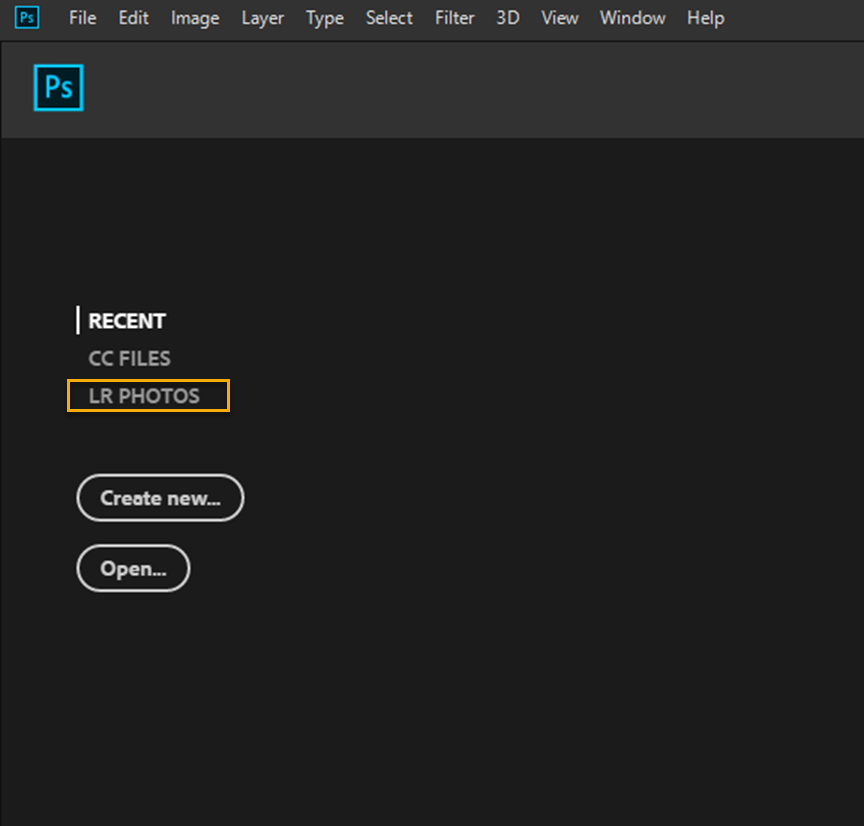
startup.png

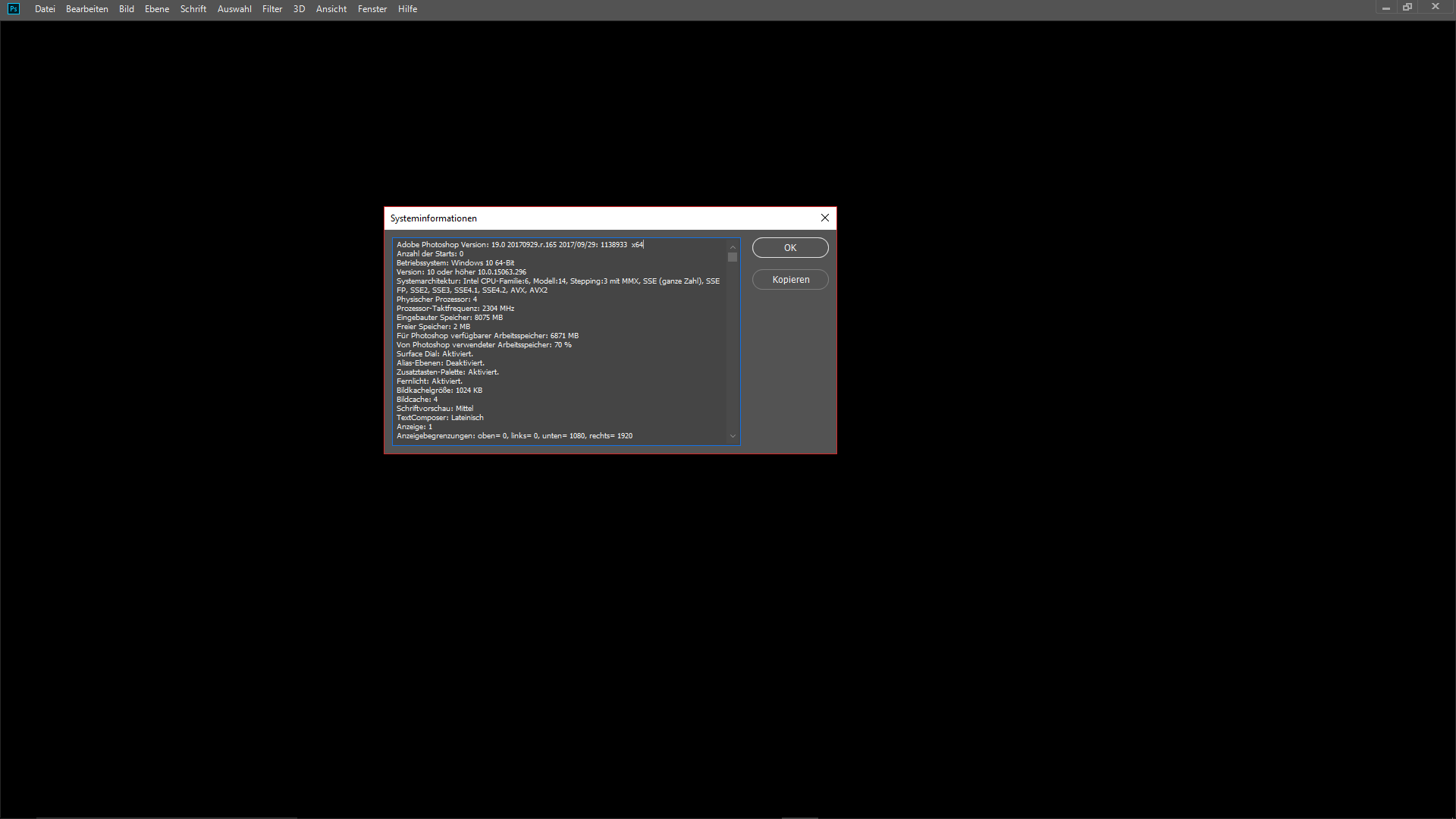
Under the Help menu go to 'system Info' The first line in the dialog box is the version number. It should read

Adobe Photoshop Version: 19.0 20170929.r.165 2017/09/29: 1138933  x64

Translate
Report
Community guidelines
Be kind and respectful, give credit to the original source of content, and search for duplicates before posting. Learn more
community guidelines
New Here ,
Nov 08, 2017 Nov 08, 2017

Hi Terri,

yes it is the newest Version, it is possible that the screenshot was from an other Version because i tried a lot.

But here's a screenshot from the newest Version with the same Problem 

Unbenannt3.png

Translate
Report
Community guidelines
Be kind and respectful, give credit to the original source of content, and search for duplicates before posting. Learn more
community guidelines
New Here ,
Nov 12, 2017 Nov 12, 2017
LATEST

@all thanks for your help, i found the Problem... i have reset my Pc and now it works

Translate
Report
Community guidelines
Be kind and respectful, give credit to the original source of content, and search for duplicates before posting. Learn more
community guidelines