



Photoshop 2023 will not associate with image files in Windows 11
I thought I was having a problem with some kind of settings, but after a thorough purge of all Adobe related programs and files (as explained in this earlier post), followed by a re-installation, I now believe this is some kind of bug.
With a completely fresh install of Photoshop 2023, Photoshop does not appear as an option when I right click on a .JPG file and select "open with..."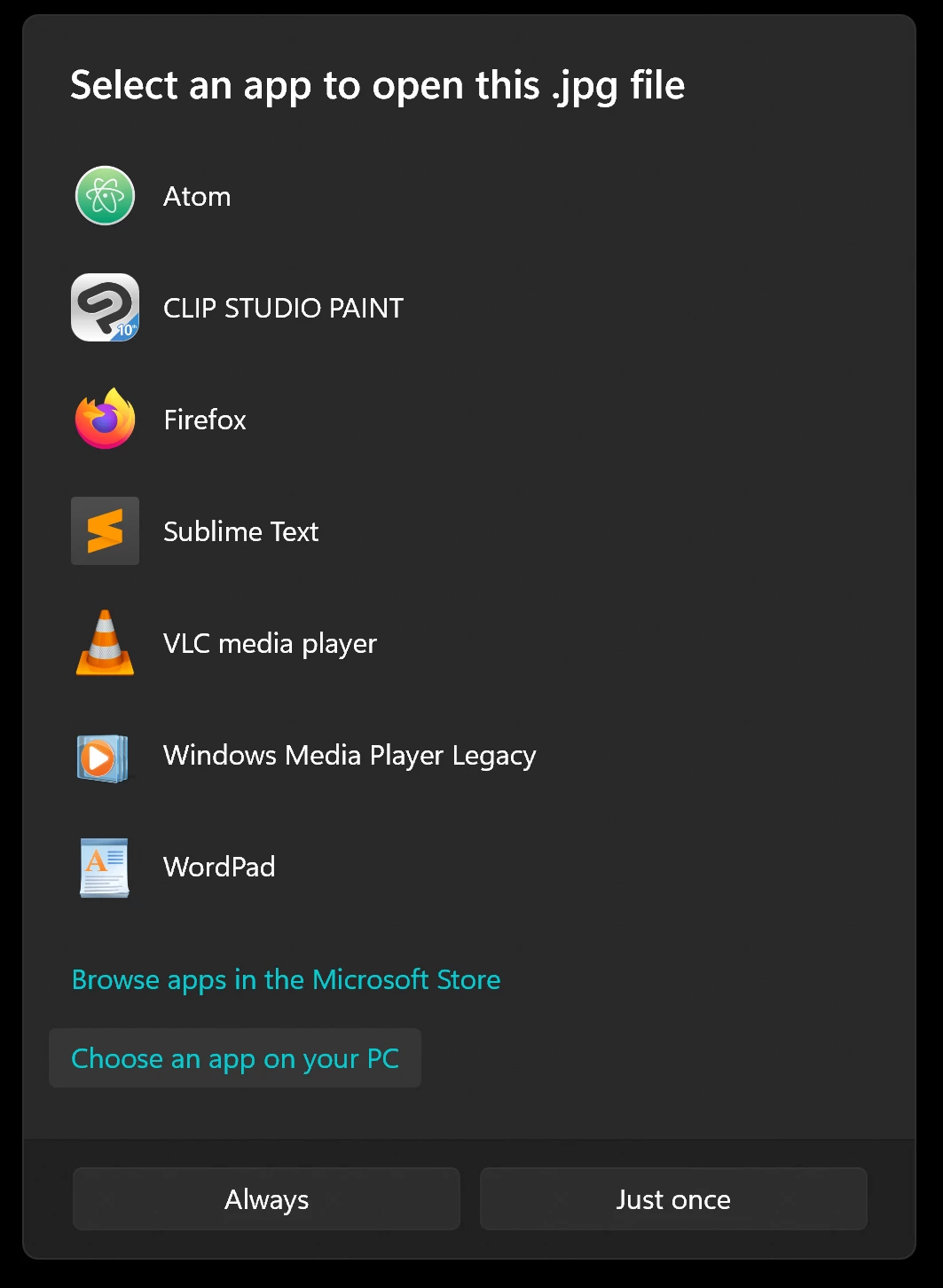
So, I select "Choose an app on your PC" and select to open with Photoshop by finding the program on disk: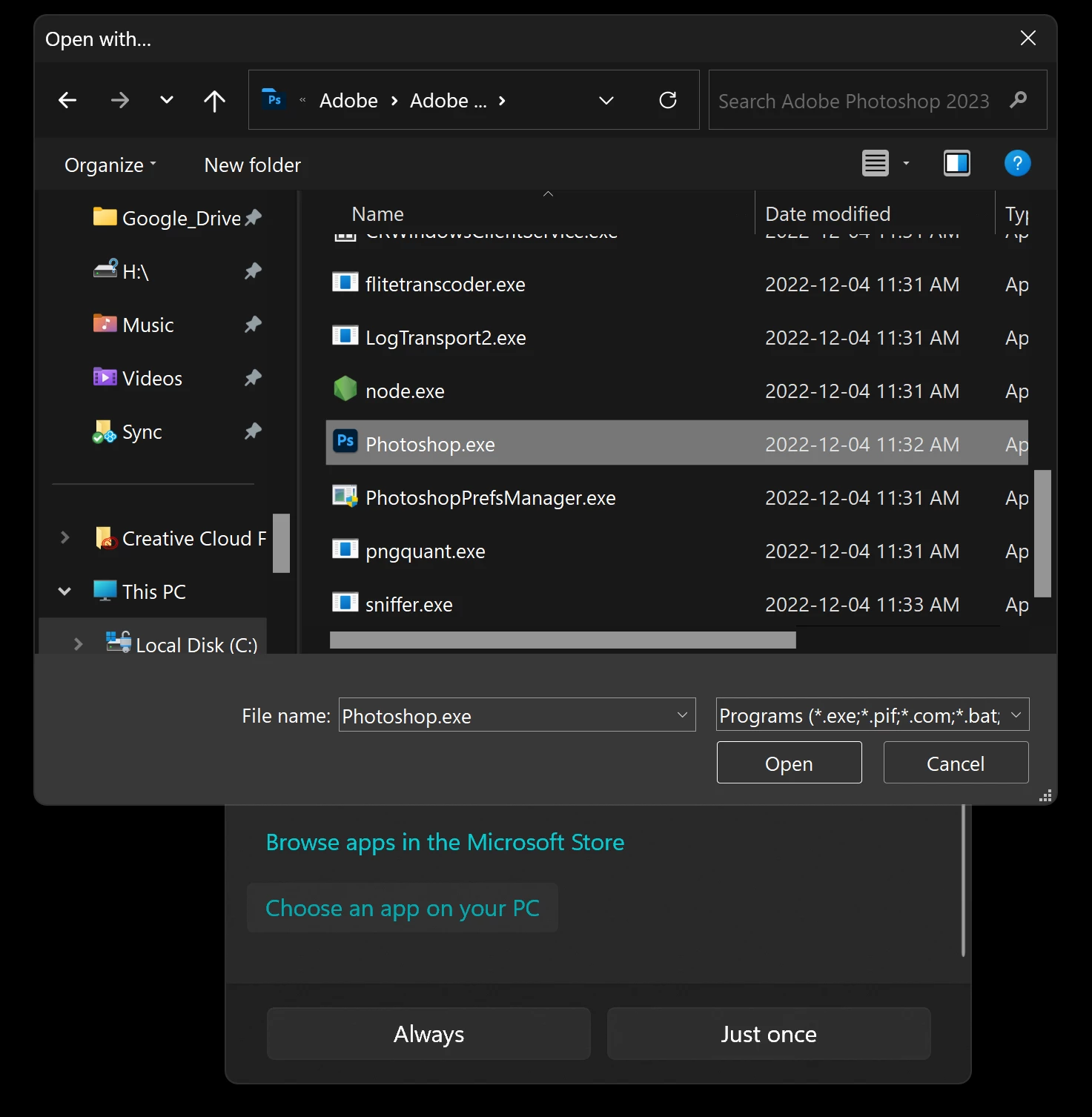
However, when I press the "Open" button, I get an error message that says "Cannot associate file type with this program":
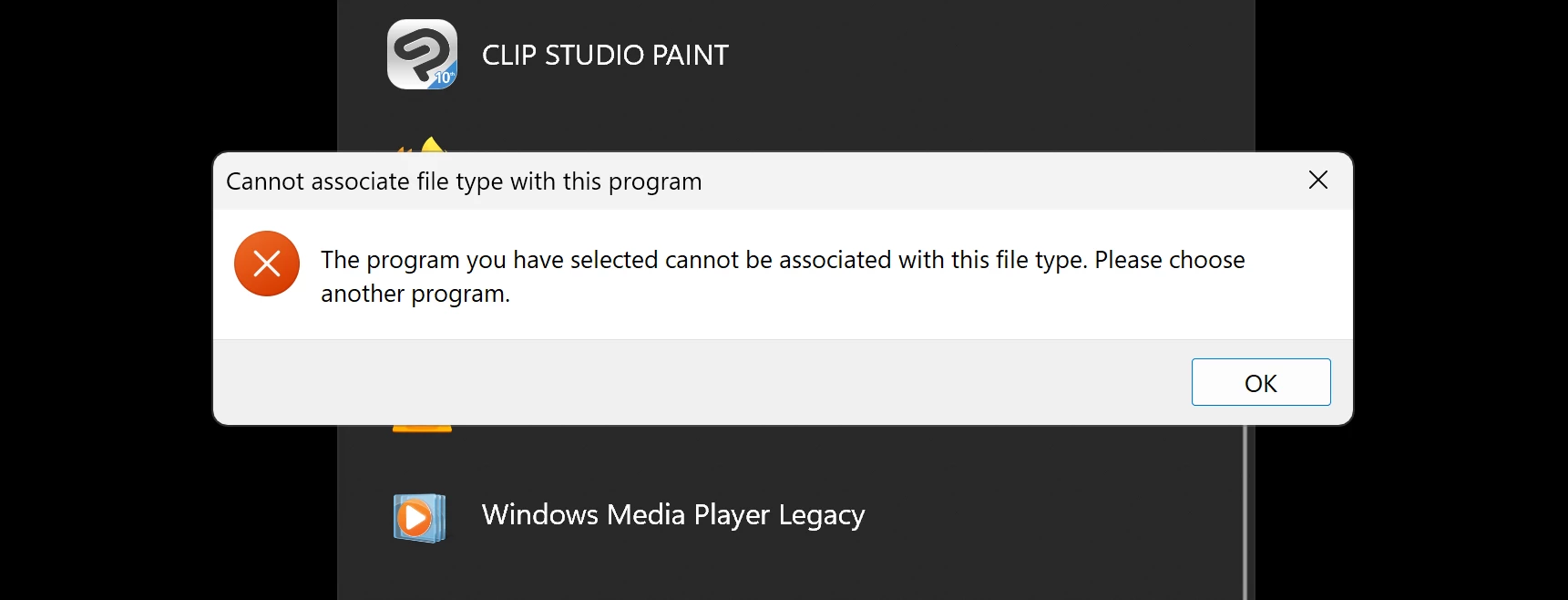
This is true for any image file, such as PNG or GIF or anything else. The only file format that will open in Photoshop from File Explorer is PSD.
How do I get Photoshop to appear in the "Open with" dialog, and open image files?
 AdChoices