



해결됨
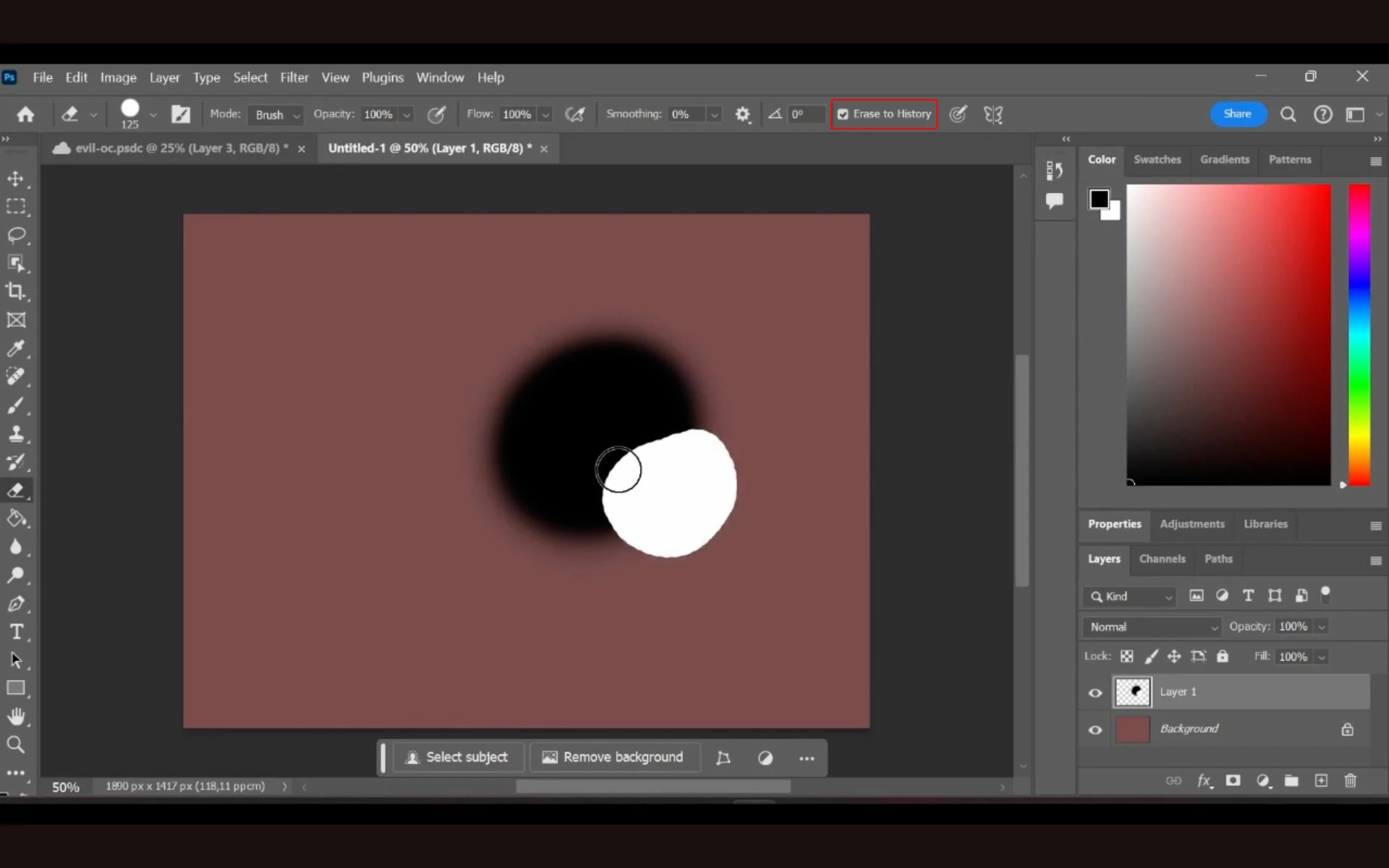
Photoshop 2024 - eraser draws on layer instead of erasing
Version: Photoshop 2024 25.4.0
OS: Windows 11 Home
Steps to try repro:
- paint the background (otherwise white painting lines of the eraser will not be visible on the white background)
- create a new layer
- draw some colour blob on it
- try to erase a part of it
Expected result: Several weeks ago, eraser would just erase that part of the blob and the coloured background would be seen.
Actual result: Now it just draws another blob, just white.
Youtube video showing what is happening: https://youtu.be/qBP6V28zNUA
 AdChoices