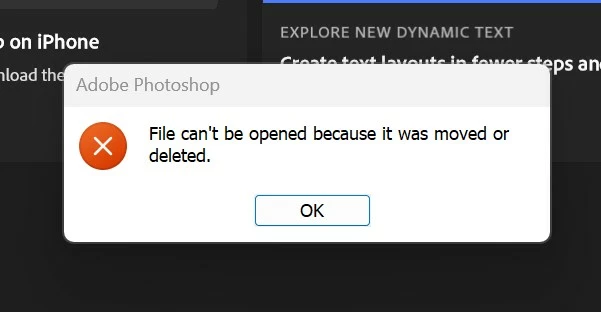
This is horrible. I have a new computer. I have downloaded Lightroom Classic and Photoshop. I can no longer "Open as layers" from lightroom to photoshop. It will "merge to panorama" just fine. I have uninstalled/installed lightroom and photoshop, updated camera RAW. It does not work. I am questioning why I remained loyal to Adobe.
Thanks for the update, and really helpful observation! Based on what you shared, it sounds like the issue might be related to permissions or access restrictions on your D:/ drive, which prevents Photoshop from opening those files when they are passed through Lightroom. To help us investigate further and offer the right fix: • Please check if Lightroom and Photoshop have full permission/ access (https://adobe.ly/4lj0JcI)? On Windows, make sure both apps are allowed to access files across drives in your system settings. • Try running both Lightroom and Photoshop as Administrator and test again. • Are you using any syncing software, custom folder permissions, or encryption/security settings on the D:/ drive? • Also, can you confirm the file path doesn’t include any special characters or symbols?
Let me know how it goes! We’ll keep working with you until we get this sorted.





 AdChoices