
Question
PHOTOSHOP CC 2020 ERRORS - JavaScript Code Was Missing / Could Not Sychronize color settings
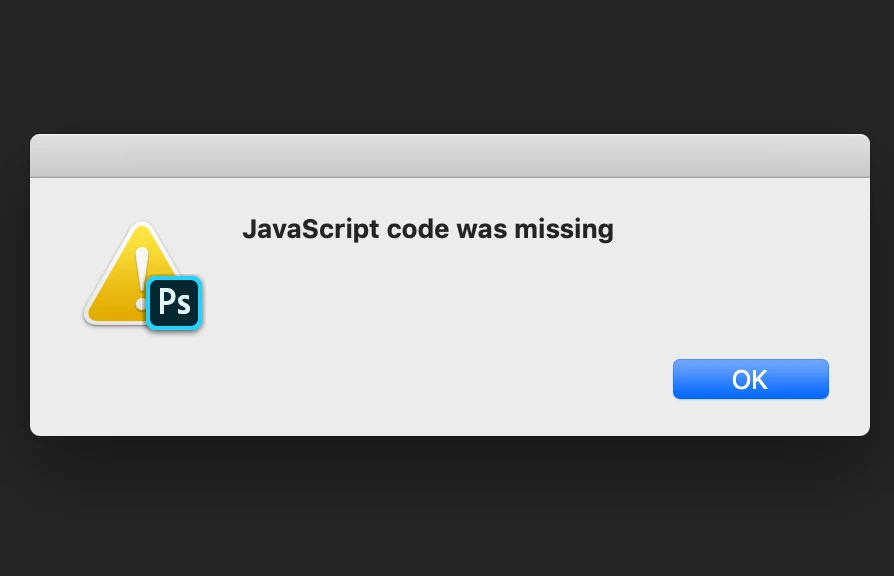
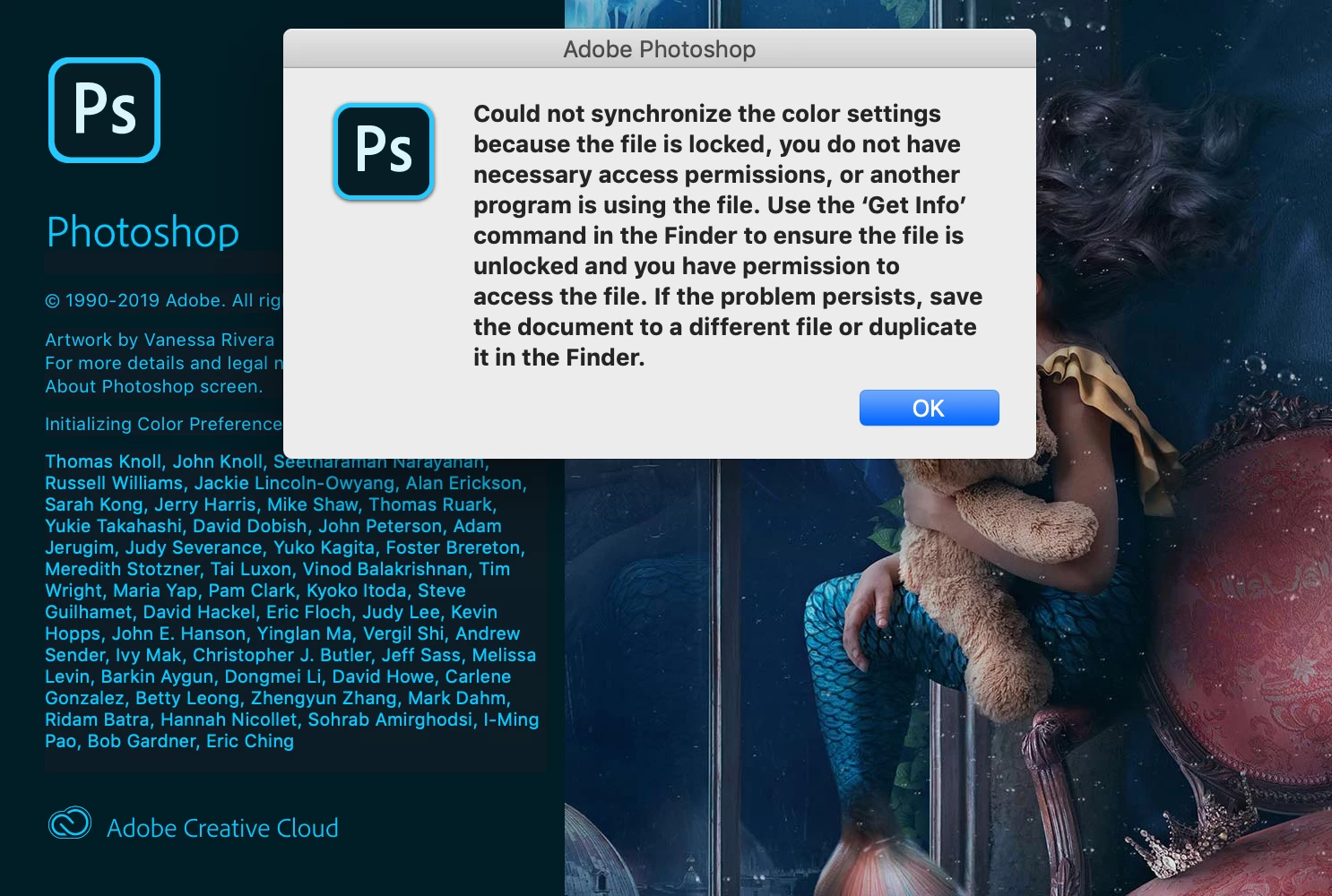
Im using Photoshop CC 2020 on a Mac running Mojave 10.14.6 and both these errors keep happening.
Following this -https://helpx.adobe.com/photoshop/kb/errors-using-scripts-merge-hdr.html I've disconnected all external hard drives and still both issues persist.
Also following this:
I've made sure that my user and staff both have read and write permissions for:
- /Users/[user name]/Library/Preferences/
- /Users/[user name]/Library/Application Support/Adobe/
- /Users/[user name]/Library/Caches/Adobe/
- /Users/[user name]/Documents/Adobe/
Any help gratefully received!!
Thank you


 AdChoices