

Photoshop CC Brush hardness acting weird. How to fix?
Hello everyone, I am having an issue with photoshop brushes in 0% hardness still showing edges. But first, here is my current system info:
CPU: i7-6700k @ 4ghz
RAM: 32gb DDR4 2300
GPU: nVidia 3gb 1060
OS: Win10 64bit latest
Adobe PS: CC latest (17.0.1)
System before I saw the issue:
CPU: i5 something from 6 years ago
RAM 16gb
GPU nVidia 550Ti
OS: Win10 64bit
I don't believe I saw the issue on my new setup before now.
Okay, back to the problem, which is a new issue. I can see the edges of brushes at 0% hardness. Even when opening up images made before the issue, it shows up. Here are some examples of what I am talking about:

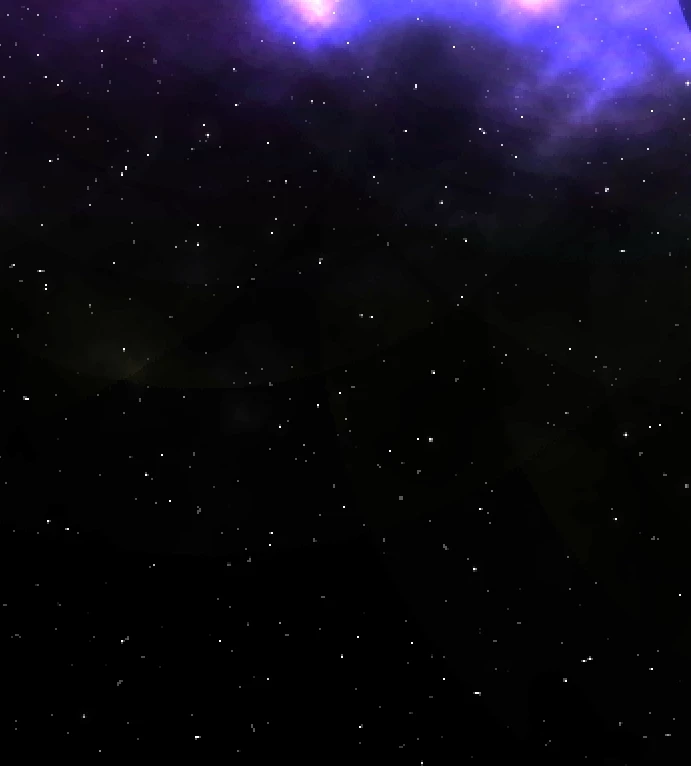
You can see the rings of where I clicked to add brush marks, and it never did this before. So, I went back to an old image and opened it up in an image viewer:
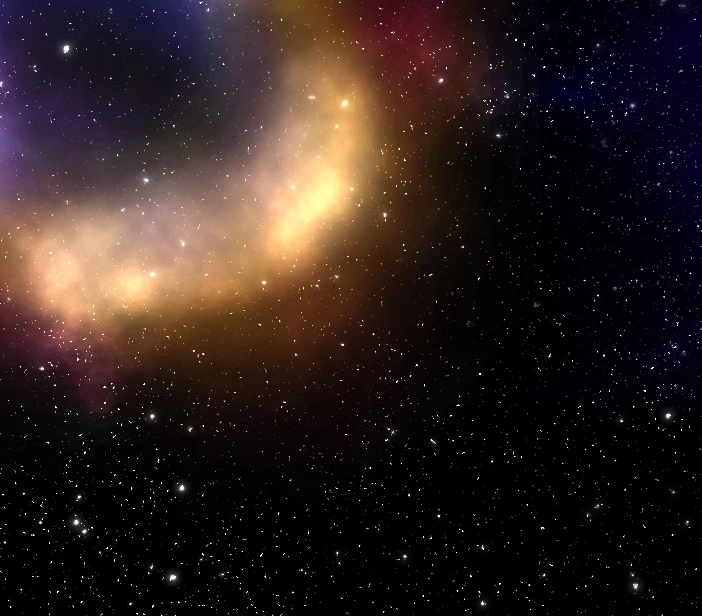
The issue doesn't appear, but when I opened it up in photoshop (like to edit), this is what I got:
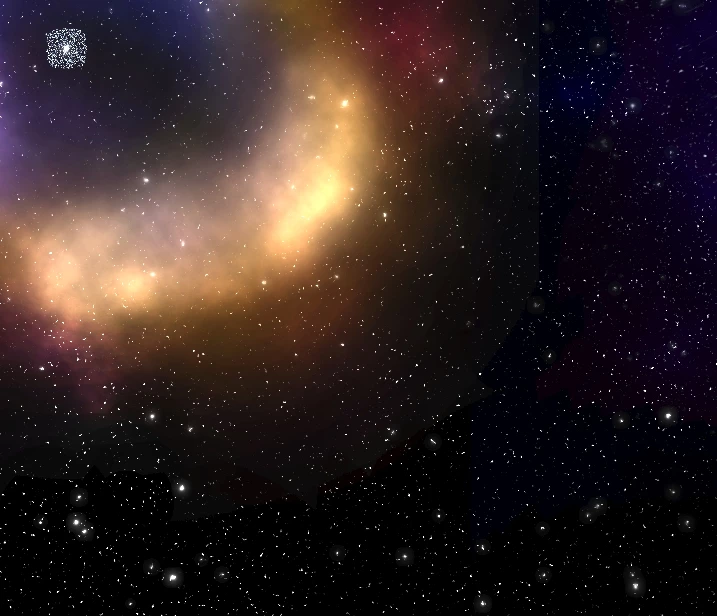
Now you can see the edges of where I brushed. Not to mention that now the glow around the center dot has turned into a pixelated mess.
Has anyone encountered this issue before? Do you know how to fix it? This is really killing me. Thanks in advance for the help!
 AdChoices