
Participant
December 16, 2022
Question

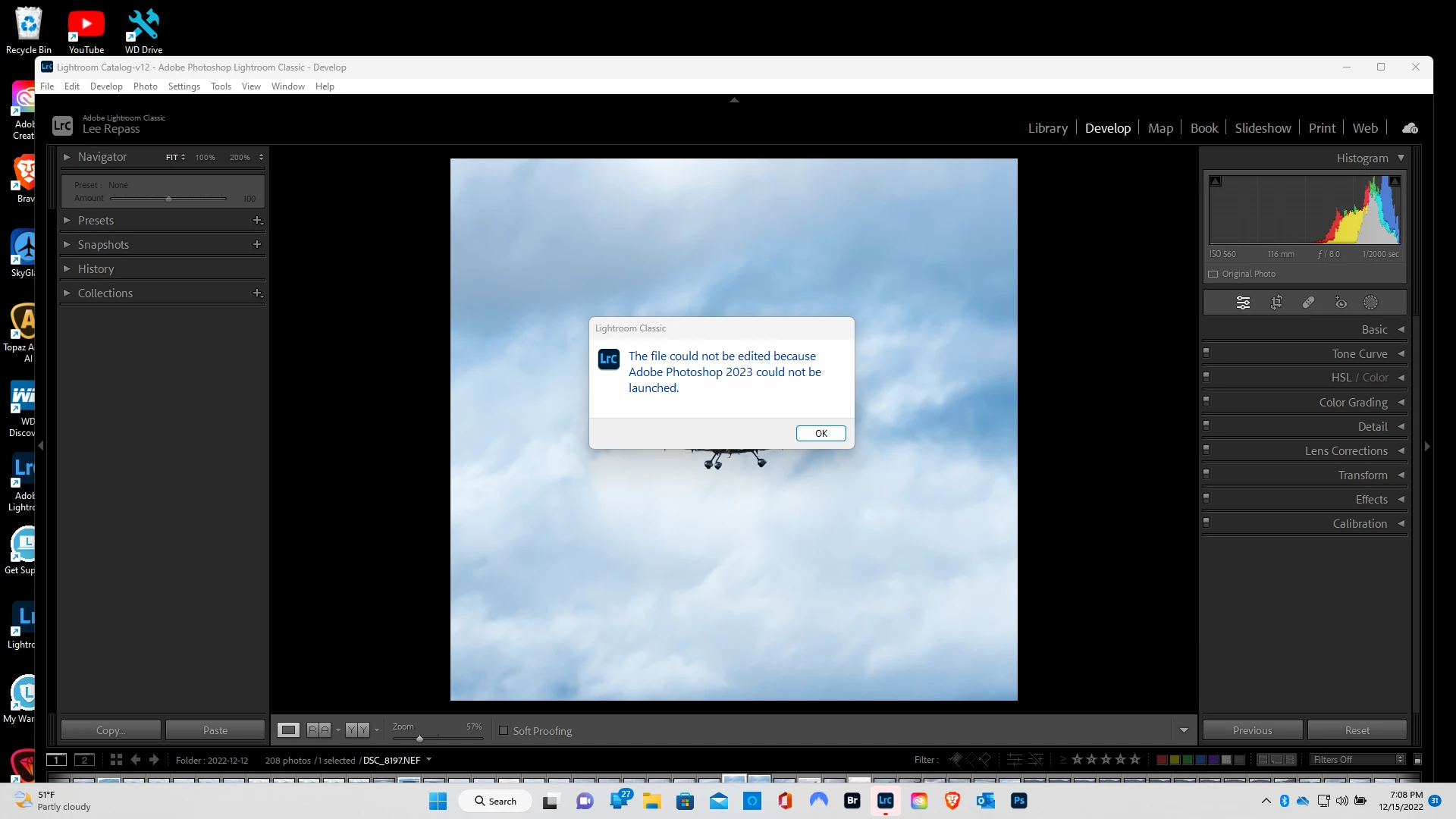
Photoshop constantly not launching when trying to migrate a Light Room Classic edit into PS
  • December 16, 2022
  • 2 replies
  • 208 views

Since the latest updates this is what's happening. I have no idea what's going on.
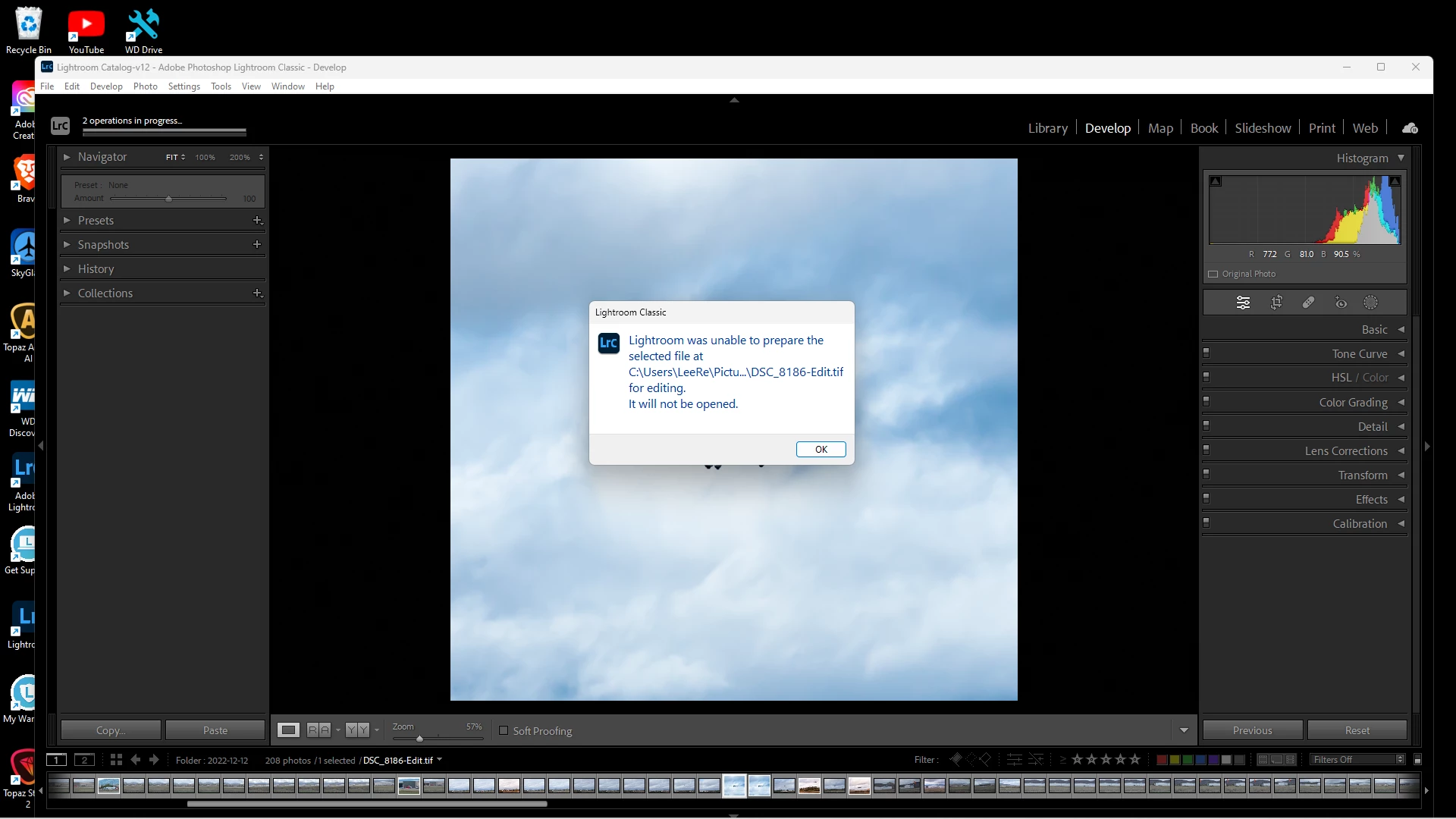
Then sometimes I may get lucky to edit in CameraRaw or I may just look at a Black Screen. Heeellllpppppp!

This topic has been closed for replies.

2 replies

TheDigitalDog
Inspiring
January 10, 2023

When the 'link' between Lightroom Classic and Photoshop has issues, one of the first things to try is this:
1. Use the Adobe Creative Cloud application to uninstall both Photoshop and Lightroom Classic and when asked, keep preferences. 
2. Install Photoshop first, then Lightroom Classic. The order is what is very important here.
Better? 

Author “Color Management for Photographers" & "Photoshop CC Color Management/pluralsight"
Omar.Fathy
Community Expert
Community Expert
January 10, 2023

Could you tell me which image format you are using?
What is the version No. of LR and Ps?