Participant
February 17, 2024
해결됨

Photoshop CS6 and GoPro HERO12 video not compatible?

  • February 17, 2024
  • 2 답변들
  • 685 조회

Dear all

I hope I'm using the right forum reaching out for help re. video file formats.

Videos created with my Canon EOS 1D Mark II (MP4 format) goes directly into my old and very repayable Photoshop CS6 (Adobe Photoshop Version: 13.0 (13.0 20120315.r.428). I can edit the videos and work with sound tracks, and all is perfect.

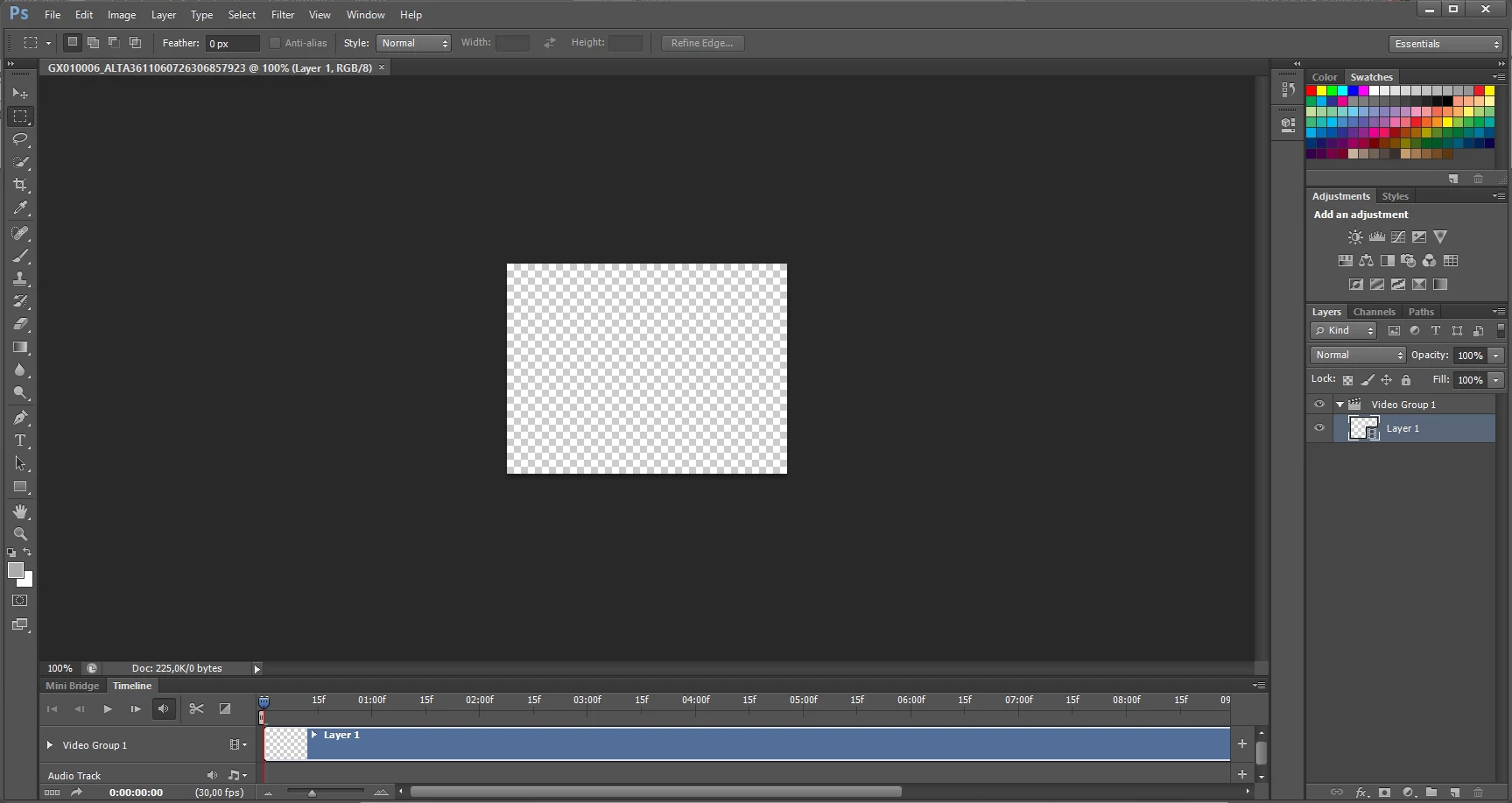
Recently we have procured a GoPro HERO12 Black action camera. Video files from this camera are imported into PS, sound can be played, but the visual part of the video is recorded in std HD resolution of 1080, 16:9 format with 24 frames pr. Sec.


Only when I turn off the  in-camera stabilization capability Hyper Smooth, Photoshop is able to play the visual of the video.


Are there anyone inhere, that know of a way to enable Photoshop CS6 to work with these video files when utilising the smart tools provided by GoPro – like HyperSmooth?

이 주제는 답변이 닫혔습니다.
최고의 답변: Conrad_C
quote

I will check out Handbreak and make a test transcoding a video and see if this is my way forward; or if  now is the time to sign up for a subscription that includes Premiere Pro... 🙂

By @vonRasmussen


If you want to save money you may not need to go that far. You might find that a current consumer-level video editor may get the job done just fine. The main issue is support for the latest codecs, not how powerful the video editing app is. I just tried playing stabilized GoPro video in iMovie, the video editor which comes free with macOS, and it plays back absolutely smoothly. I forget which video editor comes with Windows these days but you should see if it edits GoPro video more smoothly than Photoshop.


It all comes down to the hardware/software combination: Action camera/drone footage plays back most smoothly if both of these things are present:

  • The computer hardware has built-in hardware acceleration support for H.265/HEVC. (I think that is true for most recent Intel and Apple Silicon processors.) 
  • The software application also has proper up-to-date support of H.265/HEVC. 


Any recent computer, phone, or tablet should have the hardware acceleration support by now. And any video editor at any price should handle it, as long as it has been kept up to date with current codecs.


The main problem here seems to be Photoshop, because I am using recent computer hardware that has built-in hardware acceleration for HEVC/H.265, and Photoshop is the only app struggling to play back this footage. And again, the problem is not that Photoshop CS6 is old, because I am finding the same problem with the latest version of Photoshop. There are other ways in which the video capabilities of Photoshop are limited; for example, it has more limited export options than many video editors (4K export seems to be unavailable for H.264, and today, that’s unusual).


2 답변

Conrad_C
Community Expert
Community Expert
February 20, 2024

I was going to post an answer about how Photoshop CS6 is so old that it might not properly support the more recent video codecs like HEVC/H.265 that GoPro uses, but after playing around with it, now I’m not so sure that’s the whole story. I have a Hero10 where HyperSmooth is always on, so I tried playing back a clip from that camera in several Adobe applications. I have easily edited this footage in the past in Premiere Pro, but until now I had not tried playing it in Photoshop.


The specs of the GoPro video are 4000 x 3000 px, 59.94 fps, 60Mb/sec, HEVC 4:2:0, HyperSmooth on.


Lightroom Classic (where I organize photos and videos): Plays back smoothly.

Premiere Pro (where I edit video): Plays back smoothly.

Photoshop 25 (latest version): Does not play back smoothly, lots of stuttering and dropped frames.


So now it looks like the problem is not the age of Photoshop CS6, because even the latest version of Photoshop may have a fundamental problem with playing back video using the codec and specs at which GoPro records. (Many action cameras and drones use advanced and more computationally intensive video codecs like HEVC/H.265 that not all applications support properly, so it’s actually no surprise that it’s harder to play back GoPro video than Canon DSLR video.)


I was able to improve playback of the stabilized GoPro clip in Photoshop by first transcoding the clip to H.264, but there was still some stuttering in Photoshop. I transcoded again, lowering the bit rate to 20 megabits per second. That plays back smoothly in Photoshop, so that would be my suggestion: Transcode to H.264 at a bit rate Photoshop CS6 can handle. Note that if your computer is older, you may have to lower the bit rate even further.


If you do not have a good video app that can transcode down to the specs Photoshop CS6 can handle, download Handbrake, it’s free and widely used.

vonRasmussen작성자
Participant
February 20, 2024

Thank you very much @Conrad_C for your thorough test! 

Yes, you are right. My CS6 is a very old product, but it works perfectly with my Canon DSLR images and videos - and I have no subscription expenses. It's paid for once 😉


I will check out Handbreak and make a test transcoding a video and see if this is my way forward; or if  now is the time to sign up for a subscription that includes Premiere Pro... 🙂

Conrad_C
Community Expert
Conrad_CCommunity Expert답변
Community Expert
February 20, 2024
quote

I will check out Handbreak and make a test transcoding a video and see if this is my way forward; or if  now is the time to sign up for a subscription that includes Premiere Pro... 🙂

By @vonRasmussen


If you want to save money you may not need to go that far. You might find that a current consumer-level video editor may get the job done just fine. The main issue is support for the latest codecs, not how powerful the video editing app is. I just tried playing stabilized GoPro video in iMovie, the video editor which comes free with macOS, and it plays back absolutely smoothly. I forget which video editor comes with Windows these days but you should see if it edits GoPro video more smoothly than Photoshop.


It all comes down to the hardware/software combination: Action camera/drone footage plays back most smoothly if both of these things are present:

  • The computer hardware has built-in hardware acceleration support for H.265/HEVC. (I think that is true for most recent Intel and Apple Silicon processors.) 
  • The software application also has proper up-to-date support of H.265/HEVC. 


Any recent computer, phone, or tablet should have the hardware acceleration support by now. And any video editor at any price should handle it, as long as it has been kept up to date with current codecs.


The main problem here seems to be Photoshop, because I am using recent computer hardware that has built-in hardware acceleration for HEVC/H.265, and Photoshop is the only app struggling to play back this footage. And again, the problem is not that Photoshop CS6 is old, because I am finding the same problem with the latest version of Photoshop. There are other ways in which the video capabilities of Photoshop are limited; for example, it has more limited export options than many video editors (4K export seems to be unavailable for H.264, and today, that’s unusual).

c.pfaffenbichler
Community Expert
Community Expert
February 20, 2024

I cannot provide advice on this issue but I want to point out that you are working with a Photoshop version that has been obsolete for about a decade now. 

Though I caim there is a guarante the current Photoshop version will process the additional data in the video, so if you consider using more current software avail yourself of the trial to check before making the purchase.