
Photoshop doesn't work after I place a vector from Illustrator
Hi Everyone!
The reason I am posting is because Photoshop is being impossible, and I am really close to throw my computer out the window.
I made two really simple vector designs and a gradient mesh in Illustrator, and as soon as I try to use it in Photoshop, I can't.
When I place the vectors into Photoshop, I can move them around, resize them etc. without problem, but as soon as I try to use the gradient mesh as well, it goes crazy. On the main screen I can't see the gradient mesh, however it shows up on the side inside the navigatior box:
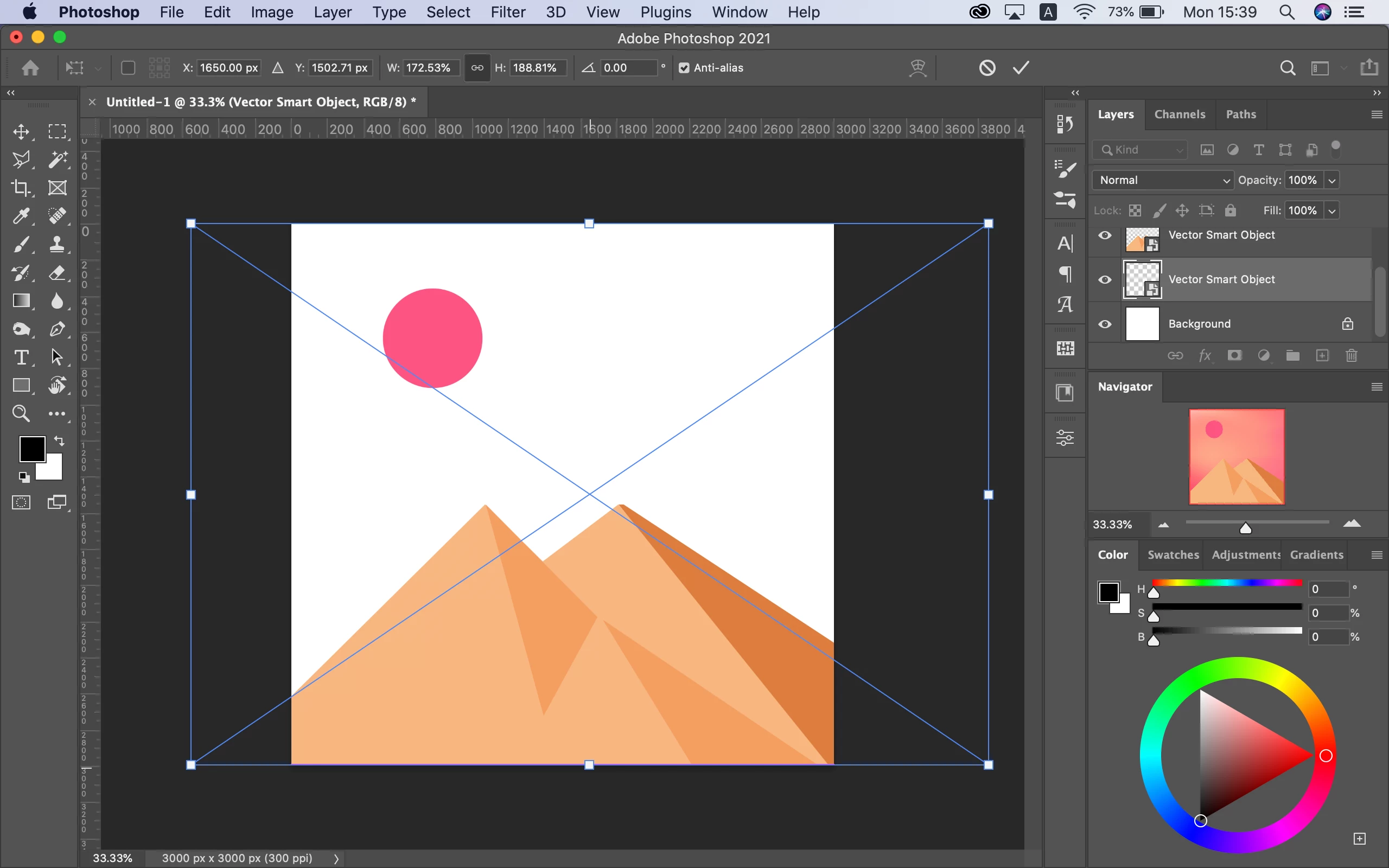
And the other problem I have, if I try to use these I can't save my documents, neither on my computer or on the Cloud:
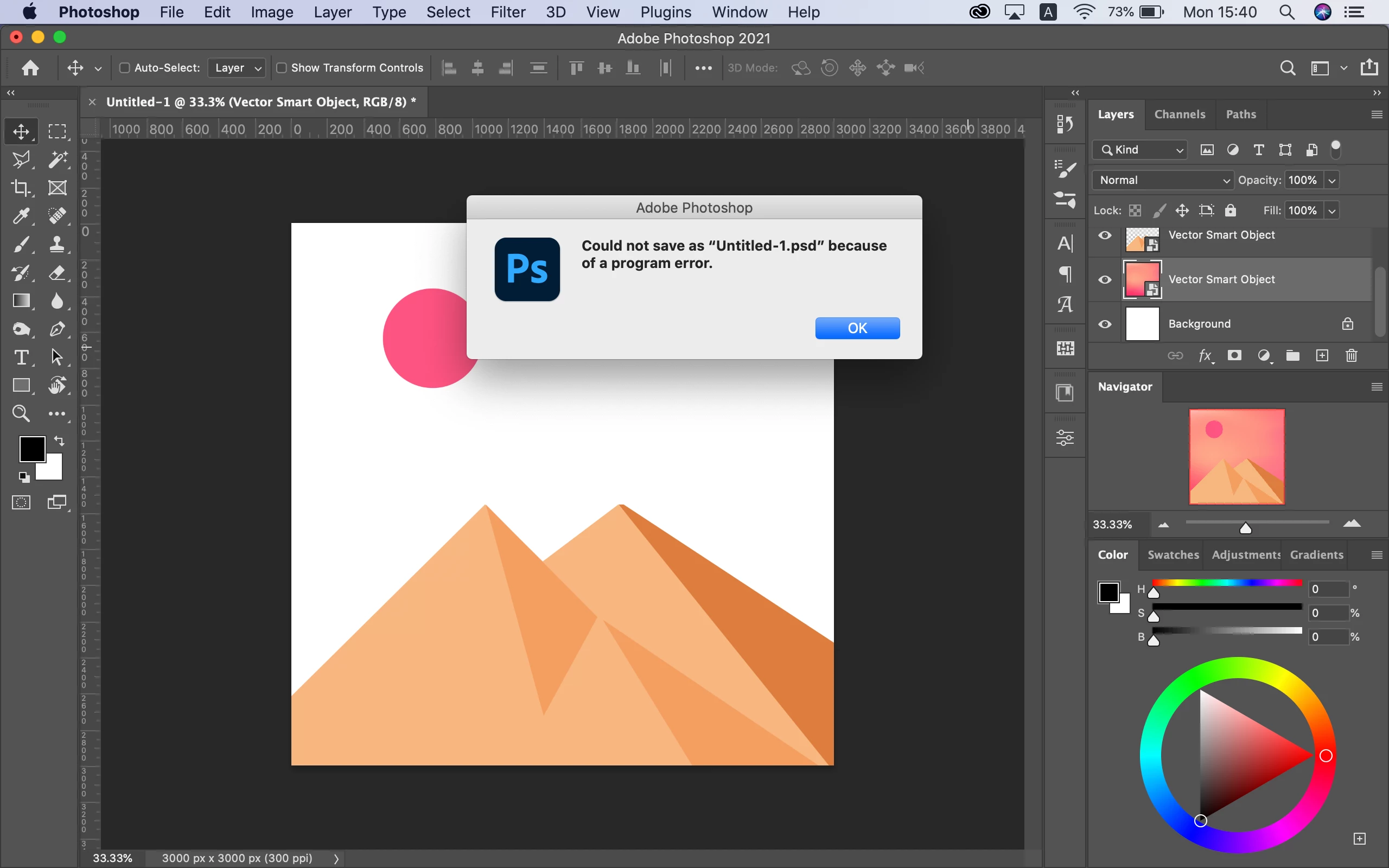
Also, when I'm trying to save my work, Ps freezes and crashes, and I don't understand what's wrong because I didn't have this problem in the past.
I'm using a 2015 MacBook Pro with Catalina 10.15.7, and I tried to look for solutions, but I didn't see anything that could help me solve this problem, so I hope someone will help me out here, it is important.
Any help would be appriciated!
 AdChoices