


질문
Photoshop images open at the bottom of the canvas and can't scroll
Hi I'm using a Mac and something happened yesterday where my images open and I can't scroll them. They also appear at the bottom of the canvas window. I have to select Float All in Windows to see them. Once I make one edit, it shifts to the bottom of the window again and I have to select Float All in Windows again to make another edit. Is there a fix for this? Everything has been fine prior to this. I was able to edit, scroll and see my document at the top of the canvas but I can't figure out how to reset it back to that state.
Thanks!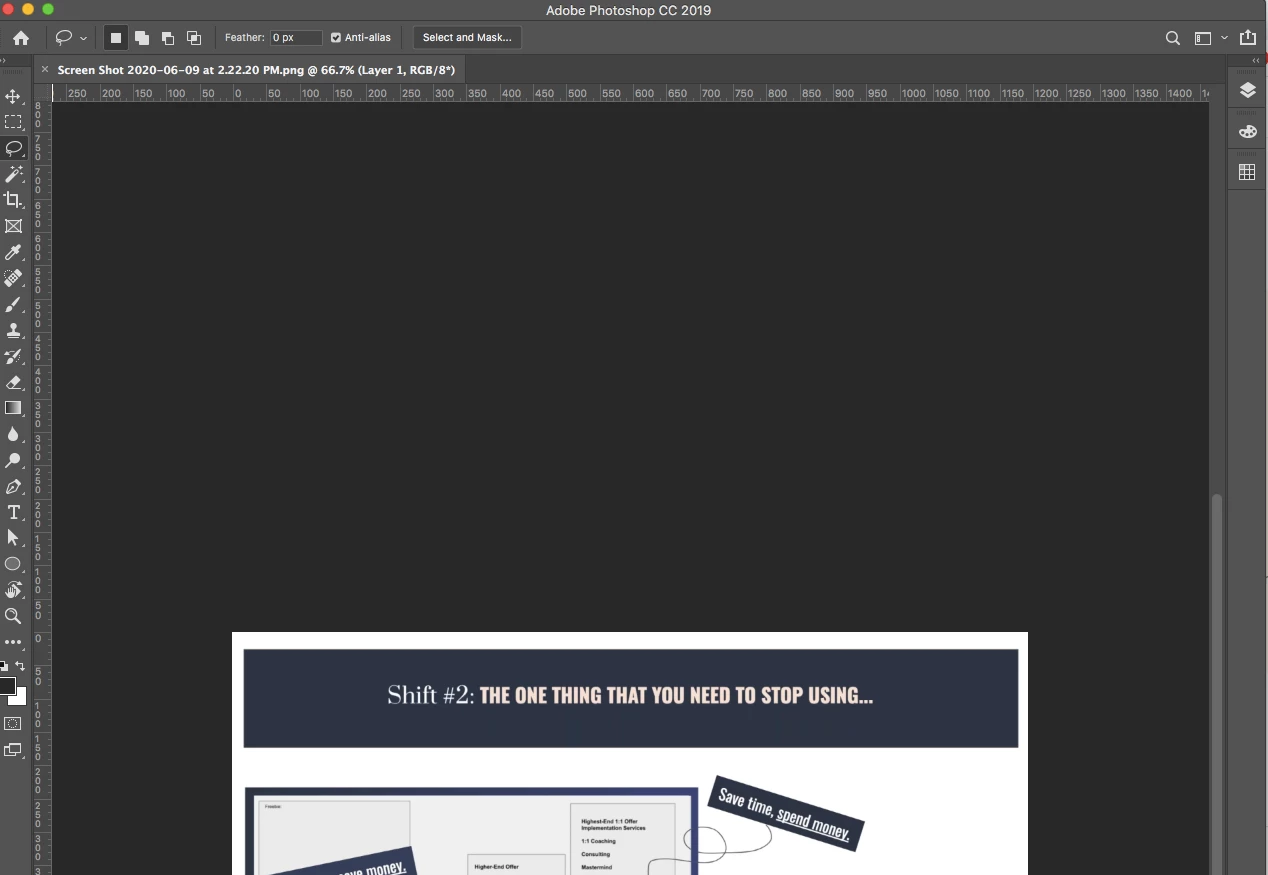
 AdChoices