Answered
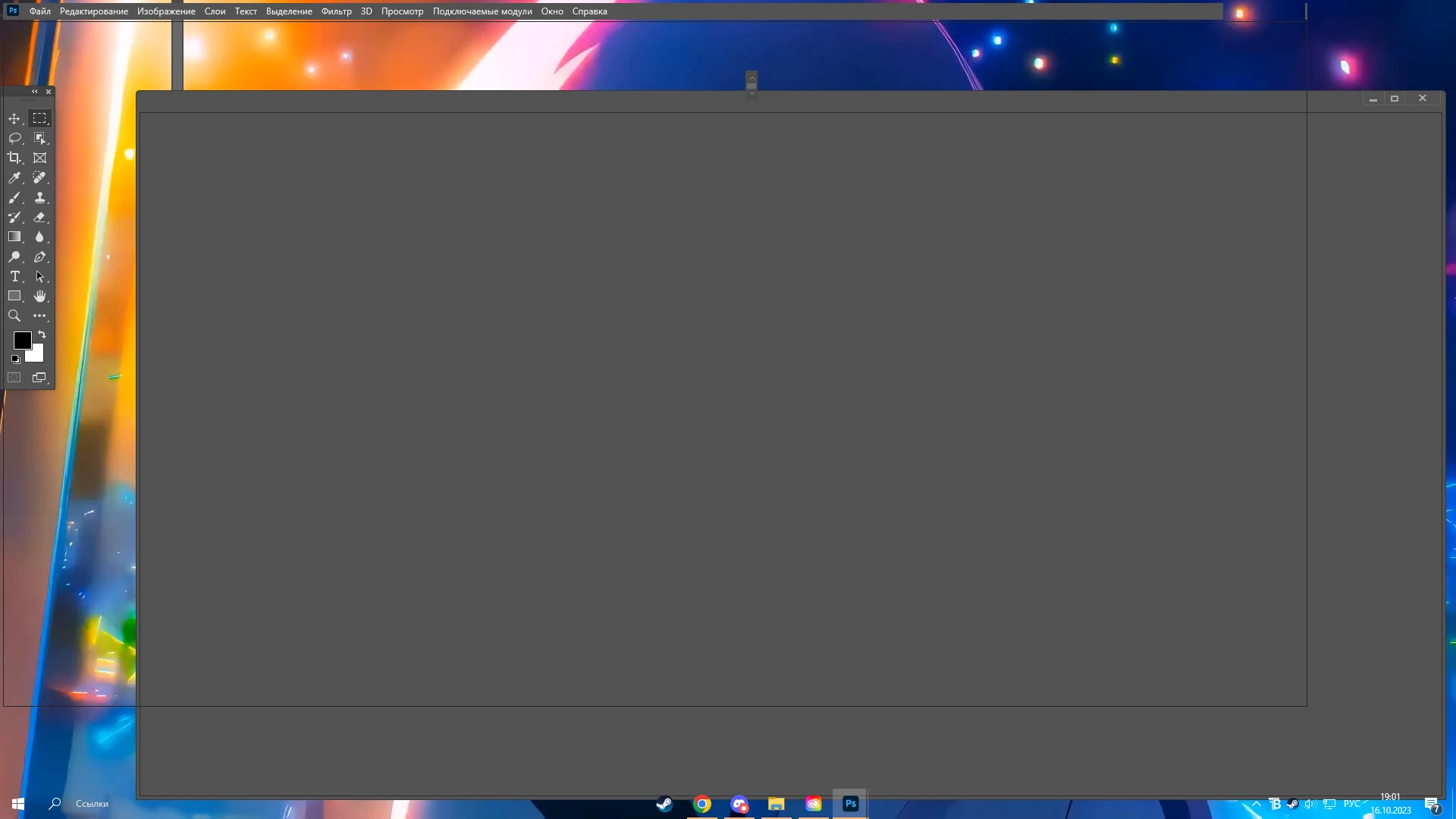
Photoshop is broken. I can't use the program properly.

Unfortunately you haven't given us any information about your system. Therefore, all proposed solutions are a look into the crystal ball.
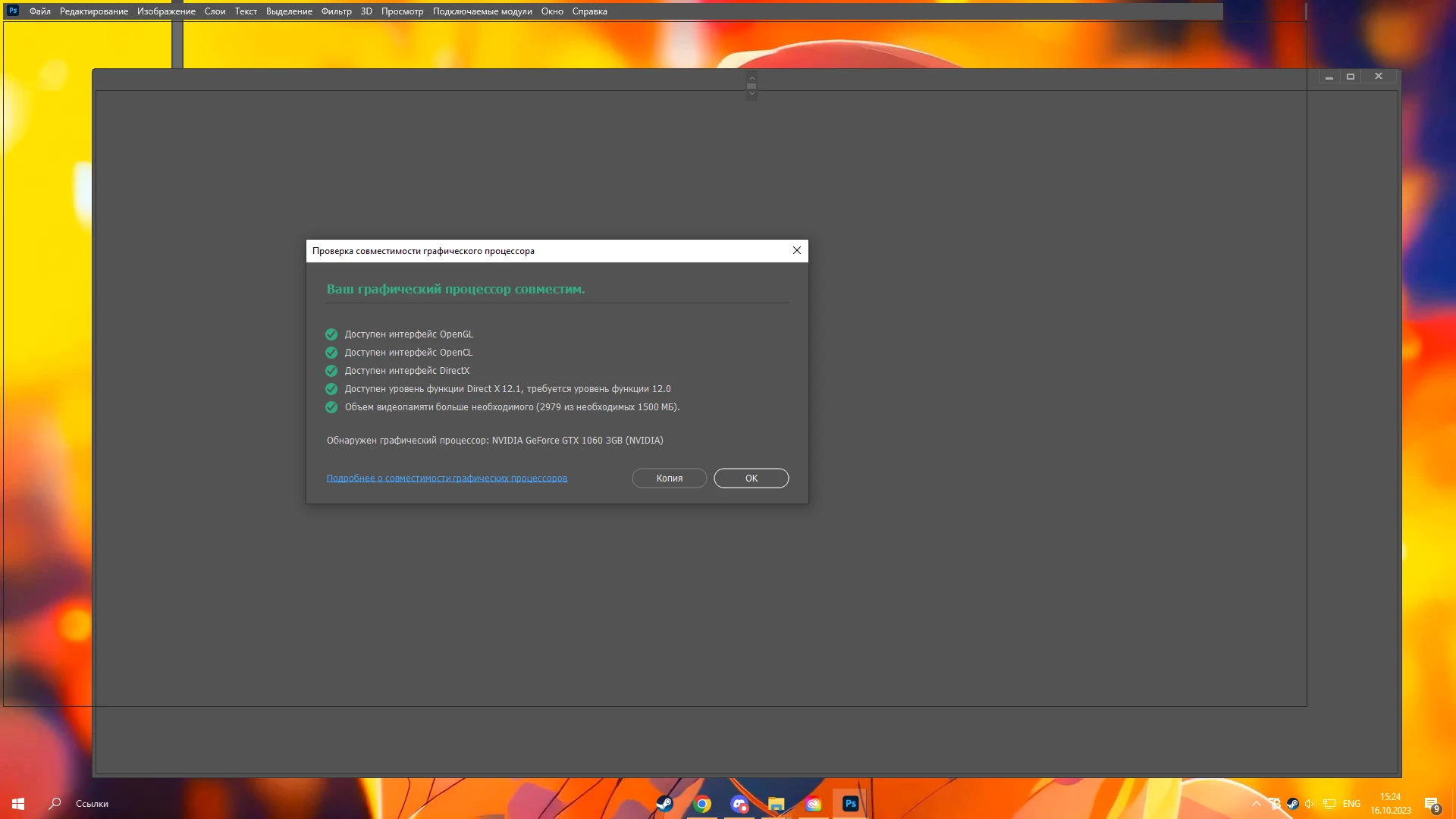
Please try to disable the option to "Use Graphics Procesor" from Photoshop by going to Preferences, then Performance. Once done, quit & relaunch Photoshop to check if that helps.
If it helps, you can check out the steps suggested here: https://helpx.adobe.com/photoshop/kb/troubleshoot-gpu-graphics-card.html
If the issue persists, you can try to reset the preferences of Photoshop using the steps described here:
Preferences in Photoshop (adobe.com)
Please backup your settings before resetting the preferences. You can check:
Migrate presets, actions, and settings (adobe.com)
If this doesn't help, please give us more informations about your system including the following:
Maybe you can post your Photoshop system info. In Photoshop goto Help > System Info and hit the copy button. Then paste the entire informations into this thread. Thanks. The above info will help to solve your problem.
Is your system up-to-date? Do you have installed all recent updates and patches for the operating system and the device drivers, especially the graphic driver. Please make also sure that you have installed the Studio version and not the Game Ready version of your NVidia driver.
Already have an account? Login
Enter your E-mail address. We'll send you an e-mail with instructions to reset your password.
 AdChoices