Inspiring
June 1, 2023
Question

Photoshop Menu Item Displays Incomplete Keyboard Shortcut

  • June 1, 2023
  • 1 reply
  • 1334 views

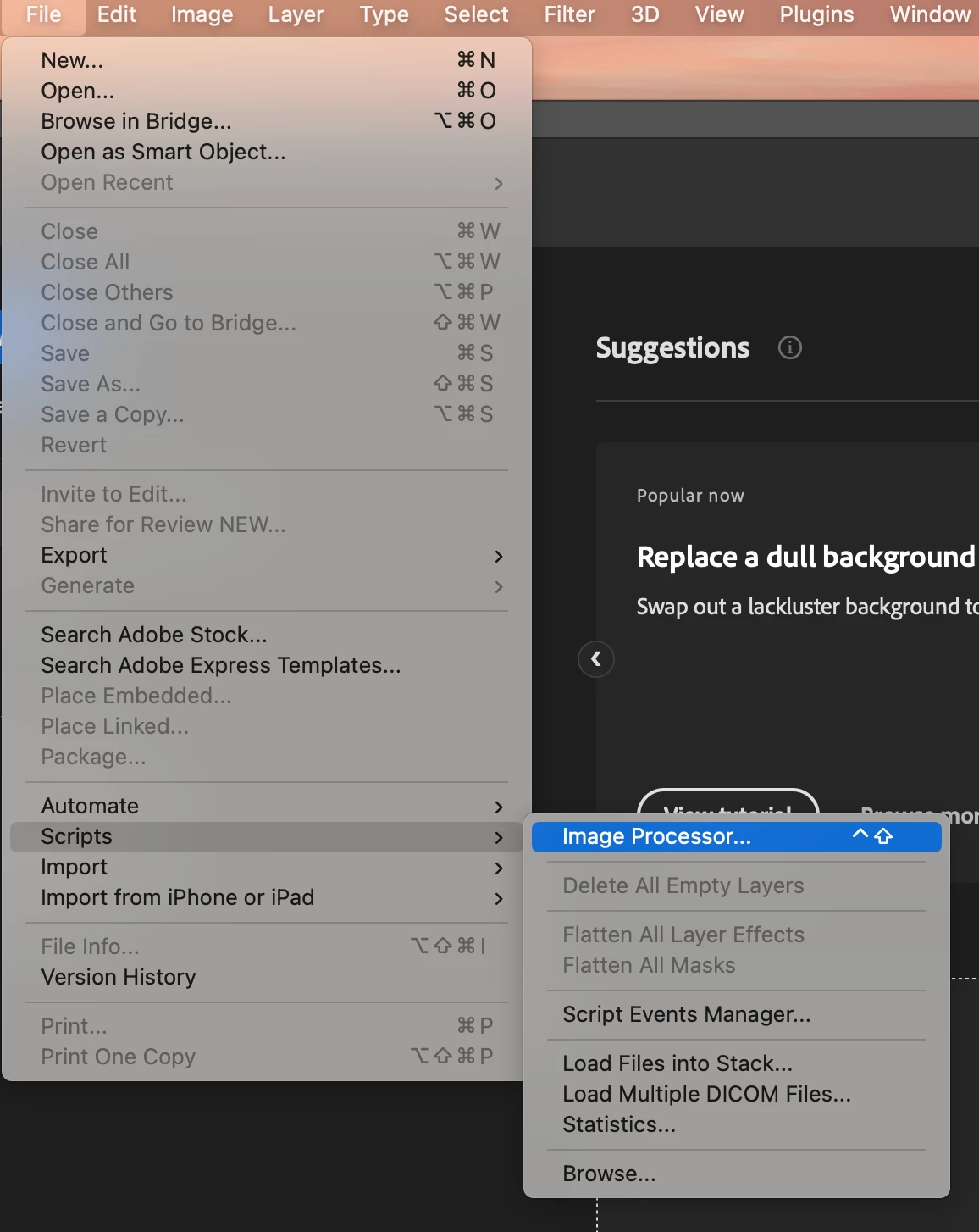
Photoshop is unable to display the full keyboard shortcut next to the menu time.

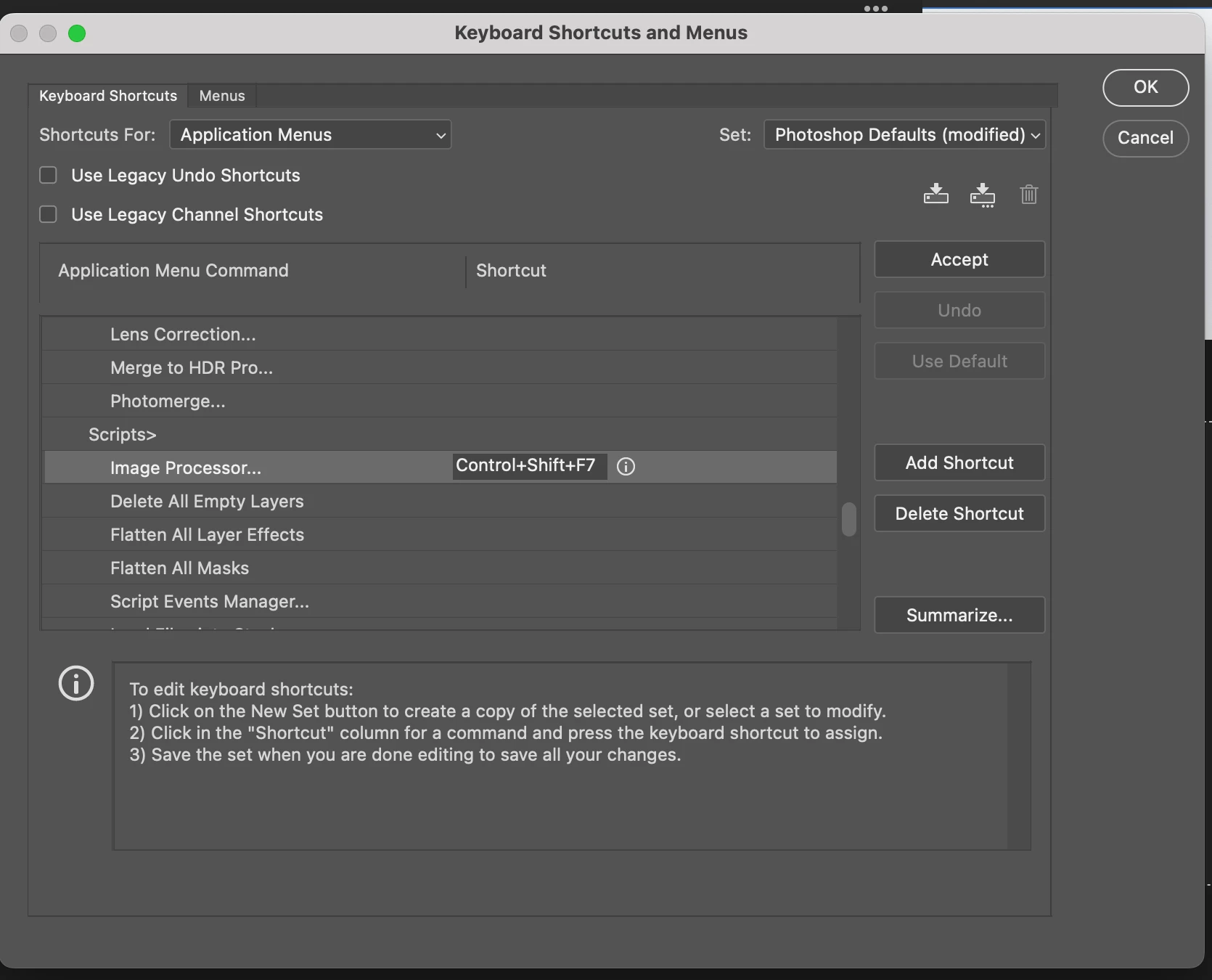
For example, the keyboard shortcut control+shift+F7 should appear immediately next to the Image Processor menu item. Instead, it only displays control+shift.


Does anyone have any ideas on how to correct this so that the full keyboard shortcut displays next to the Image Processor menu item?


Imac M1

OSX Ventura 13.14

Photoshop  24.5.0


This topic has been closed for replies.

1 reply

Jeff Arola
Community Expert
Community Expert
June 1, 2023

Yes i've noticed that with several keyboard shortcuts like for Edit>Fill which is Shift+F5, but only Shift is shown.


Only seems to be on the Mac side running macOS Ventura 13.x.x


2022 Mac Studio

MacOS Ventura 13.4

Photoshop 2023 (ps ver 24.5)


Inspiring
June 1, 2023

Thanks for letting me know Jeff. I don't have this issue with Intel-based Macs running OSX Ventura.


Inspiring
October 6, 2023

Could it possibly be an OS specific UI setting? Font scale, size, resolution etc?


Hello all,

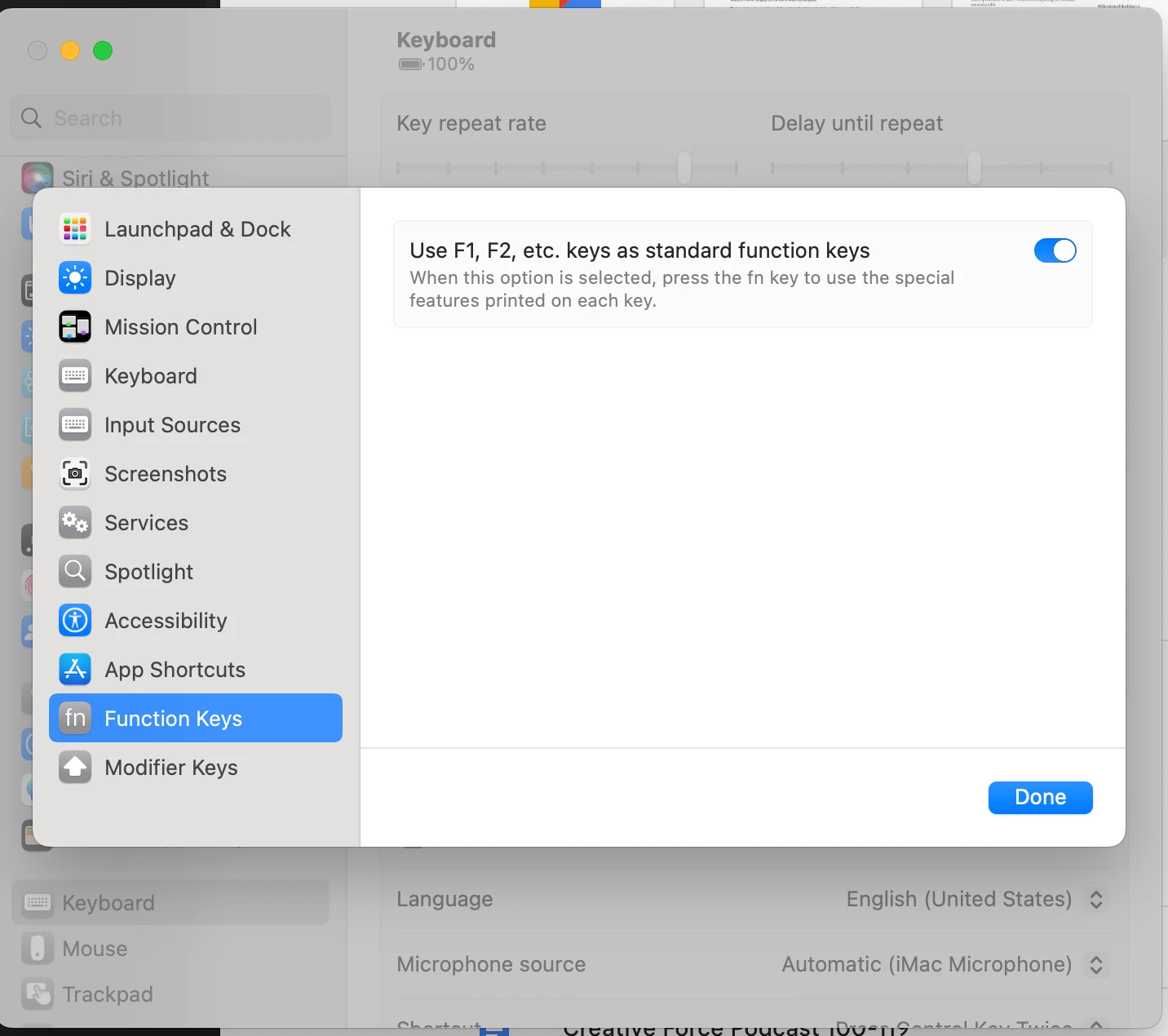
This is a follow-up about the same issue. I am still having incomplete keyboard shortcut issues after updating to Photoshop 2024. The Photoshop interface displays the modifier keys only and omits the F key number in the keyboard shortcut label.


For example: 

After assigning the keyboard shortcut Cmd+F19 to the Image Processor… 

The Photoshop menu displays Cmd without the F19


Unsuccessful workarounds

OSX Ventura 13.6

  • Create a new user account to test
  • Restart device

Photoshop

  • Reset preference file
  • Uninstall/reinstall Ps
  • Create a new work space
  • Export/Import presets
  • Inspect the keyboard shortcut file 
    • Photoshop Defaults (modified) Copy.kys (The shortkut cmd+f19 is listed in the file)
    •  Edit file by hand
  • Refresh the dropdown menu in Keyboard Shortcuts and Menus settings UI
  • Restart Photoshop


So far nothing is working and I having the same issue with the iMac 2021 and Mac Mini 2018 with OSX Ventura 13.6.

On the other hand, I am able to add full shortcuts to Bridge 2024 using the new Keyboard Shortcut Feature.

I am including a few screenshots for reference.


The question is how do find out where the issue is located to fix it?


Assign shortcut


Incomplete menu shortcut


Inspect the keyboard shortcut file


Assign a keyboard shortcut to Bridge 2024 using the new Keyboards Shortcuts feature shows the full shortcut label