Inspiring
June 1, 2023
Question

Photoshop Menu Item Displays Incomplete Keyboard Shortcut

  • June 1, 2023
  • 1 reply
  • 1334 views

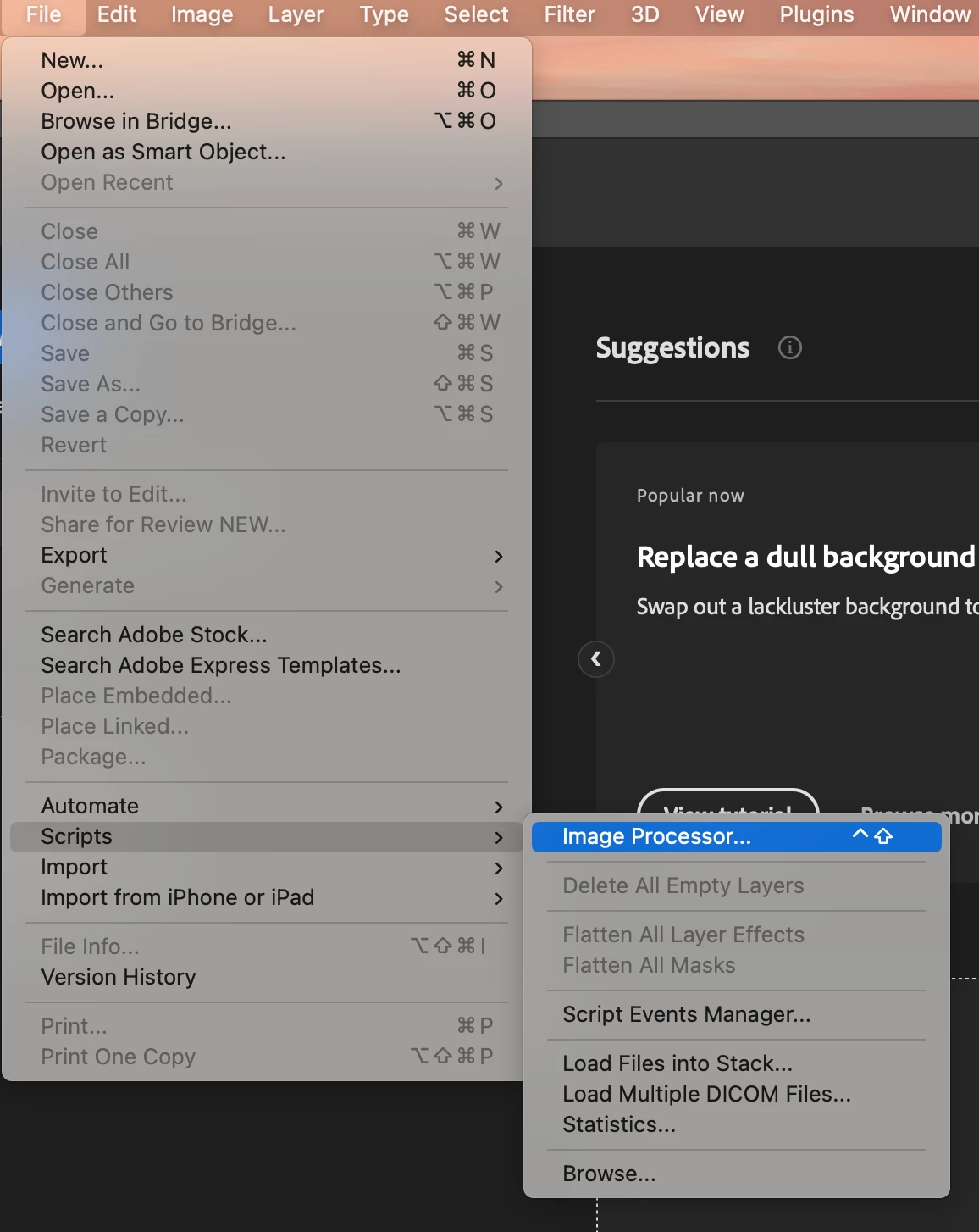
Photoshop is unable to display the full keyboard shortcut next to the menu time.

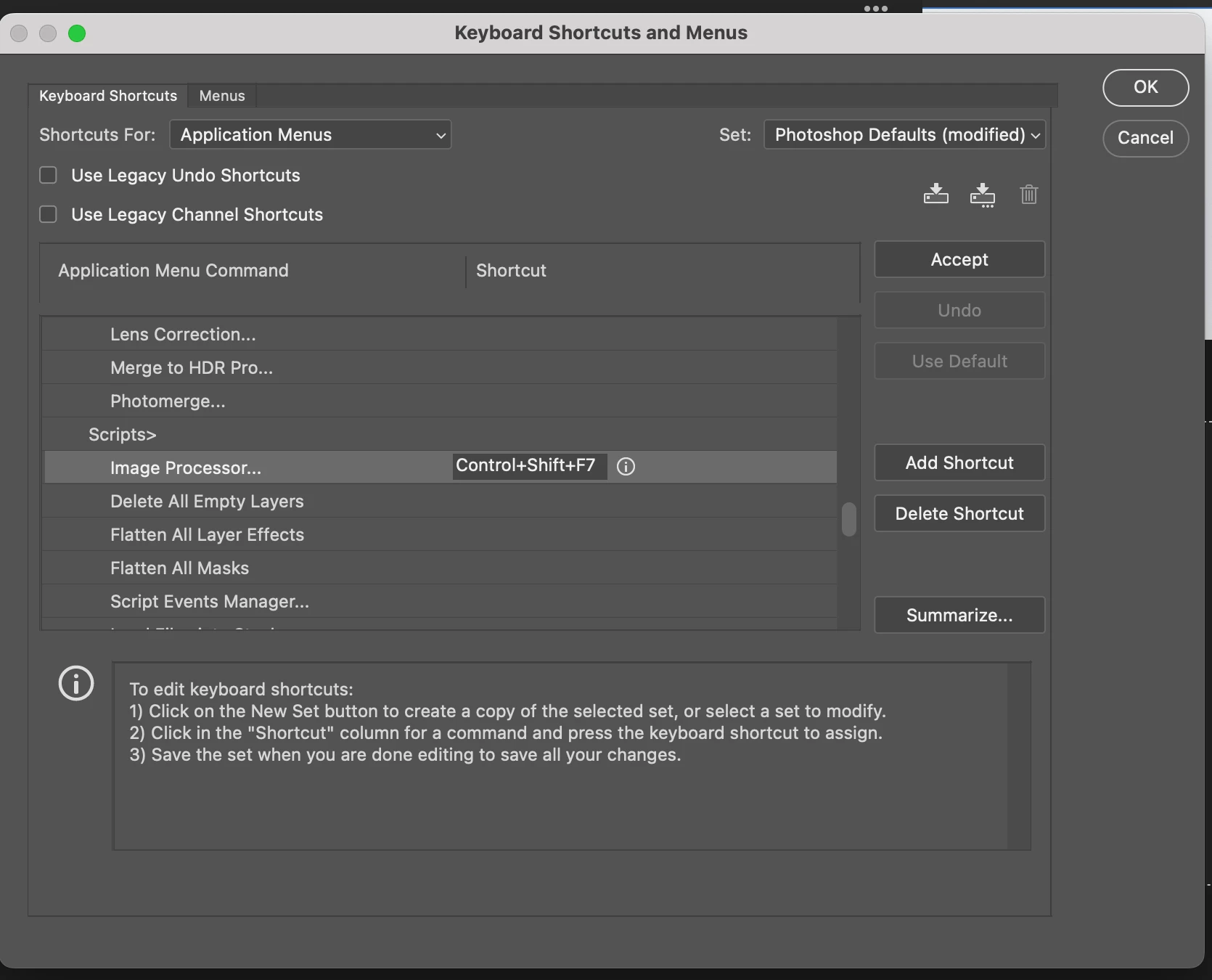
For example, the keyboard shortcut control+shift+F7 should appear immediately next to the Image Processor menu item. Instead, it only displays control+shift.


Does anyone have any ideas on how to correct this so that the full keyboard shortcut displays next to the Image Processor menu item?


Imac M1

OSX Ventura 13.14

Photoshop  24.5.0


This topic has been closed for replies.

1 reply

Jeff Arola
Community Expert
Community Expert
June 1, 2023

Yes i've noticed that with several keyboard shortcuts like for Edit>Fill which is Shift+F5, but only Shift is shown.


Only seems to be on the Mac side running macOS Ventura 13.x.x


2022 Mac Studio

MacOS Ventura 13.4

Photoshop 2023 (ps ver 24.5)


Inspiring
June 1, 2023

Thanks for letting me know Jeff. I don't have this issue with Intel-based Macs running OSX Ventura.


Inspiring
October 8, 2023

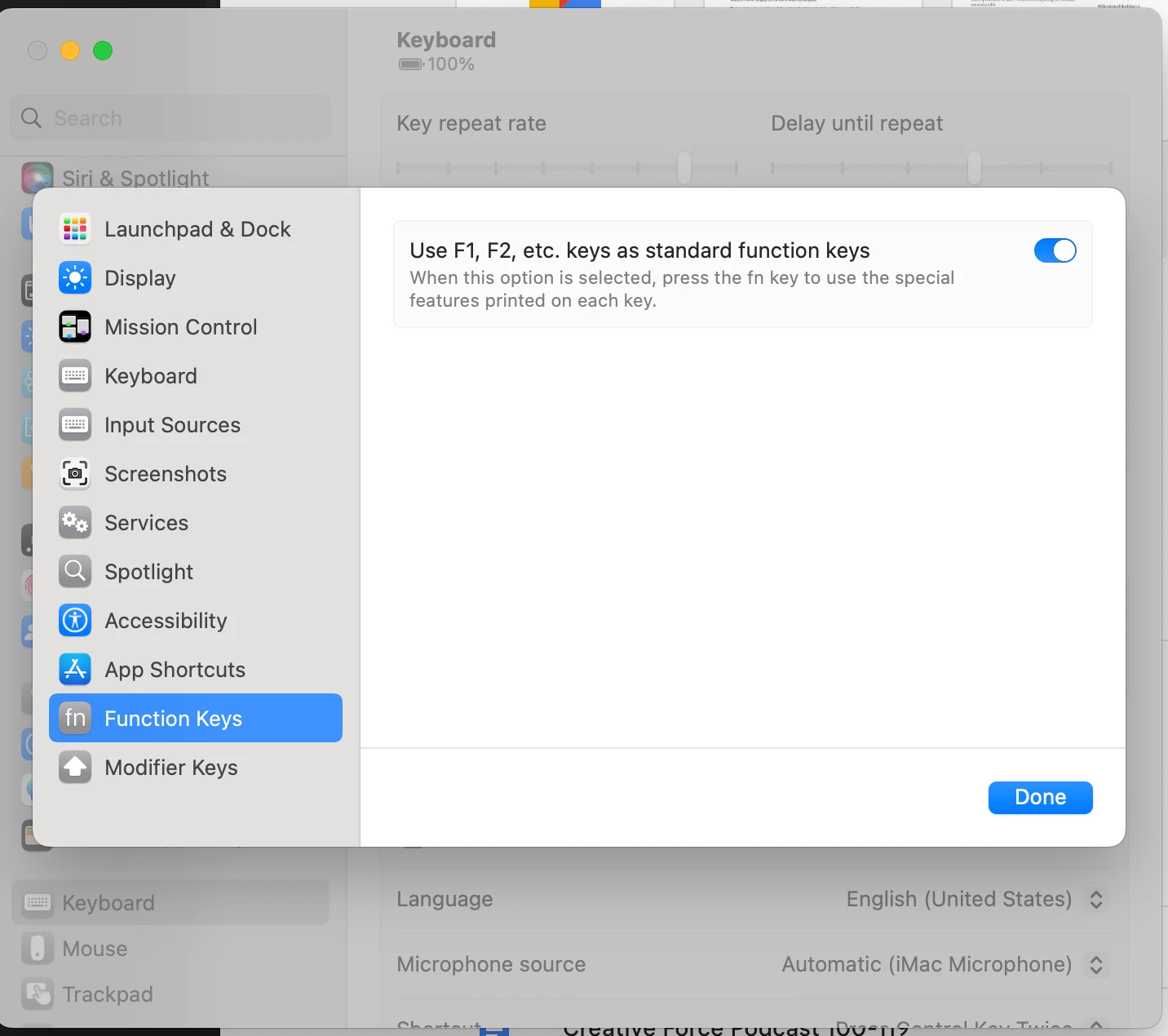
So, I updated the Mac OSX to Sonama, but I am still having the same issue. The function key number does not display. Only the modifier keys are displayed in the shortcut label.


This afternoon I did a clean install on iMac M1 2021. Reinstalled Photoshop, and I am still unable to display the full keyboard shortcut including the Function key number. I was hoping the clean install would fix the issue.

Does anyone have any other ideas to fix the issue?