
Photoshop Print Settings Default Layout
Hello!
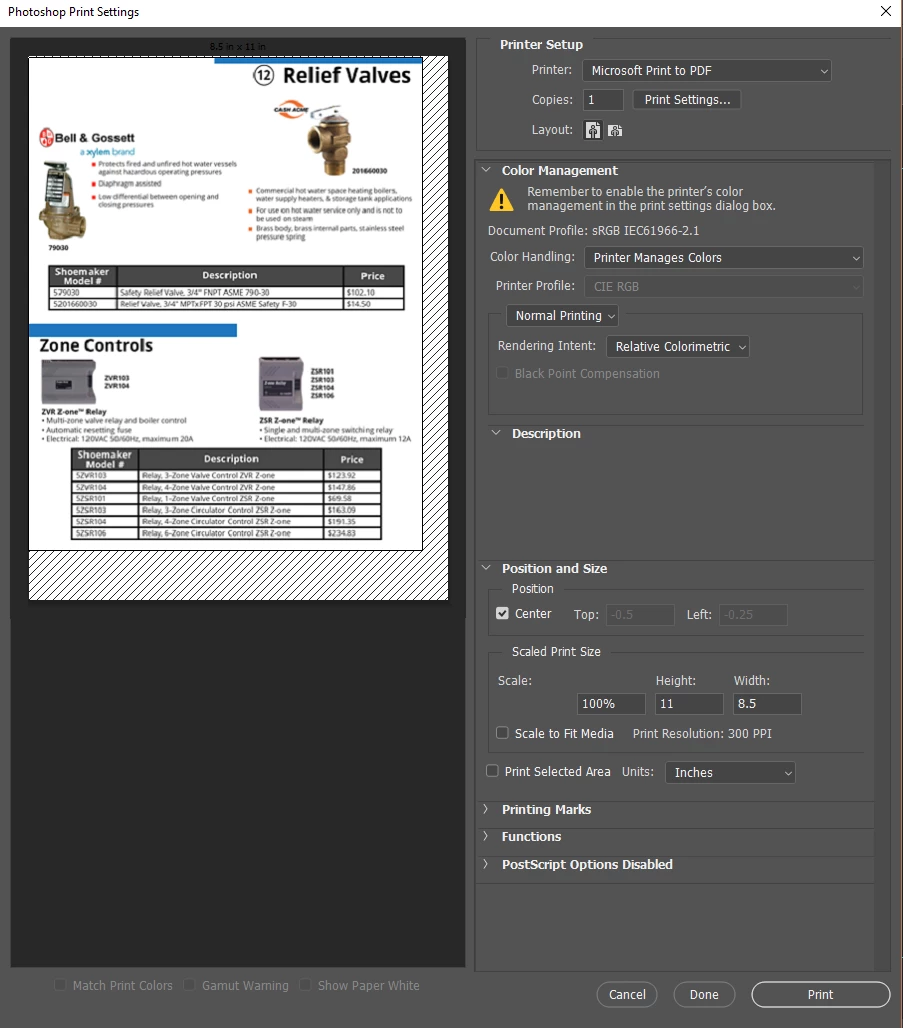
Within the last 4 months or so (possibly since the last big Photoshop update), I've noticed an annoying change in my Photoshop Print Settings. I go to print, and the Photoshop Print Settings box pops up. For whatever reason, the page I'm trying to print shows up off kilter, with a black diagonally lined border on the bottom and right side (see image below).
In order for the document to print properly, I have to click the landscape layout button and then click the portrait layout button for it to re-align itself.
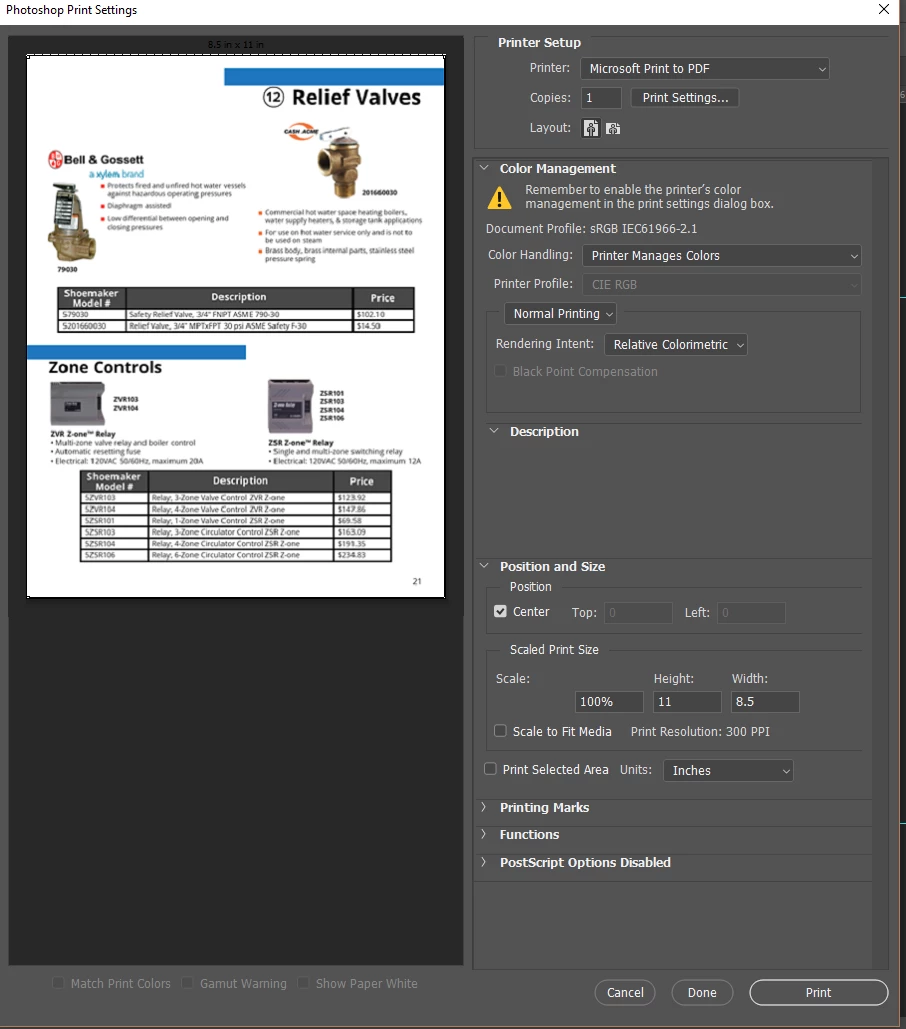
Once I do that, it looks just fine!
As you can surmise, this isn't a world-ending problem.  However, it is very irksome and I'm hoping one of you brilliant people will have a suggestion that I haven't thought of!
Thanks so much in advance!


 AdChoices