Question
Photoshop save for web only showing top left quadrant of image
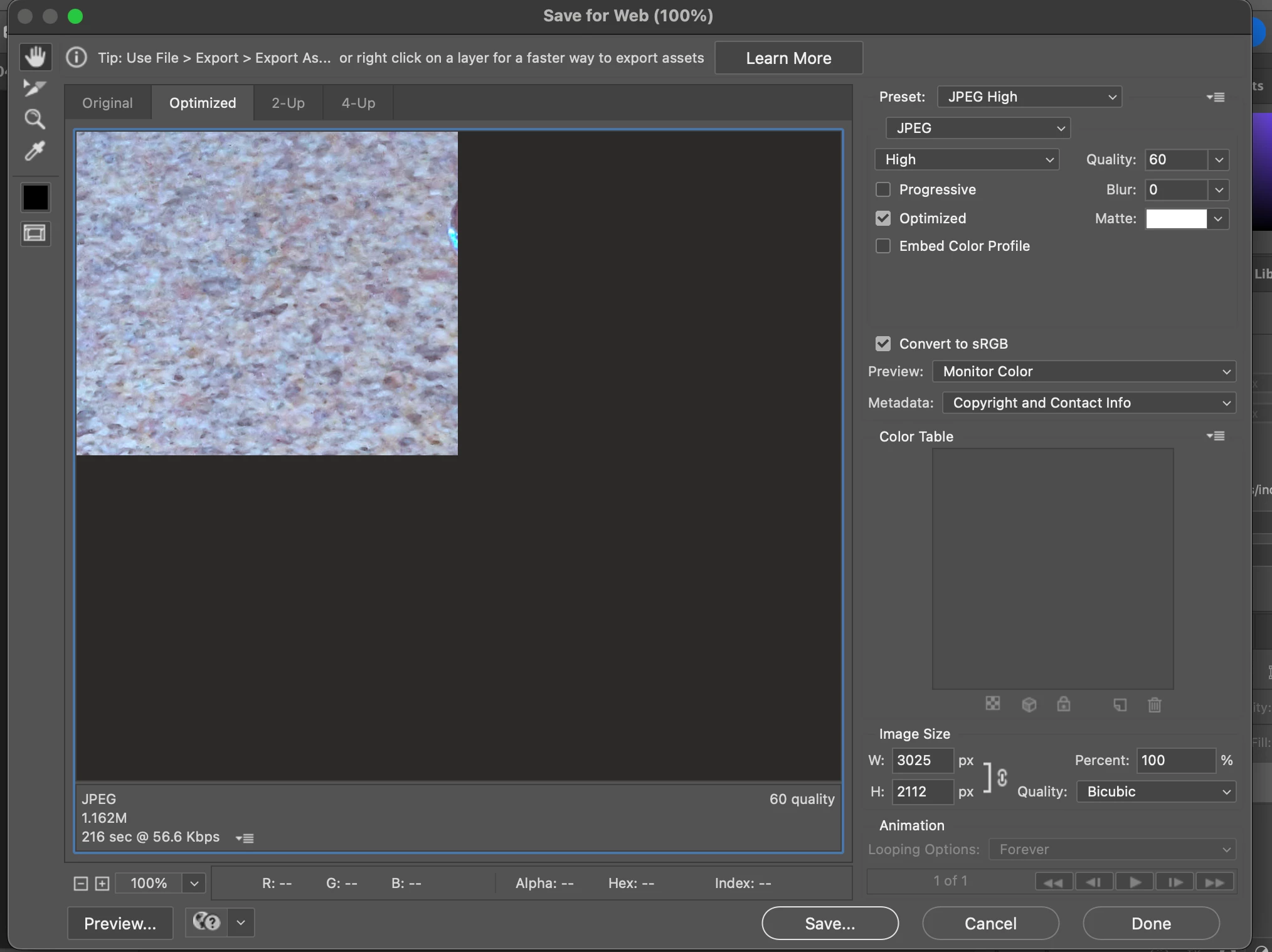
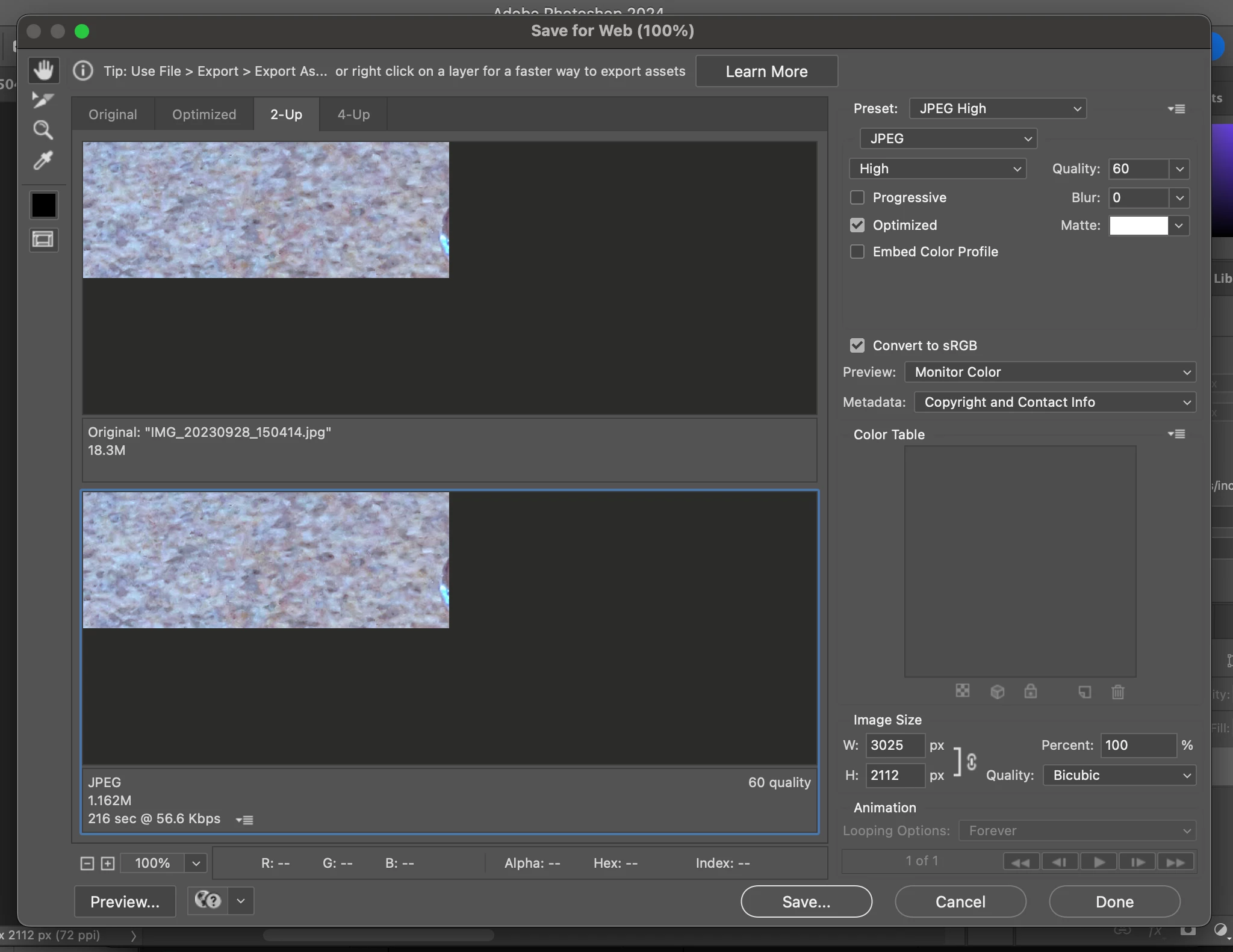
I have been using Photoshop for years and until about a week ago everything was working fine. But now when I perform the Save for Web on an image I am only able to see the top left quadrant of the image no matter which tab I select (Original, Optimized, 2-up, 4-up).
Photoshop Version: 2024 (25.0.0 Release)
Platform: MacOS - Sanoma 14.0
Steps to Reproduce:
1. Open any image in photoshop (jpg, psd, etc). All files, image sizes, resolutions produce this same issue
2. Save for Web (File -> Export -> Save for Web (Legacy)
3. Observe image clipped in preview window
Expected Behavior: full image should be visible in the preview window
Actual Behavior: only top left corner of the image can be seen.
 AdChoices