


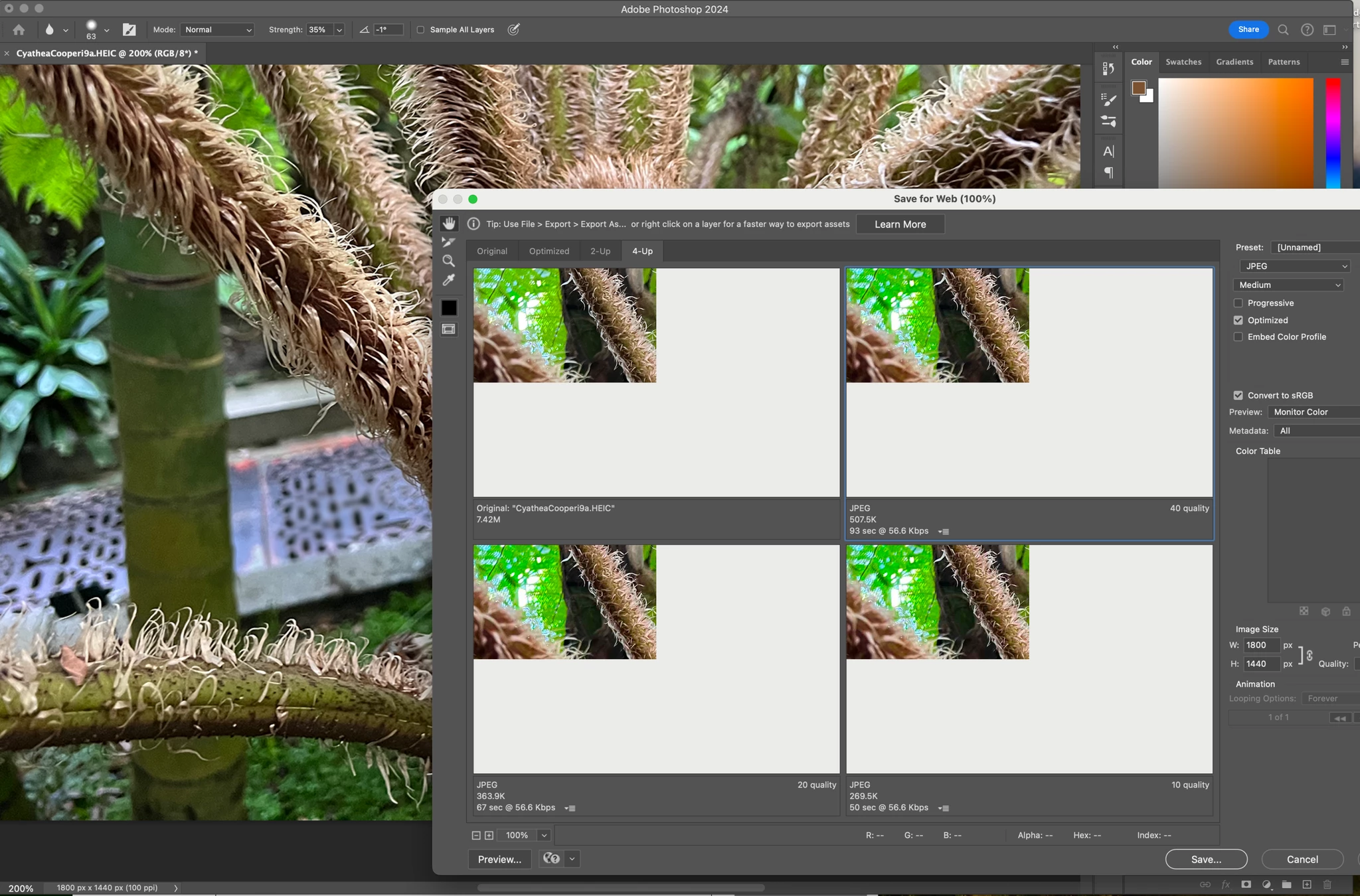
Have just updated to Photoshop 2024 and my save to web panel is now not displaying correctly - see screengrab. How can I adjust it to have the full image fill the four windows? cheers, Bob
but more importantly. POP-UPS! lots and lots of Pop-ups! Adobe loves them, especially if they are bright blue and sell you software you already pay for.
Resetting preferences returns the application to out-of-the-box factory state. That's the whole point. That's why it's the first go to troubleshooting step.
Preferences are prone to corruption because they are rewritten on every exit. Preferences contain the entire app configuration, not just user settings.
This is the preferred correct answer from Adobe, because resetting preference brings back all their annoying pop-ups, hints, unwanted tutorials, start pages no one wants, licensing checks to make sure you paid, and a save-to-cloud option no one uses. ✔ (Click here to collaborate)
@default8bk0iqml6ylx Go to Photoshop Help Menu/System Info and copy/paste details in a reply. Post only once as the system takes time to process the large amount of data.
Kevin, do you have any other ideas for resolving this issue? I'm still getting the same error- I've reset my preference and my PSD and mac software are updated
This has not resolve my save for web issue at all. I'm on MacBook Pro M1 Max Sonoma 14.1 Photoshop 2024 clean reinstall (removing preferences). Still getting this error. This is on 2 seporate Macs using different users and CC accounts