Answered
Photoshop text tool not working
I just downloaded Ps and started working on my project. however, text tool is not working at all. What can I do to make it work? Any help would be appreciated. Thanks.

I just downloaded Ps and started working on my project. however, text tool is not working at all. What can I do to make it work? Any help would be appreciated. Thanks.
I'm attaching 4 screenshots.
1- setting for blank project
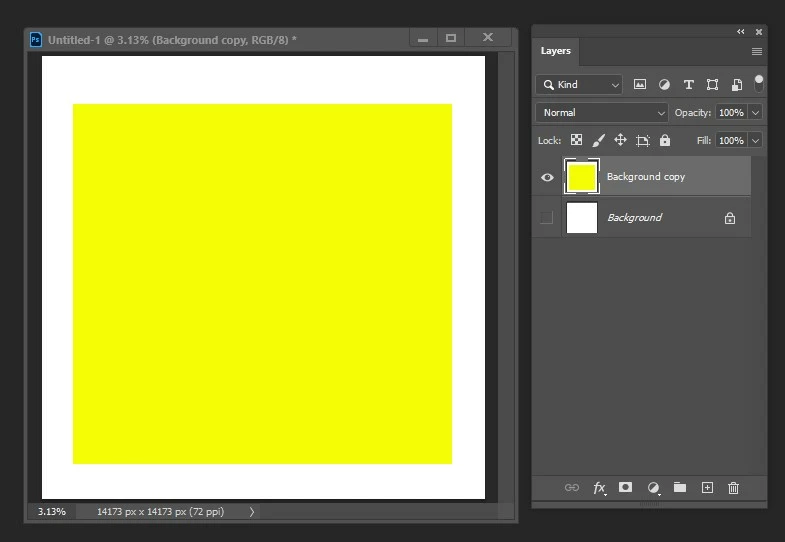
2- color setting for better background
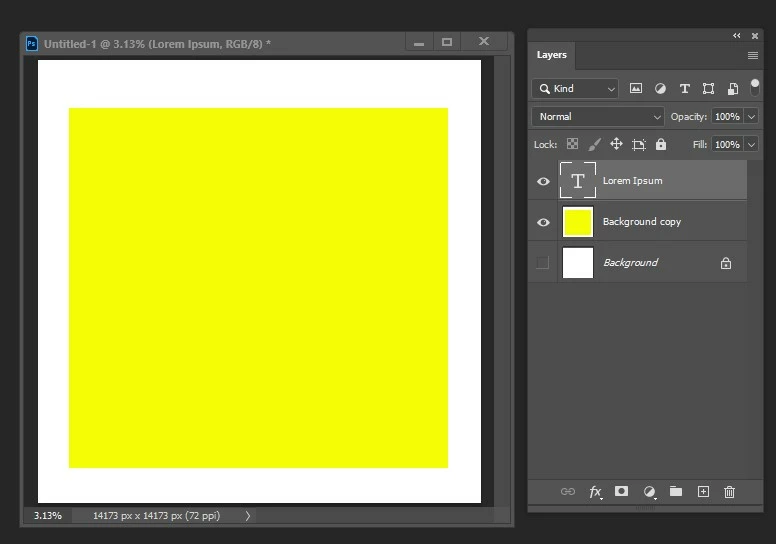
3- Text being invisible while layer shows default type setting
4- Text setting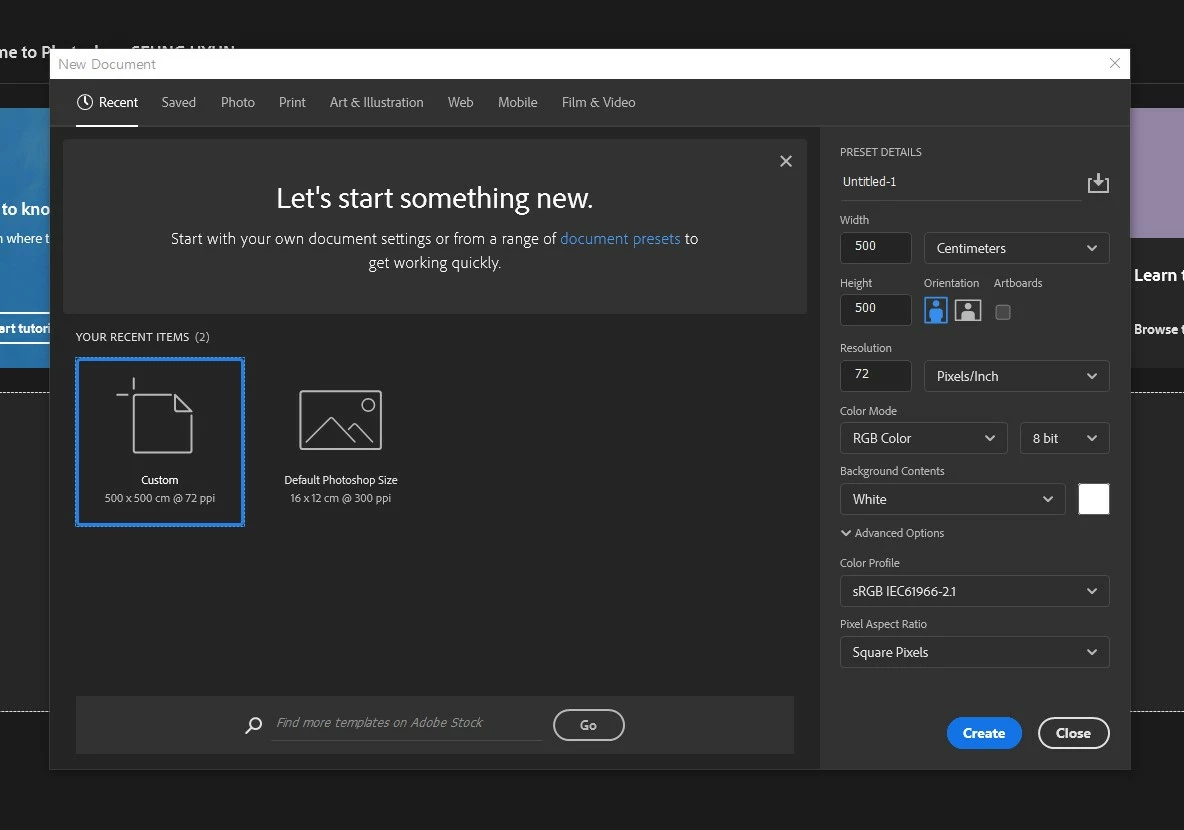

In the future please posr meaningful screenshots that include ALL the pertinent UI elements (Layers Panel, Options Bar, Toolbar, …).
Did you click or (as requested) click-drag with the Type Tool?
When you select the Move Tool and hitt cmd-T doe Transform Controls vecome visible?
What have you done for all-purpose trouble-shooting so far?
Restoring Preferences after making sure all customized presets like Actions, Patterns, Brushes etc. have been saved might be a good starting point:
https://helpx.adobe.com/photoshop/kb/troubleshoot-fonts-photoshop.html
https://helpx.adobe.com/photoshop/using/preferences.html
Already have an account? Login
Enter your E-mail address. We'll send you an e-mail with instructions to reset your password.
 AdChoices