Exit
  • Global community
    • Language:
      • Deutsch
      • English
      • Español
      • Français
      • Português
  • 日本語コミュニティ
  • 한국 커뮤니티
0

photoshop to illustrator

Enthusiast ,
Nov 22, 2022 Nov 22, 2022

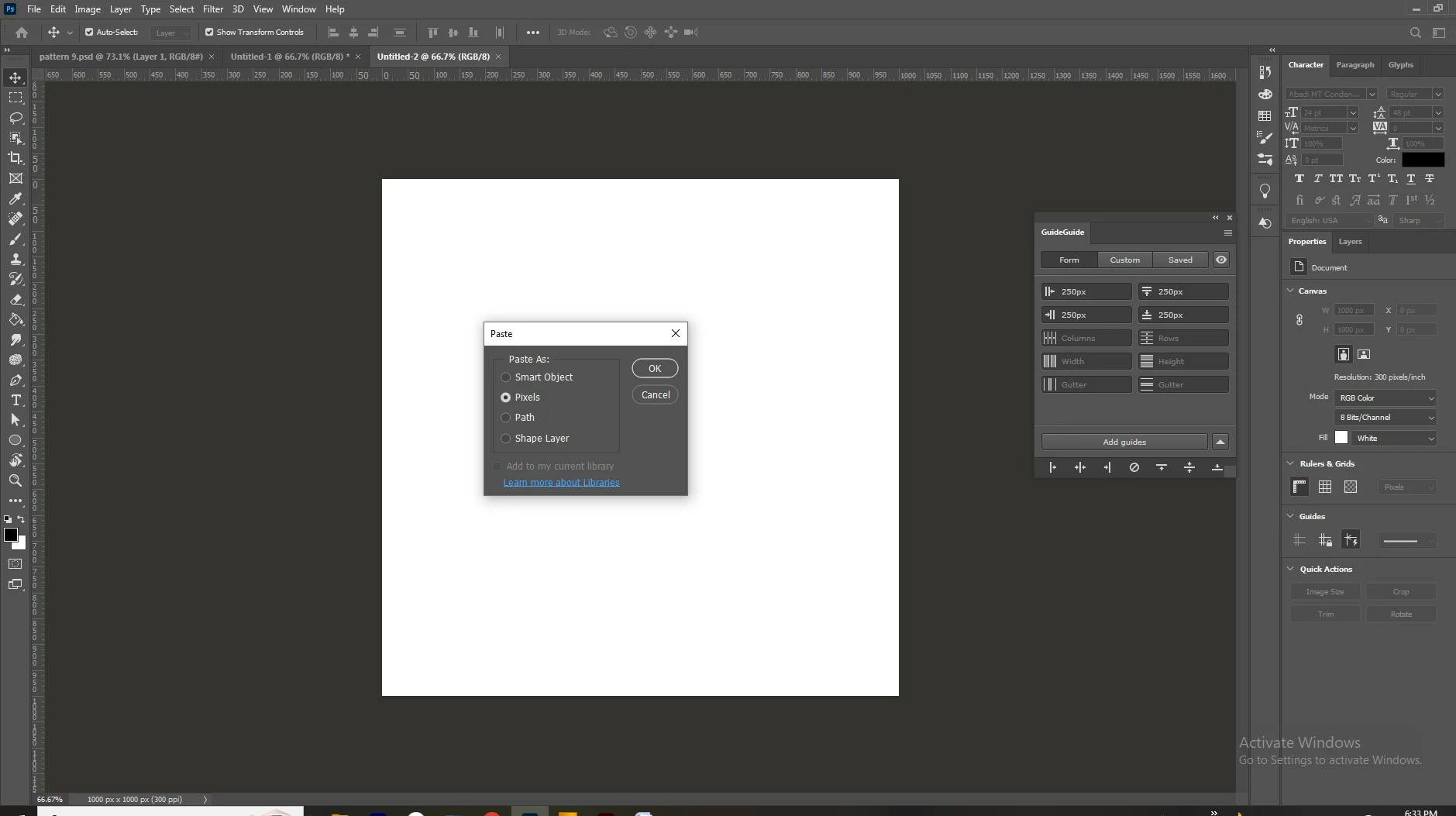
I created one documentry in Illustrator (1000 px x 1000 px). then I draw my illustration in 200 px x 200 px cube. so that the total 25 cubes cover the 1000px x 1000 px area. but when I copy paste that 200px x200 px cube in photoshop it becomes so bigger! my photoshop document on which I pasted is also 1000px x 1000 px.

I want the size to be same when I copy paste that. :'( Any way I can do it?

I tried properties panel in photoshop to reduce the size in 200 px x 200 px. but that does not keep the design proportion as it was in illustrator.
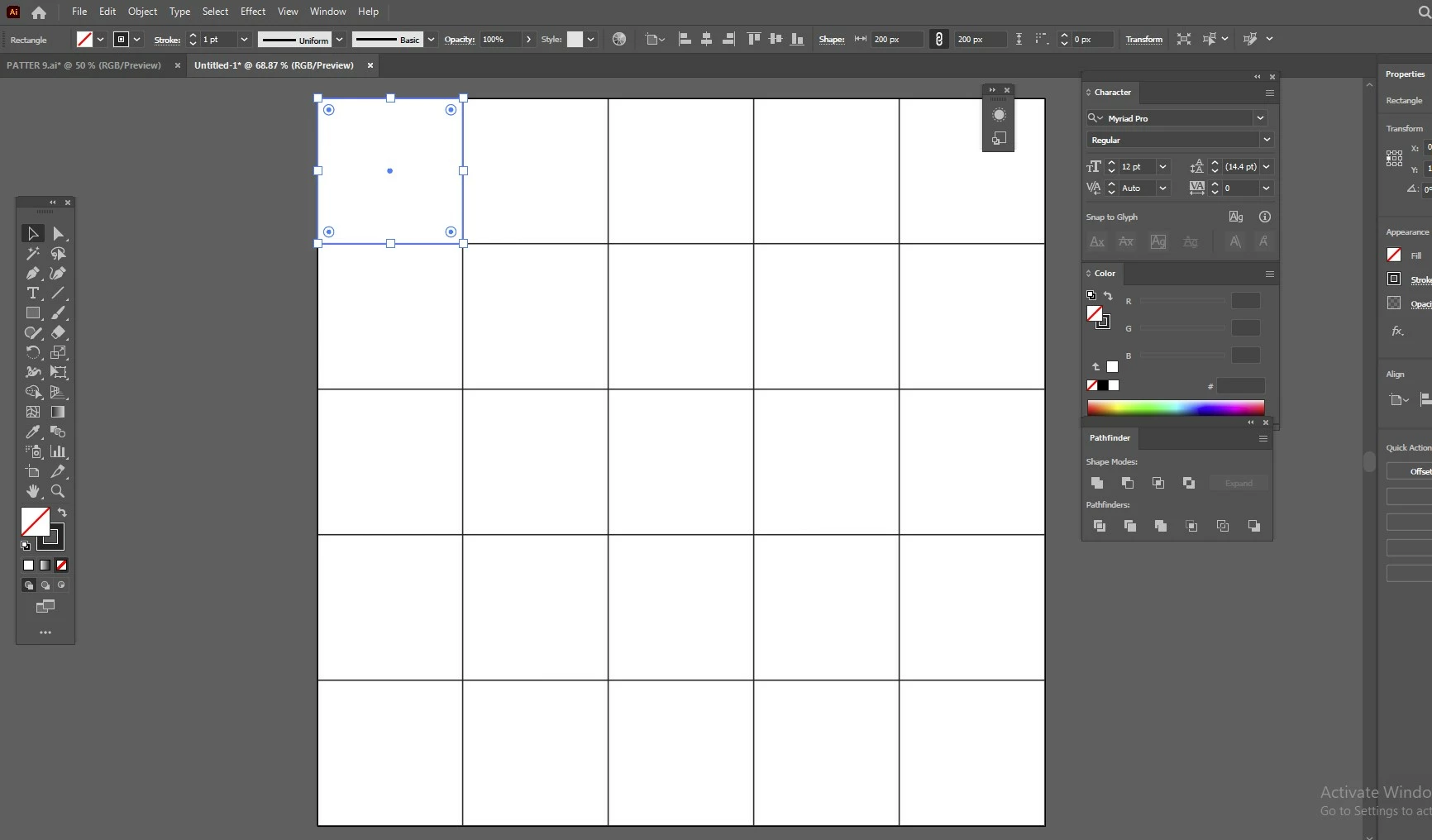
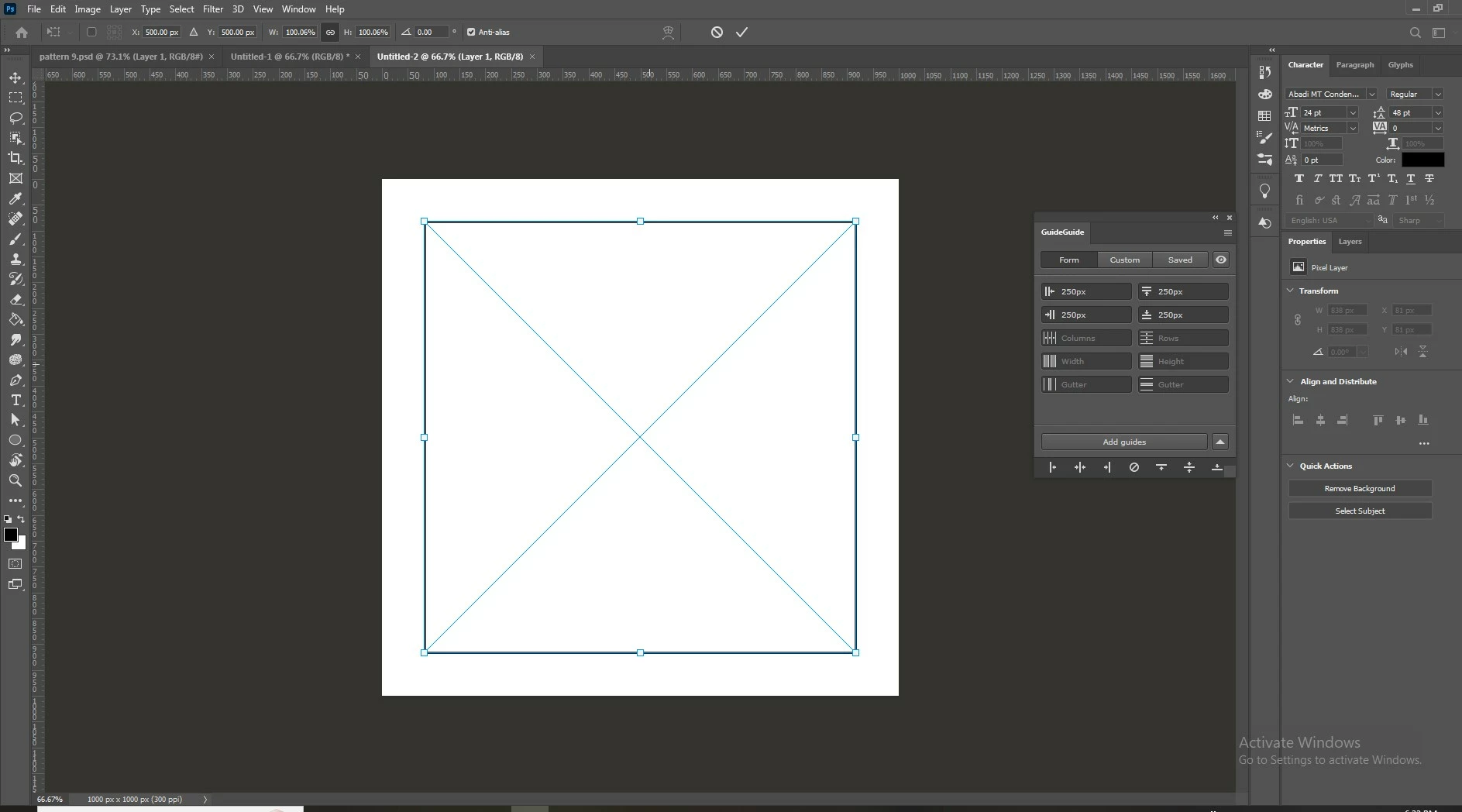
 

illustrator fileillustrator filebecomes bigger after pasting in photoshopbecomes bigger after pasting in photoshoppasted as pixel in photoshoppasted as pixel in photoshop

TOPICS
Windows
656
Translate
Report
Community guidelines
Be kind and respectful, give credit to the original source of content, and search for duplicates before posting. Learn more
community guidelines

correct answers 1 Correct answer

Community Expert , Nov 23, 2022 Nov 23, 2022

Illustrator does not have resolution - it is a vector drawing program. The resolution setting you are referring to is for raster effects only - not the entire document.

If you make your PS file 72 ppi the cubes will come in at the expected size.

So your cubes in AI are 200x200 at 72 ppi and when converted in PS to 300 ppi they are 4.16x the expected size.

Translate
Adobe
Community Expert ,
Nov 23, 2022 Nov 23, 2022

Hello, do both documents have the same resolution?

Translate
Report
Community guidelines
Be kind and respectful, give credit to the original source of content, and search for duplicates before posting. Learn more
community guidelines
Enthusiast ,
Nov 23, 2022 Nov 23, 2022

Hello,


Yes, both are 300 dpi.

Translate
Report
Community guidelines
Be kind and respectful, give credit to the original source of content, and search for duplicates before posting. Learn more
community guidelines
Community Expert ,
Nov 23, 2022 Nov 23, 2022
LATEST

Illustrator does not have resolution - it is a vector drawing program. The resolution setting you are referring to is for raster effects only - not the entire document.

If you make your PS file 72 ppi the cubes will come in at the expected size.

So your cubes in AI are 200x200 at 72 ppi and when converted in PS to 300 ppi they are 4.16x the expected size.

Translate
Report
Community guidelines
Be kind and respectful, give credit to the original source of content, and search for duplicates before posting. Learn more
community guidelines