

Photoshop Video Layer/Timeline - can I edit an object across multiple frames?
Hi
I have a simple file. The underlying layer (normal layer) has two islands. Above this is a video layer. I drew a man in a canoe on the first frame. Then I copied this (cntrl-A cntrl-C) and moved to the next frame. Then I pasted this selection (Cntrl-V). I used onion skinning to see how to place the selection just to the right. I repeated this about 20 times. Ok. Great; now I have my animation of the man-in-boat moving from one island to another,
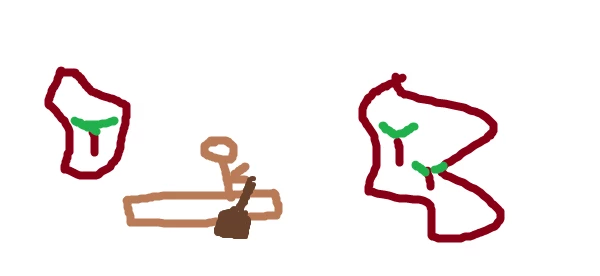
But! Now I realise that it would be better if the canoe was filled in. What can I do? It was a selection and I don't want to manually fill it in on each frame. Is there a way that this can be some kind of an object so that I can edit it once and then it would look like that on all frames? (I have distant memories of doing something like this with maybe Macromedia Flash).
 AdChoices