Answered
Placing PDF options
When I place a PDF there's an "Open As Smart Object" box that pops up where you can choose the "Crop to" that you'd like. Is there any way to set the default to "media box" instead of "bounding box"?
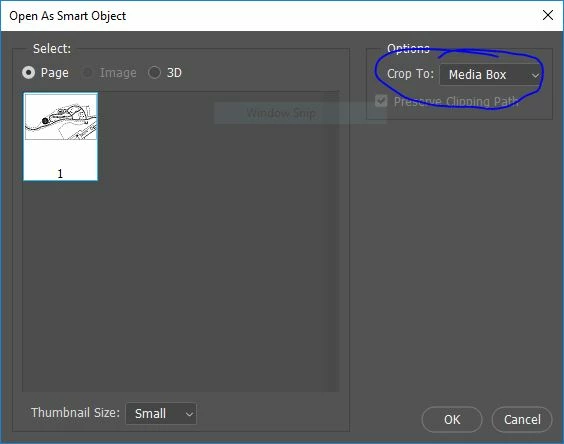

When I place a PDF there's an "Open As Smart Object" box that pops up where you can choose the "Crop to" that you'd like. Is there any way to set the default to "media box" instead of "bounding box"?
Hi Emmycase,
I just tried replicating it at my end, however, I believe it's expected behavior of Photoshop that it reverts back to bounding box. I would request you to suggest this as a feature request here: Photoshop Family Customer Community as this forum is monitored by our engineering team.
Regards,
Sahil
Already have an account? Login
No account yet? Create an account
Enter your E-mail address. We'll send you an e-mail with instructions to reset your password.


 AdChoices