Salir
  • Comunidad global
    • Idioma:
      • Deutsch
      • English
      • Español
      • Français
      • Português
  • 日本語コミュニティ
  • 한국 커뮤니티

Poor picture quality in Photoshop

Principiante de comunidad ,
Sep 18, 2017 Sep 18, 2017

Hi everyone,

I have been using Photoshop for over a year, but recently when I import a new image into Ps the picture quality is poor and very noisy. When I export the image from Ps its perfectly fine. I have tried everything from uninstalling the programme, resetting etc yet the issue persists.

If I know I am going to need to use Photoshop I don't tend to edit the image in Lightroom beforehand, so this isn't a case of my over editing the image or the sharpness being too much.

Has anyone else experience this issue or have any suggestions on how I could correct this problem? It's making editing images in Ps difficult with the image quality being so noisy.

Many thanks for taking the time to read this.

32.4K
Traducir
Informe
Directrices de la comunidad
Sé amable y respetuoso, muestra títulos de crédito de la fuente de contenido original y busca duplicados antes de publicar. Más información
community guidelines

correct answers 1 respuesta correcta

Community Expert , Sep 18, 2017 Sep 18, 2017

Good day!

Could you please post one image and a screenshot of it open in Photoshop taken at View > 100% and with the pertinent Panels (Layers, Channels, Options Bar, …) visible?

Does turning off »Use Graphics Processor« in the Performance Preferences (Photoshop > Preferences > Performance > Graphic Processor Settings) and restarting Photoshop have any bearing on the issue?

Regards,

Pfaffenbichler

Traducir
Adobe
Community Expert ,
Sep 18, 2017 Sep 18, 2017

Good day!

Could you please post one image and a screenshot of it open in Photoshop taken at View > 100% and with the pertinent Panels (Layers, Channels, Options Bar, …) visible?

Does turning off »Use Graphics Processor« in the Performance Preferences (Photoshop > Preferences > Performance > Graphic Processor Settings) and restarting Photoshop have any bearing on the issue?

Regards,

Pfaffenbichler

Traducir
Informe
Directrices de la comunidad
Sé amable y respetuoso, muestra títulos de crédito de la fuente de contenido original y busca duplicados antes de publicar. Más información
community guidelines
Principiante de comunidad ,
Sep 18, 2017 Sep 18, 2017

Hi there!

Thank you very much for replying so quickly. You were spot on about turning off graphic processor and now working great! I didn't realise it was on or remember turning it on.

Thanks once again!

Kindest regards,

Dan Sparkes

Traducir
Informe
Directrices de la comunidad
Sé amable y respetuoso, muestra títulos de crédito de la fuente de contenido original y busca duplicados antes de publicar. Más información
community guidelines
Community Expert ,
Sep 18, 2017 Sep 18, 2017

That is no proper solution as it invalidates GPU dependent features (like the Rotate View Tool for example or acceleration for some filters) but it indicates problems with the GPU driver or the OS.

You could also try whether other »Advanced Settings«, »Basic« for example, can help avoid the issue.

Traducir
Informe
Directrices de la comunidad
Sé amable y respetuoso, muestra títulos de crédito de la fuente de contenido original y busca duplicados antes de publicar. Más información
community guidelines
Nuevo aquí ,
Oct 07, 2020 Oct 07, 2020
MÁS RECIENTES

Pfaffenbichler

Hey Thanks it really solved the issue, hope it doesnt happen again.

Traducir
Informe
Directrices de la comunidad
Sé amable y respetuoso, muestra títulos de crédito de la fuente de contenido original y busca duplicados antes de publicar. Más información
community guidelines
Principiante de comunidad ,
Jan 29, 2018 Jan 29, 2018

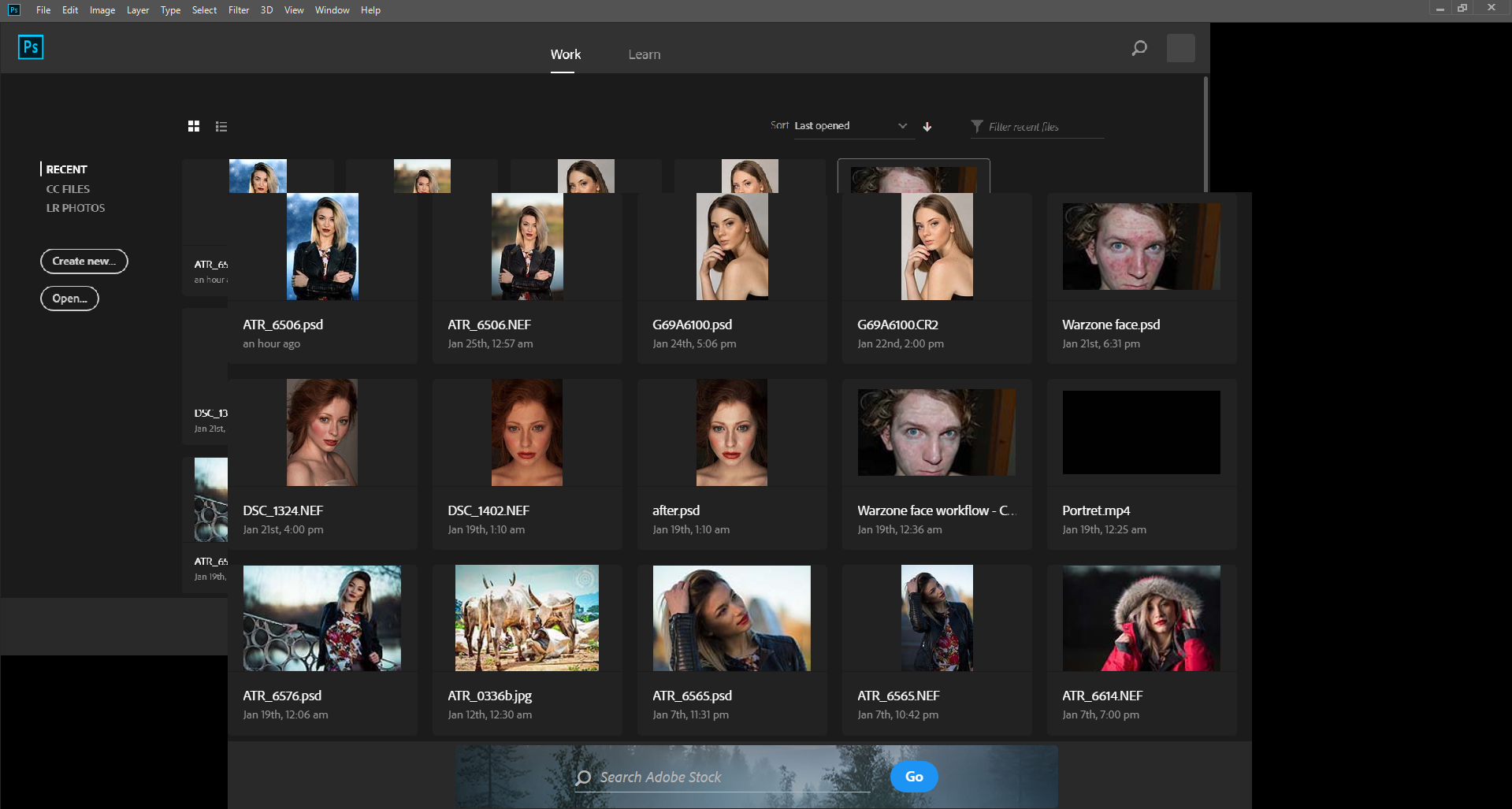
Hi, i have the same problem and deactivating the Graphic processor is not an option.Screenshot_44.png

Traducir
Informe
Directrices de la comunidad
Sé amable y respetuoso, muestra títulos de crédito de la fuente de contenido original y busca duplicados antes de publicar. Más información
community guidelines
Community Expert ,
Jan 29, 2018 Jan 29, 2018

Have you verified the GPU driver is up-to-date from the GPU maker’s site?

Have you tried other Advanced Settings?

Traducir
Informe
Directrices de la comunidad
Sé amable y respetuoso, muestra títulos de crédito de la fuente de contenido original y busca duplicados antes de publicar. Más información
community guidelines