


Printing image through photoshop leaves white lines.
I've been struggling with printing a decent version of this particular print. Printing it through Photoshop results in a very slow and faulty printing process: The printer seems to pause for 2 seconds after each individual horizontal layer of ink it puts down, which results in visible horizontal printing lines on the final print.
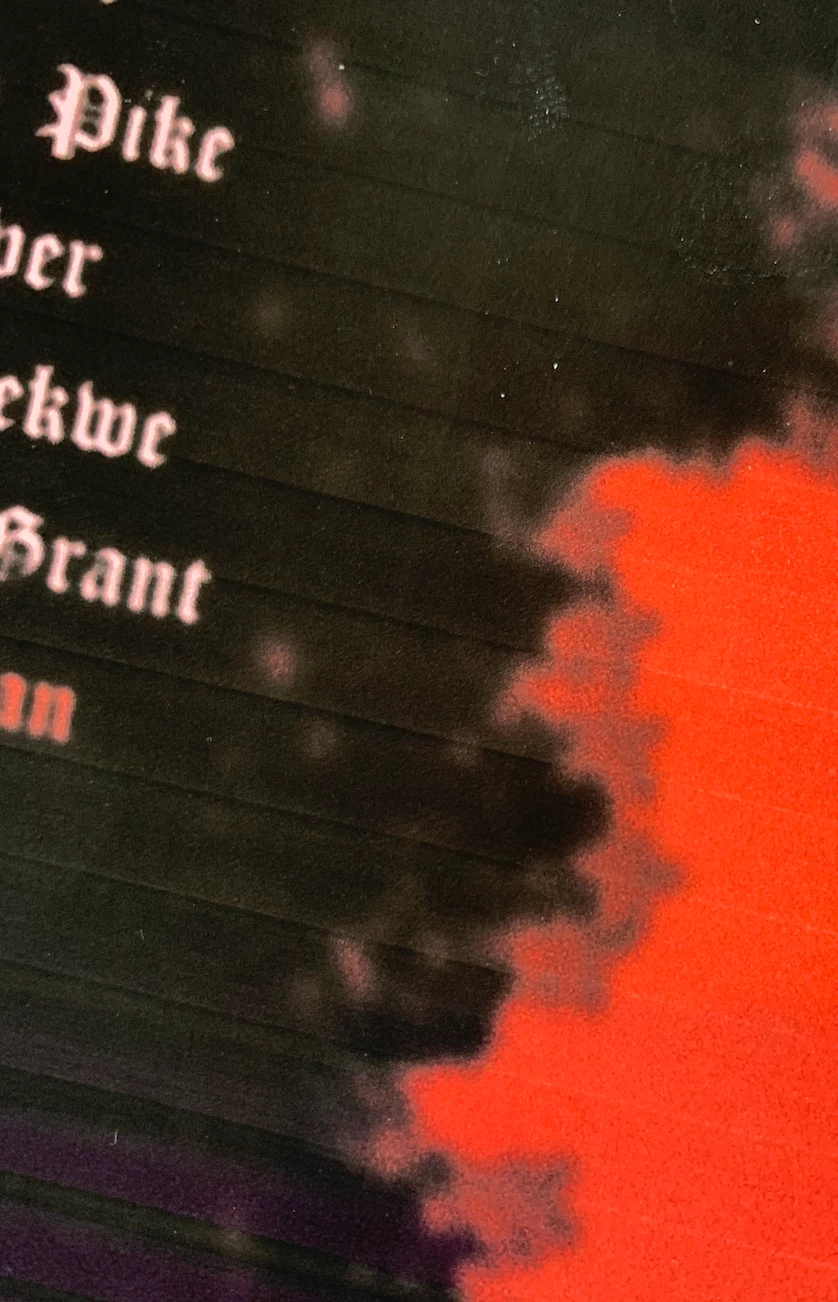
Going around this by first saving the file as a PDF with High Quality Print Settings gets rid of the lines, however the coloursare a lot more washed out and do not match the original print. (See colour comparison below)
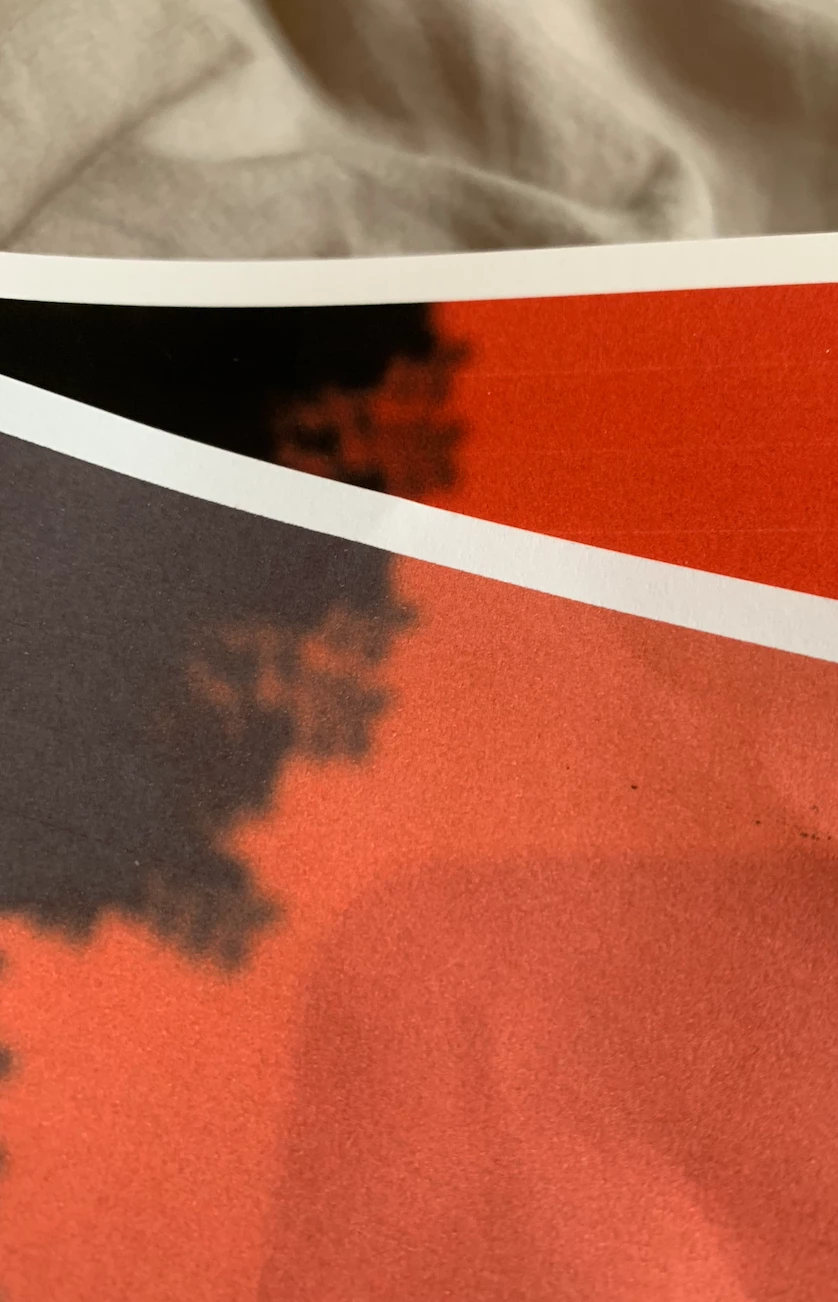
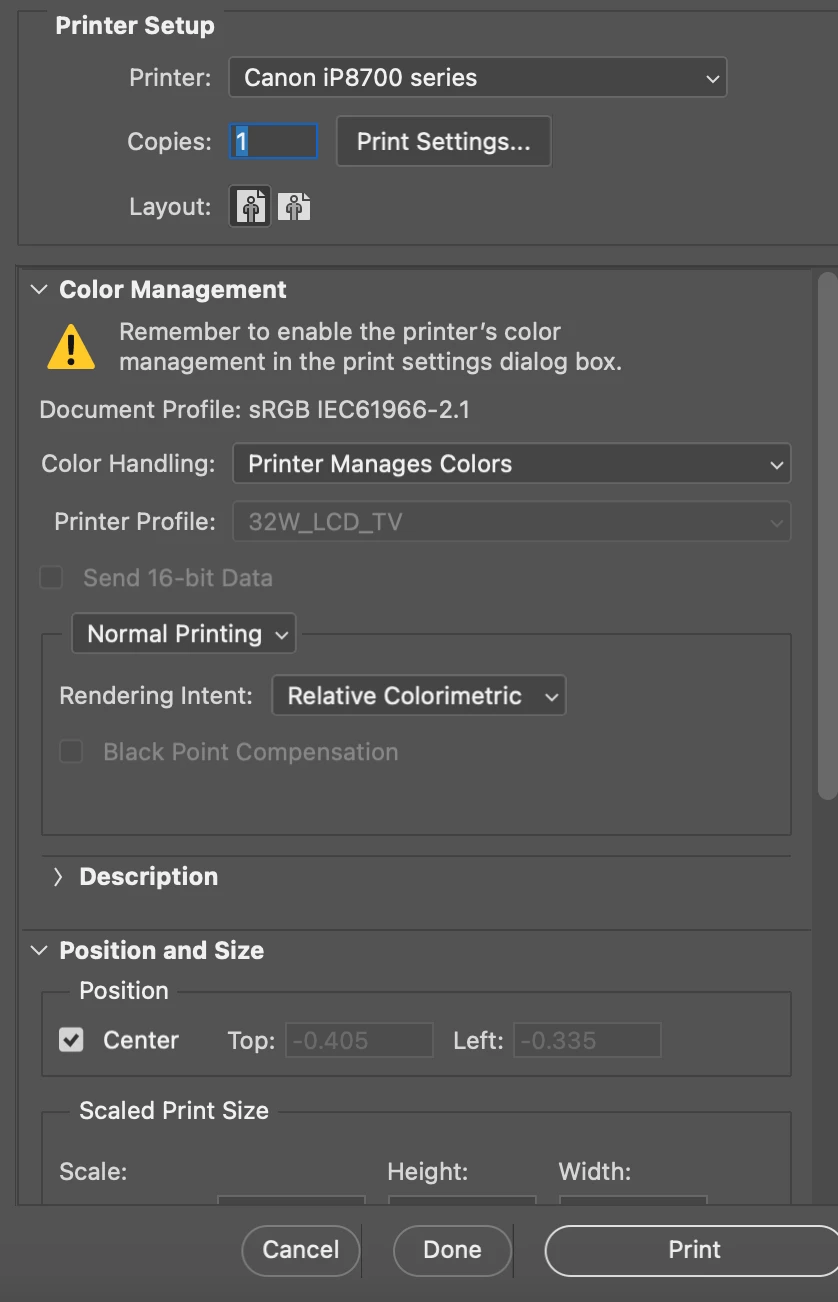
I've tried both letting Photoshop, and the Printer manage colours. Tried with Saturation, Relative Colormetric and Perceptual with the same result.
Is there a way to fix this? Or is there a way to save the file as a PDF without getting the washed out colours? Saving it through the 'Press Qualtity' option seems to fix the preview colours, but the printed out colours are still washed out.
This has been doing my head in, please somebody help 😞
 AdChoices