
Participating Frequently
May 15, 2018
Answered

Printscreen gives error, can't paste, "Could not import the clipboard because an unexpected end-of-file was encountered."

  • May 15, 2018
  • 4 replies
  • 3750 views

If I've used the PrtSc (printscreen) button to capture the screen into clipboard, the program opens with this error:
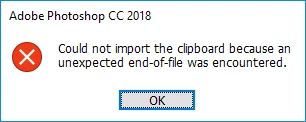
(Used MS Paint to paste this screenshot because Photoshop doesn't let me.)

If I haven't pressed print screen yet, then while the program is open, as soon I press it it will give the error.

I tried updating to the latest Photoshop, and even reset my preferences, but I still get the error with the latest one.
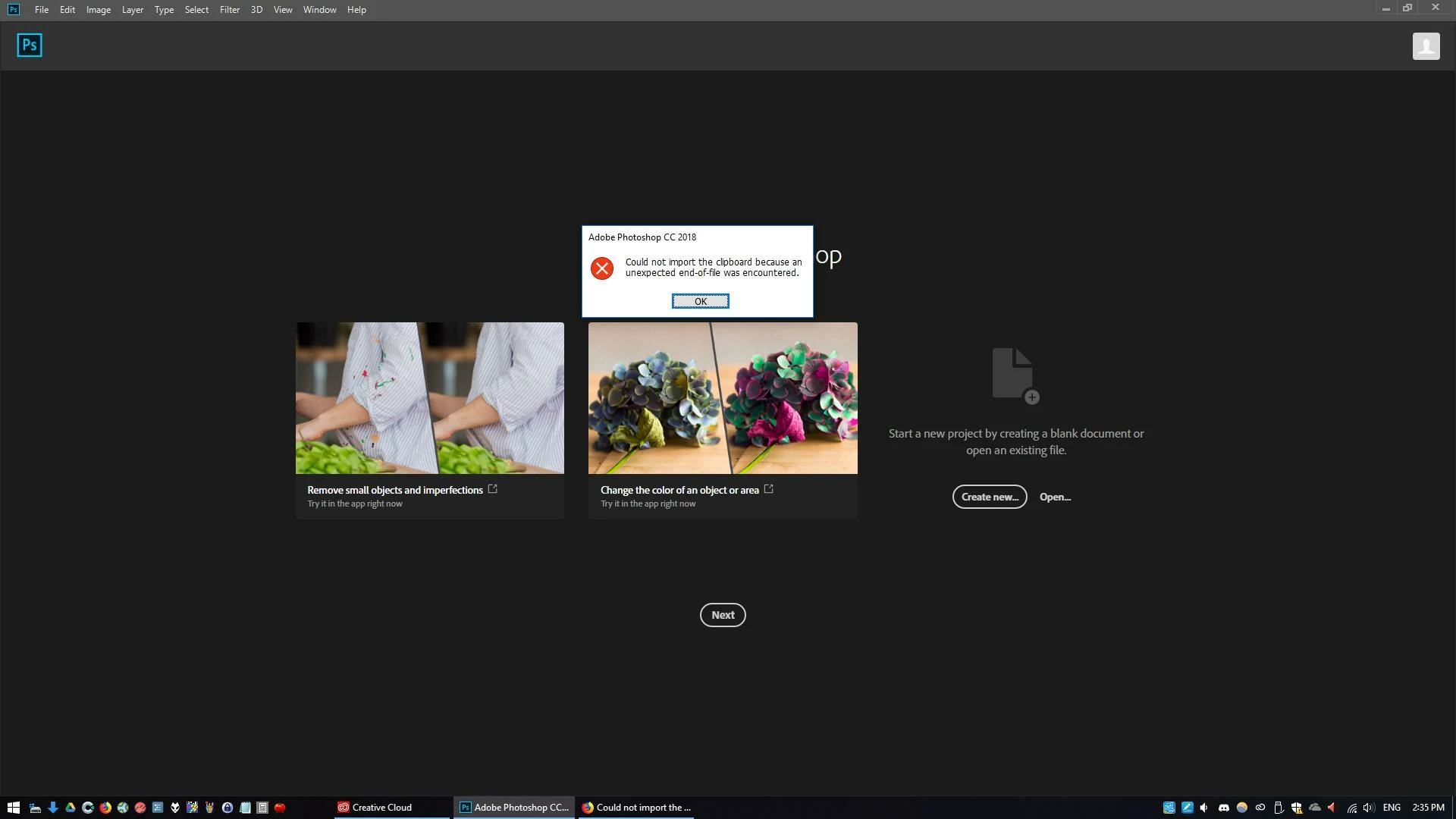
The only thing I can think of that's causing it was that there was a Windows Update yesterday/today.

Thanks for your help!

    This topic has been closed for replies.
    Correct answer magical_Skyline0D4A

    Hello,

    take a look at this article that can help you solve the problem Invalid Numeric Entry - An integer between 96 and 8 is required

    Just in case there's a trick:

    While Photoshop is open Click on your ALT key and Click on the DOWN ARROW > Press your ENTER key to accept MENU > Now the window will be attached to your mouse and just move your mouse until you see the window

    4 replies

    Participating Frequently
    May 16, 2018

    Thanks, that somehow fixed the problem!

    magical_Skyline0D4A
    Inspiring
    May 16, 2018

    You're welcome

    magical_Skyline0D4A
    magical_Skyline0D4ACorrect answer
    Inspiring
    May 15, 2018

    Hello,

    take a look at this article that can help you solve the problem Invalid Numeric Entry - An integer between 96 and 8 is required

    Just in case there's a trick:

    While Photoshop is open Click on your ALT key and Click on the DOWN ARROW > Press your ENTER key to accept MENU > Now the window will be attached to your mouse and just move your mouse until you see the window

    Participant
    May 18, 2018

    Hi

    Do you have another solution to this problem? I followed your instructions on my surface pro and it's still not working... THank you!

    PECourtejoie
    Community Expert
    Community Expert
    May 15, 2018

    Did you change any of the settings for print screen? I know on a mac, we can select to get a PNG, is it possible on a PC?

    JJMack
    Community Expert
    Community Expert
    May 15, 2018

    My windows is up to date and the last update was 5 days ago where Adobe Photoshop latest update 19.1.4 was yesterday. Windows Clipboard is not perfect however I have never had a failure like the you seem to have.  Here I used print screen when Photoshop was not active and also when Photoshop was not active and Paste worked in Photoshop in for print screen capture.

    JJMack
    Participating Frequently
    May 15, 2018

    That's good it's working for you, I hope someone knows why it's happening for me.