
Answered
Problem loading .xmp presets in Photoshop Camera Raw
Hello everyone, where are the folders with the .xmp presets like Modern, Vintage, etc.? When I open Camera Raw in Photoshop, I can see these folders. I have a set of .xmp files that I want to load, but it doesn't allow me to. I would have to import them one by one. There should be a settings folder or something like that where I can create a new folder and place the .xmp files there.
Does anyone know the path?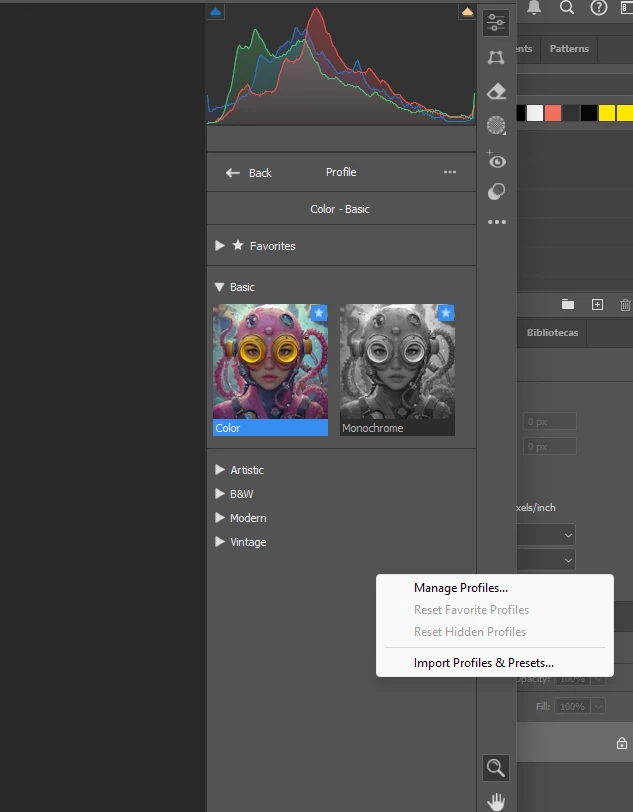
 AdChoices