

daniell49739234
Participant
February 24, 2017
Answered

Problems with lines going through my photoshop screen? Please help.

  • February 24, 2017
  • 1 reply
  • 981 views

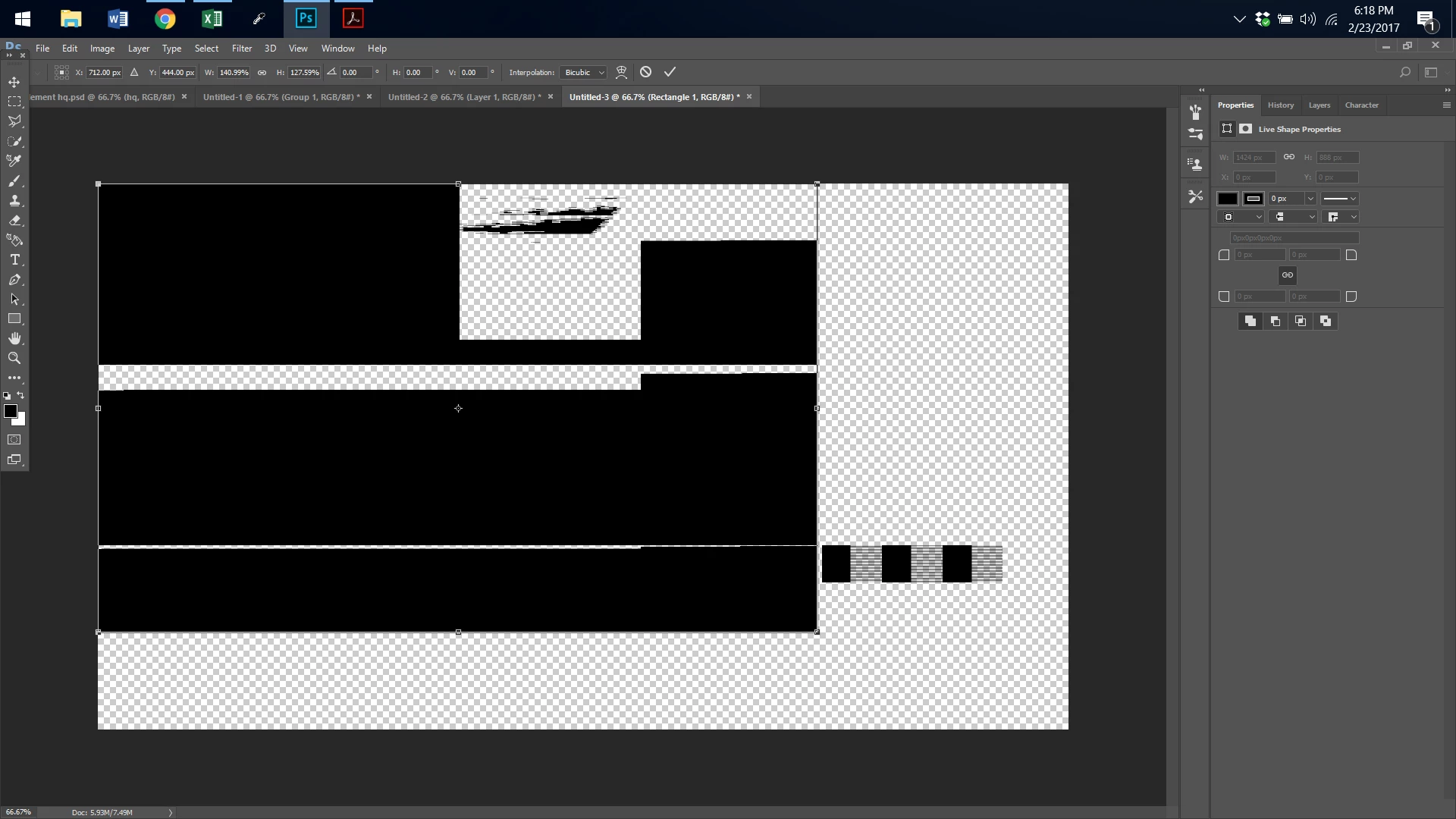
This was just supposed to be a black box.  I can not make anything without everything having lines go through it
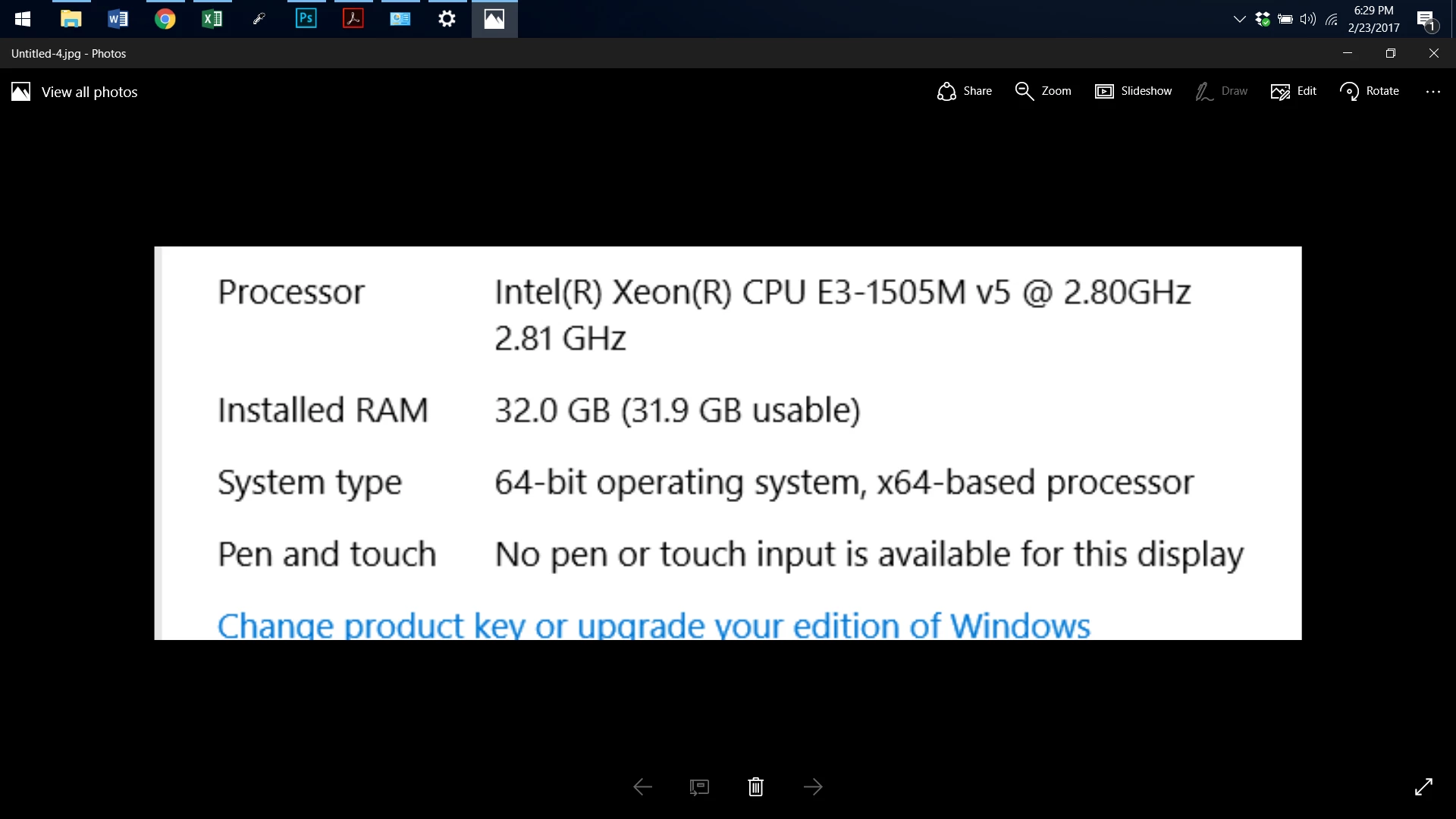
HERE ARE MY COMPUTER STATS.  I USE WINDOWS 10
    This topic has been closed for replies.
    Correct answer Trevor.Dennis

    It looks like a GPU glitch.  Disable GPU acceleration in Preferences > Performance.  If that fixes it, make sure you have the lates video card drivers from the card maker's web site.

    1 reply

    Trevor.Dennis
    Community Expert
    Trevor.DennisCommunity ExpertCorrect answer
    Community Expert
    February 24, 2017

    It looks like a GPU glitch.  Disable GPU acceleration in Preferences > Performance.  If that fixes it, make sure you have the lates video card drivers from the card maker's web site.

    Trevor.Dennis
    Community Expert
    Community Expert
    February 24, 2017
    daniell49739234
    Participant
    February 24, 2017

    Thank you, when i disable the GPU it works fine.   Should I leave it off for good?

