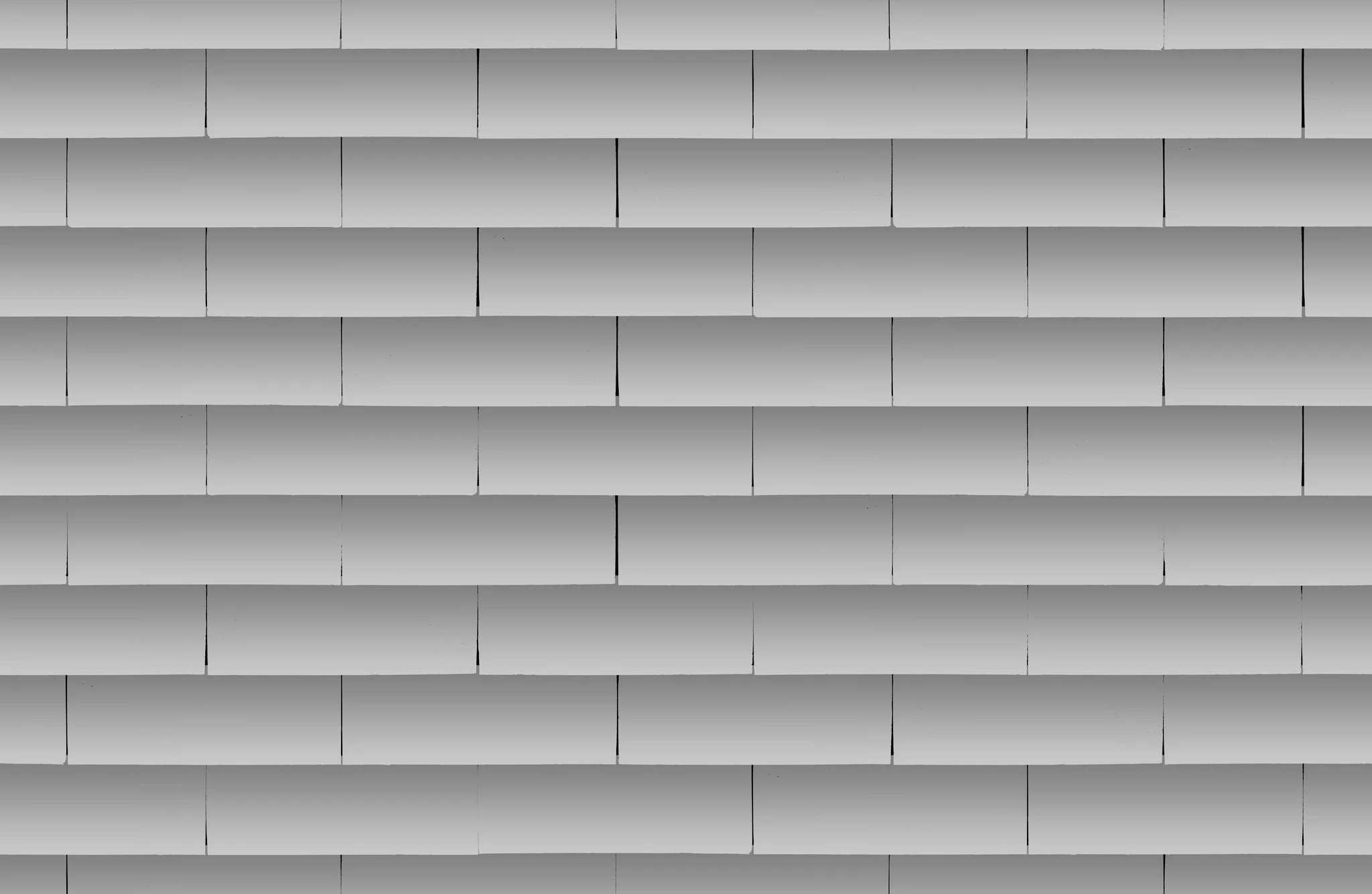
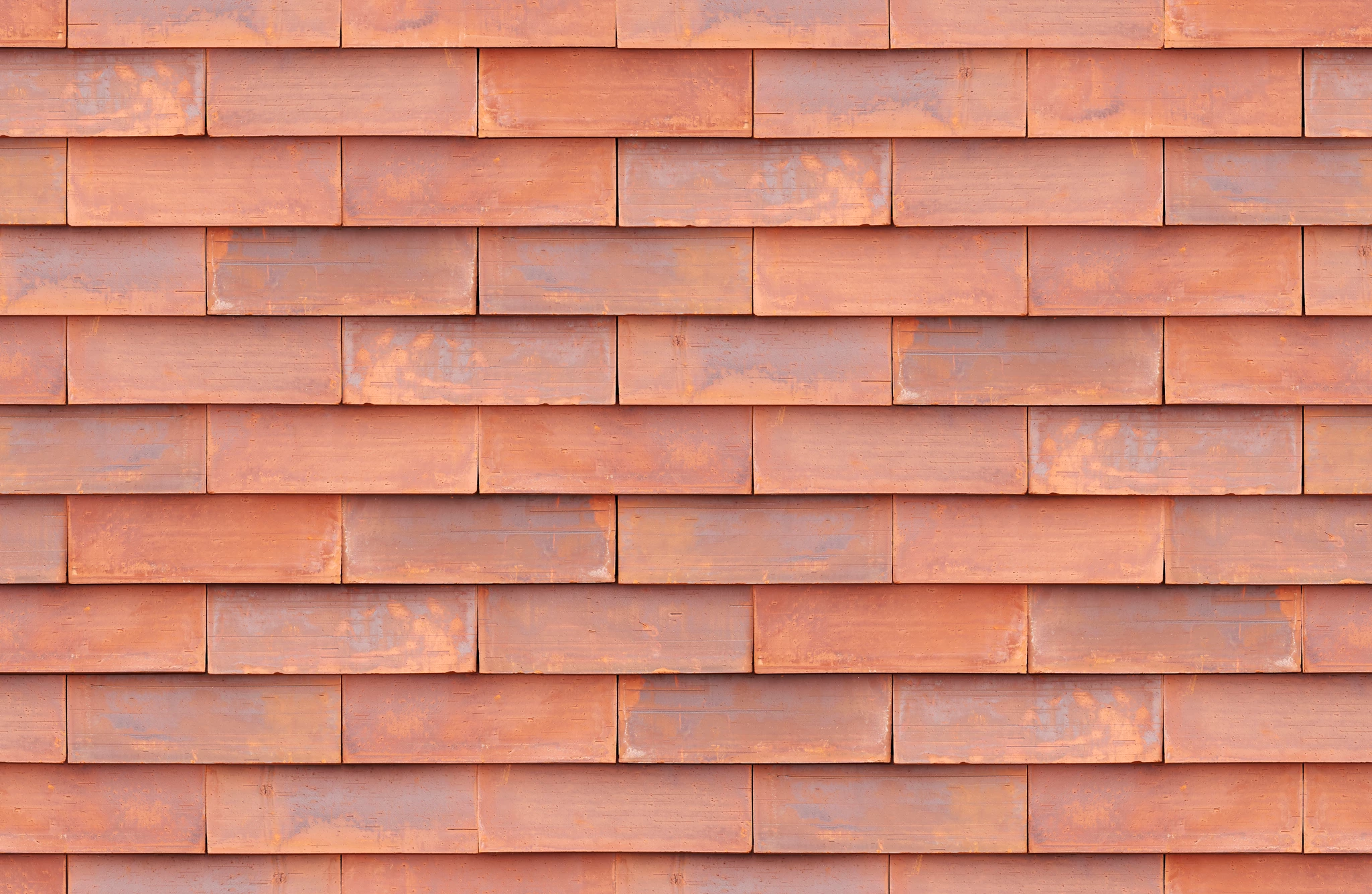
If you just aim to change color of the red brick wall, then go to settings > matching color and select grey wall image as a source… (sorry for the french UI)
I hope this helps neil barstow, colourmanagement net :: adobe forum volunteer google me "neil barstow colourmanagement" for lots of free articles on colour management
You can do this by making a selection of the wall (or if it's on a separate layer by selecting just that layer) and go to the "Adjust Hue and Saturation " pane, then reduce the saturation until you're happy. You may find that the wall loses detail and if that’s the case you may improve that by adding contrast with an S shaped curve in the levels pane. using curves
I hope this helps neil barstow, colourmanagement net :: adobe forum volunteer google me "neil barstow colourmanagement" for lots of free articles on colour management [please only use the blue reply button at the top of the page, this maintains the original thread title and chronological order of posts]
You can transfer the shading by overlaying greyscale layer and setting it to Luminosity
That gives you the shading but they are looking too smooth to be real, so overlaying this rough stone texture
And setting it to Soft Light gives the bricks some texture.
If you want to add a mortar joint, paint some hard grey lines and give them some noise and an inner Shadow layer style. Set to Disolve to give a rougher edge