
Participant
October 18, 2023
Question

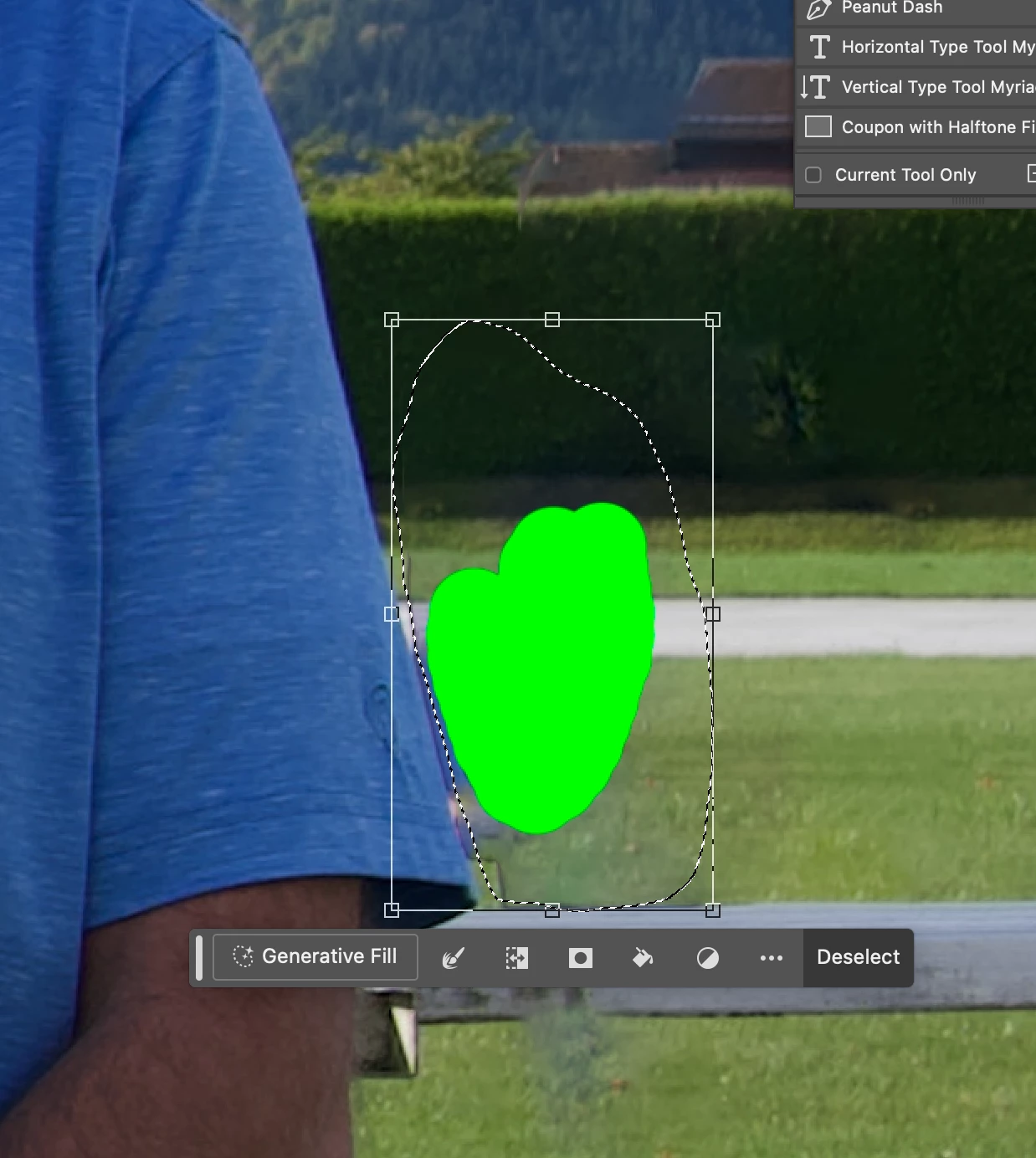
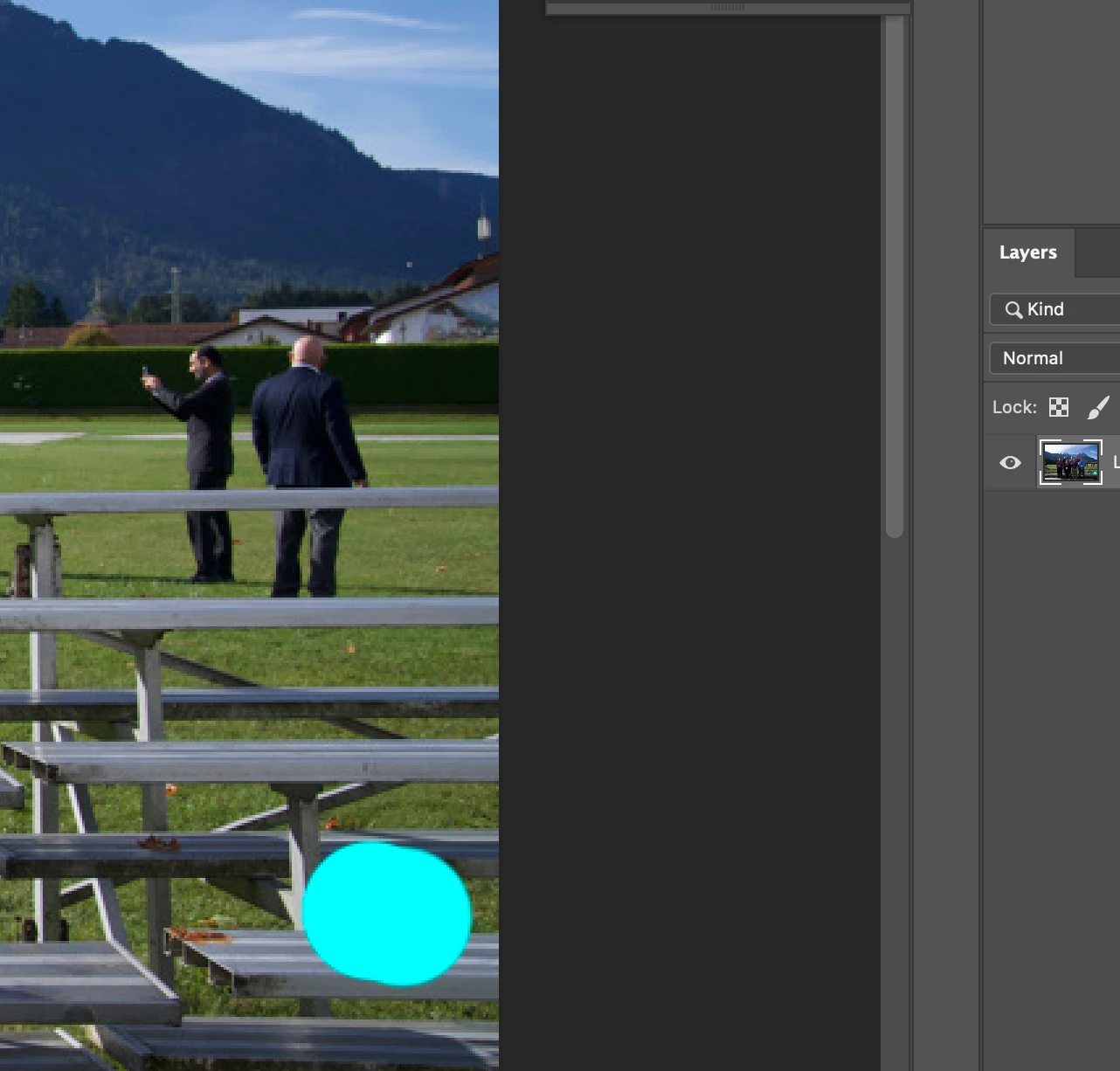
Remove tool fills in color instead of content aware

  • October 18, 2023
  • 5 replies
  • 2309 views

Hi, I updated my photoshop and when I use the remove tool it fills in the area with a color. Everytime I select the area it fills in with a color like a paint brush. I have sample all layers selected and remove after each stroke selected. I'm using Photoshop 25.0 and Mac OS Monterrey version 12.7
This topic has been closed for replies.

5 replies

Known Participant
October 30, 2023

Both reinstalling and also downgrading (25.0.0) did not solve this issue for me.  Will follow the link on @mj73_2 sent.

@mj
Community Expert
Community Expert
October 30, 2023

Hi,


I tested it on Mac and it work fine.


Try the suggestions from this thread,


https://community.adobe.com/t5/photoshop-ecosystem-discussions/remove-tool-not-working-correctly/td-p/14140171


hth

mj

iMSD

Known Participant
October 30, 2023

Upgraded my iMac to 12.7.1 and problem still exists.  I will try a reinstall of PS next.

Bojan Živković11378569
Community Expert
Community Expert
October 30, 2023

I do not see a problem on Windows, so it appears to be a Mac-related issue.

Known Participant
October 30, 2023

I  am having the same issue.  iMac with MacOS 12.7 on 25.1.0 release of photoshop.