williamb67390983
Participant
April 9, 2017
Answered

Removing Faux Finish brush preset completely forexample

  • April 9, 2017
  • 1 reply
  • 792 views

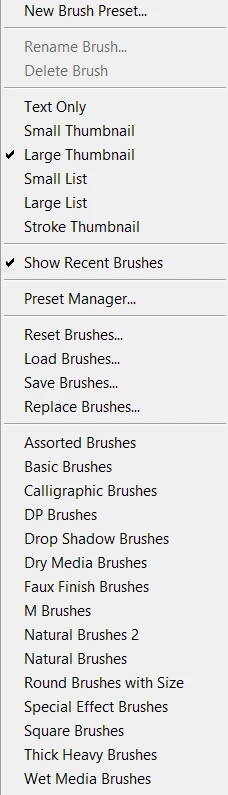
Yeah as the titel said, how to remove Faux Finish brush preset completely for example.

I want all the brush presets like DP Brushes and Calligraphic gone completely, if possible : )

It is possible to delete the brushes but not the whole presets. And if I switch from a preset to another then the deleted brushes is still avalible under the presets.

So all in all. I would like to all my brush presets completely gone : )

(Reason I maybe have a little OCD, it's a mess for me to have something I don't use)
This topic has been closed for replies.
Correct answer Trevor.Dennis

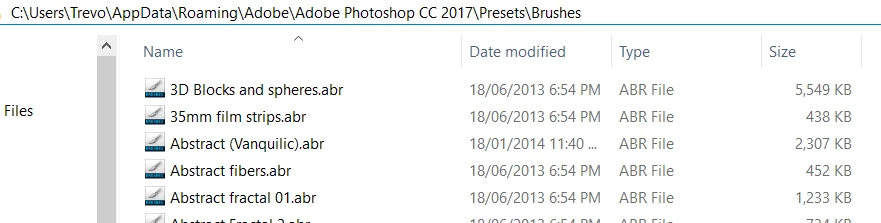
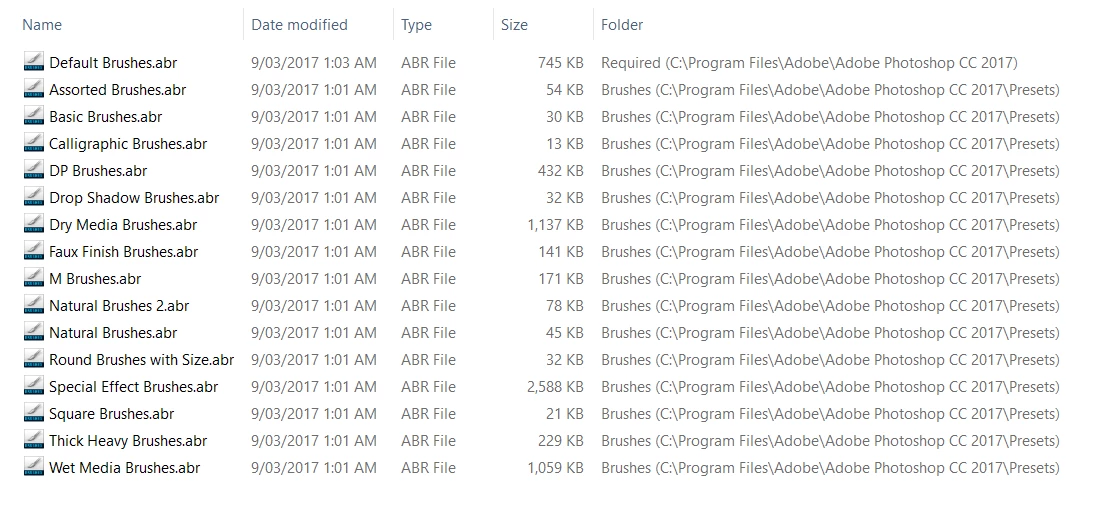
I'm guessing that you have reset the brush panel so you are only left with the default standard set?  The Calligraphy brush set is one of those installed with Photoshop, and can be found in the location shown below. (click to expand to see easier)

If you have additional brush sets, thei location will depend on where you put them, but I like to use the 'App Data\Roaming...'  location.

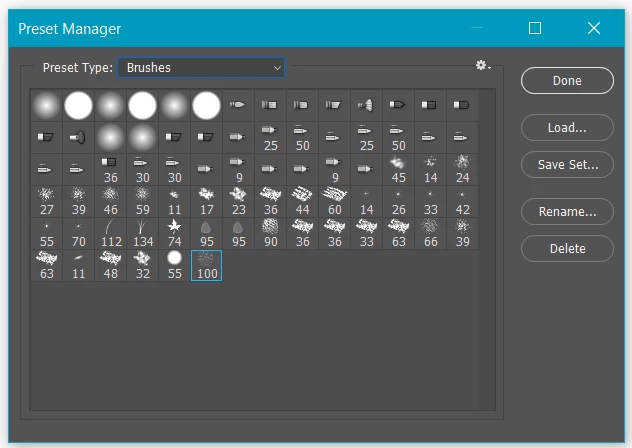
You can delete these sets, or change the file extension to something like .bak.  Or you can modify the sets with the Preset Manager

1 reply

Trevor.Dennis
Community Expert
Trevor.DennisCommunity ExpertCorrect answer
Community Expert
April 9, 2017

I'm guessing that you have reset the brush panel so you are only left with the default standard set?  The Calligraphy brush set is one of those installed with Photoshop, and can be found in the location shown below. (click to expand to see easier)

If you have additional brush sets, thei location will depend on where you put them, but I like to use the 'App Data\Roaming...'  location.

You can delete these sets, or change the file extension to something like .bak.  Or you can modify the sets with the Preset Manager