
Participant
March 1, 2017
Answered

Repeating frame error in Photoshop CS6

  • March 1, 2017
  • 1 reply
  • 964 views

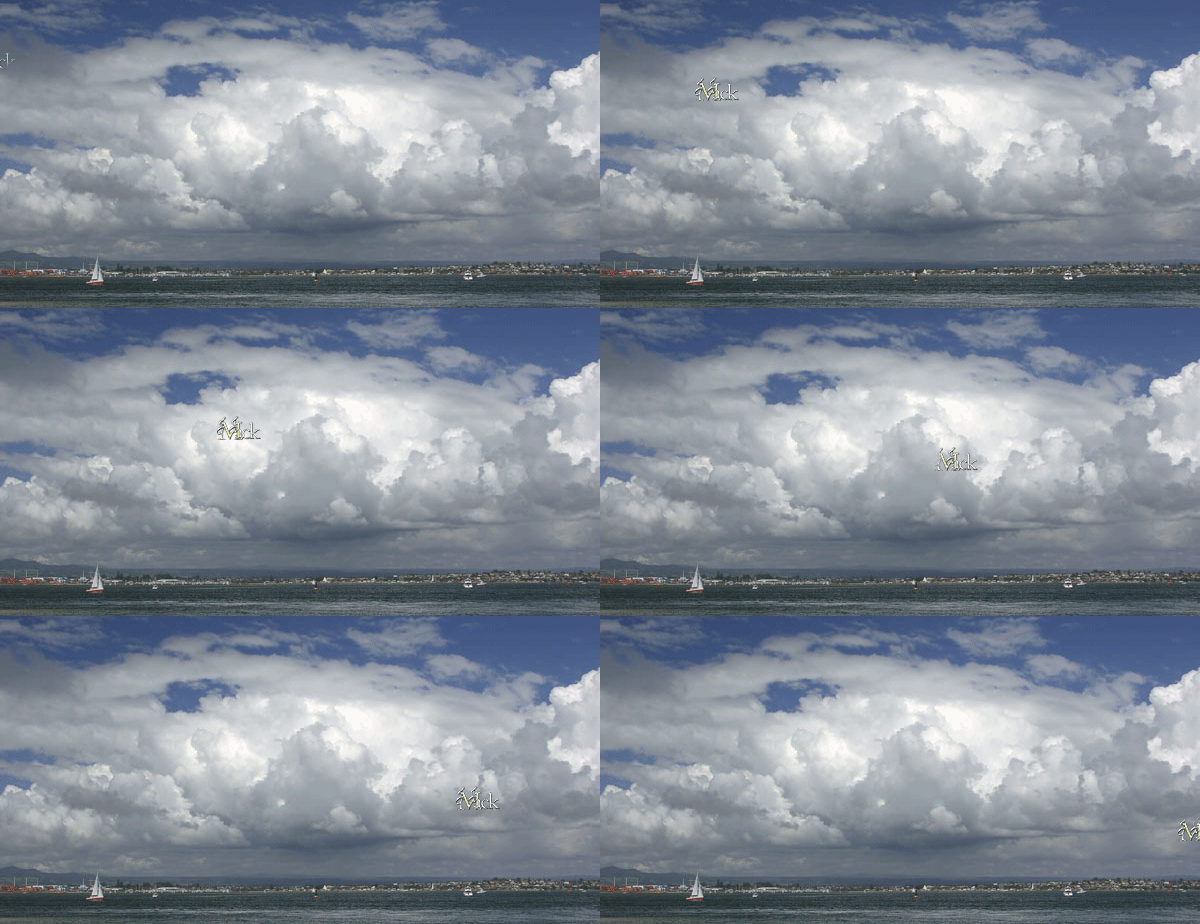
I've been making gifs for a few years now, and usually things go well. But sometimes, it seems randomly, I get this weird error when i open up a gif I've previously made in Photoshop (to add text, to adjust frame rates, etc.) where the first few frames will play normally but the rest of the reopened gif is just made up of the same frame repeated. Like, let's say I've got this 30-frame gif that previously had played just fine when i saved it, viewed it in the Save to Web preview window, and uploaded it to tumblr, but when i open it back up in Photoshop it looks like 12345677777777777 and so on for the rest of the 30 frames. What is going on here??
This topic has been closed for replies.
Correct answer JJMack

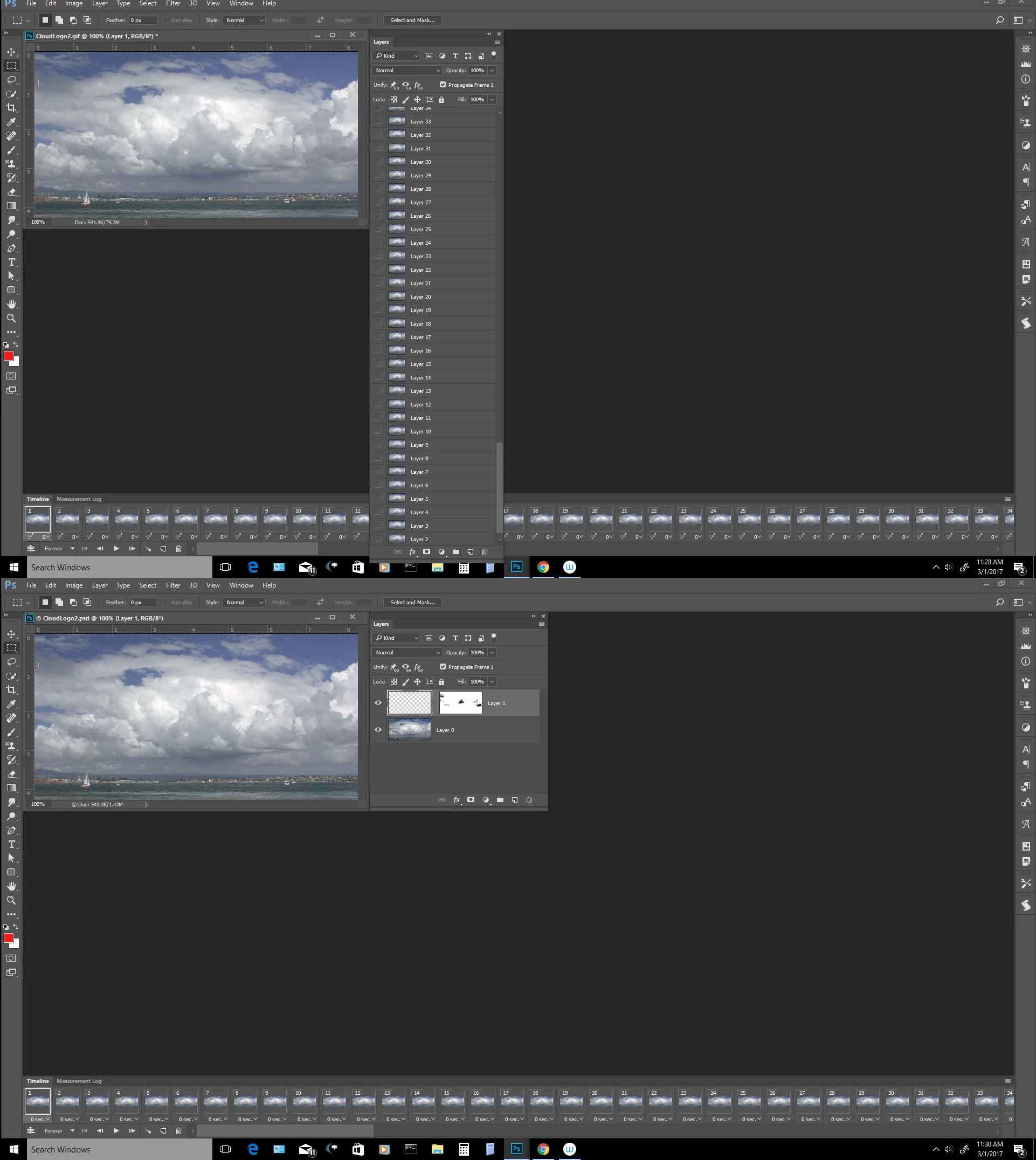
Is you PSD file corrupt or are you opening the animated gif you created from your layers document? You should always save your layered document and update   your animated gif using your layerd document IMO.

Why would you want to work with you GIF frames rather then work with your documents layers?  IMO you are asking for problems if you are working from your .gif.  You do not have your original layers, layer mask. layer styles etc. in your .GIF file... Instead you have poor color composite  gif frame layers.

1 reply

JJMack
Community Expert
JJMackCommunity ExpertCorrect answer
Community Expert
March 1, 2017

Is you PSD file corrupt or are you opening the animated gif you created from your layers document? You should always save your layered document and update   your animated gif using your layerd document IMO.

Why would you want to work with you GIF frames rather then work with your documents layers?  IMO you are asking for problems if you are working from your .gif.  You do not have your original layers, layer mask. layer styles etc. in your .GIF file... Instead you have poor color composite  gif frame layers.

JJMack