Exit
  • Global community
    • Language:
      • Deutsch
      • English
      • Español
      • Français
      • Português
  • 日本語コミュニティ
  • 한국 커뮤니티
0

Resizing Image Window in Photoshop using Javascript

Community Beginner ,
Sep 21, 2013 Sep 21, 2013

I write many scripts using the ScriptListener as my base for obtaining my scripts. One of the steps I need is to resize the Image window so I can properly place a logo on an image. When I resize the image using File>Automate>Fit Image. The Image Window shrinks down and I have to use Control 0 or Command 0 to resize the image window to be able to view a larger image on the screen to place the logo.

This is the Image Window Size after File>Automate>Fit Image
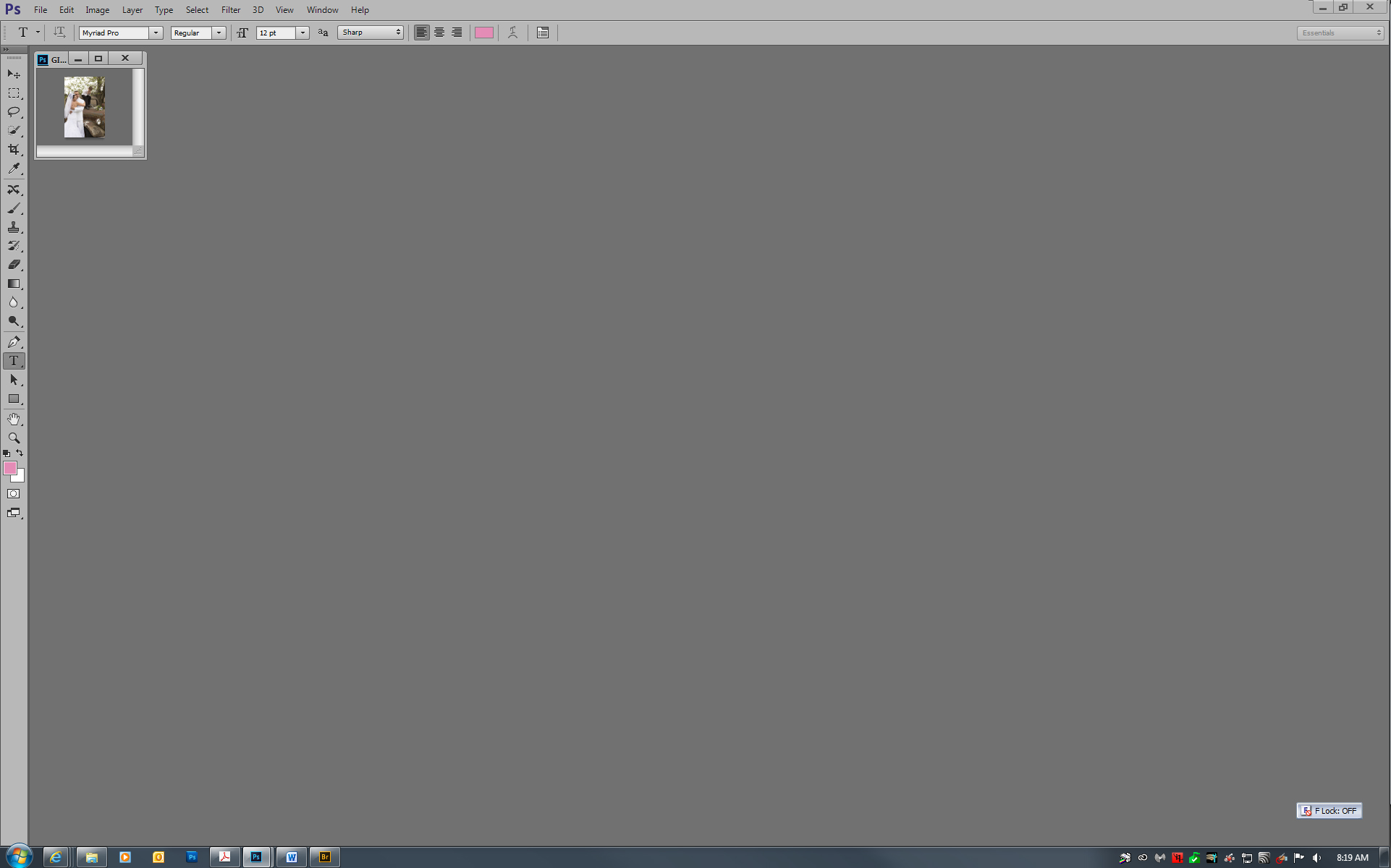
Size After Fit Image.jpg

I need ot make the Image Window Larger using Control or Command 0
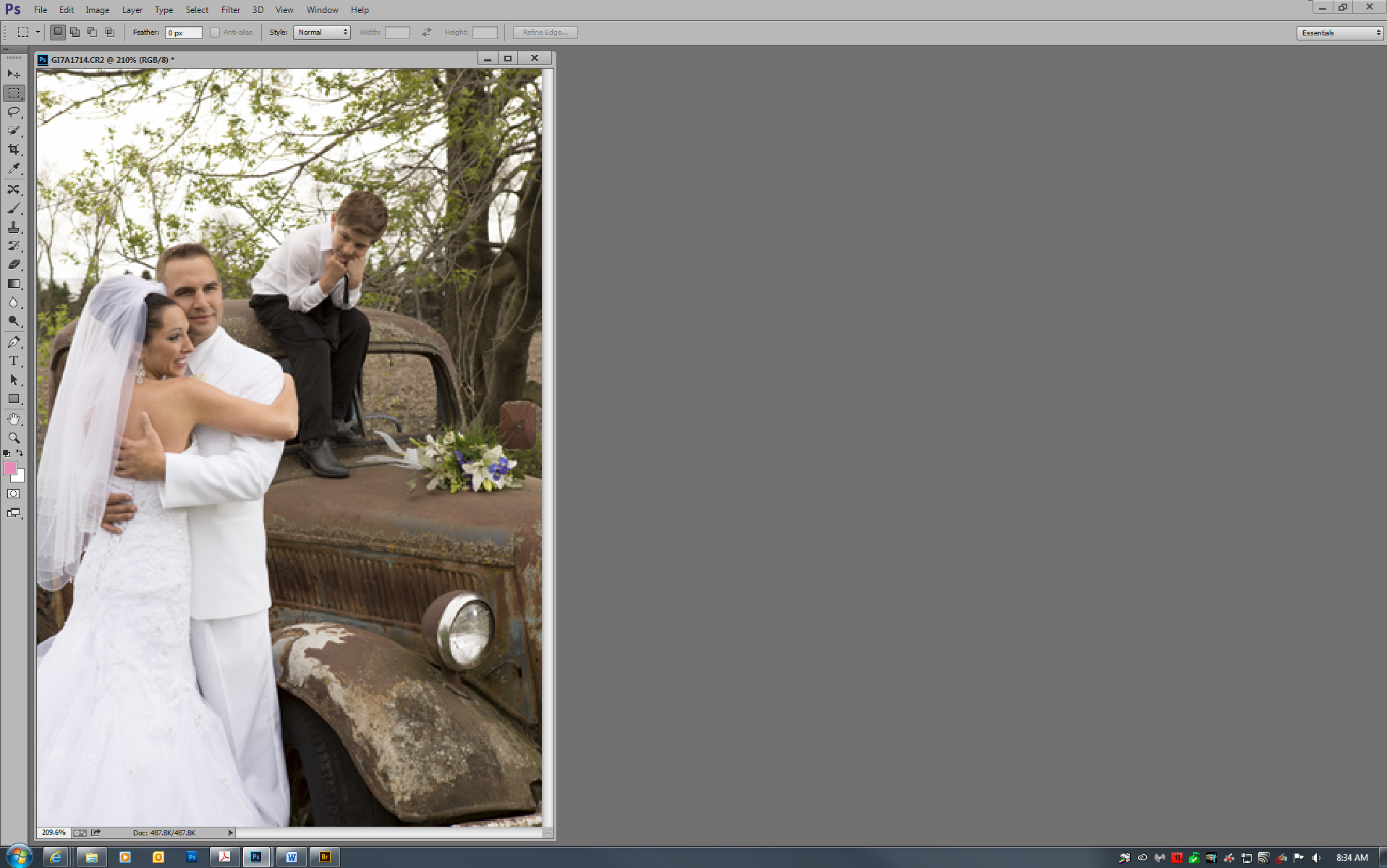
Size After Fit Image2.jpg

ScriptListener does not record this step of Control or Command 0.

Is there a script that anyone knows that does this?

It would be a great time saver if there was.

Thanks in advance for assisting me.

WorkflowMaster

TOPICS
Actions and scripting
1.6K
Translate
Report
Community guidelines
Be kind and respectful, give credit to the original source of content, and search for duplicates before posting. Learn more
community guidelines

correct answers 1 Correct answer

Deleted User
Sep 21, 2013 Sep 21, 2013

Hi Workflowmaster,

Can you check the below mentioned script for your solution...

I think it can be works.......

- yajiv

Code :

Fit_ON_Screen();

function Fit_ON_Screen(){

        var idslct = charIDToTypeID( "slct" );

        var desc64 = new ActionDescriptor();

        var idnull = charIDToTypeID( "null" );

        var ref44 = new ActionReference();

        var idMn = charIDToTypeID( "Mn  " );

        var idMnIt = charIDToTypeID( "MnIt" );

        var idFtOn = charIDToTypeID( "FtOn" );

        ref44.

...
Translate
Adobe
Guest
Sep 21, 2013 Sep 21, 2013

Hi Workflowmaster,

Can you check the below mentioned script for your solution...

I think it can be works.......

- yajiv

Code :

Fit_ON_Screen();

function Fit_ON_Screen(){

        var idslct = charIDToTypeID( "slct" );

        var desc64 = new ActionDescriptor();

        var idnull = charIDToTypeID( "null" );

        var ref44 = new ActionReference();

        var idMn = charIDToTypeID( "Mn  " );

        var idMnIt = charIDToTypeID( "MnIt" );

        var idFtOn = charIDToTypeID( "FtOn" );

        ref44.putEnumerated( idMn, idMnIt, idFtOn );

        desc64.putReference( idnull, ref44 );

        executeAction( idslct, desc64, DialogModes.ALL );

     }


Translate
Report
Community guidelines
Be kind and respectful, give credit to the original source of content, and search for duplicates before posting. Learn more
community guidelines
Community Beginner ,
Sep 22, 2013 Sep 22, 2013

All I can say is WOW,

Thank you very much for your assistance. May you have a blessed day.

WorkflowMaster

Translate
Report
Community guidelines
Be kind and respectful, give credit to the original source of content, and search for duplicates before posting. Learn more
community guidelines
Mentor ,
Sep 23, 2013 Sep 23, 2013

Fit in widow doesn't have a dialog so the DialogModes should be NO.

Better yet use the DOM app method

app.runMenuItem(charIDToTypeID( "FtOn" ));

Translate
Report
Community guidelines
Be kind and respectful, give credit to the original source of content, and search for duplicates before posting. Learn more
community guidelines
Guest
Sep 24, 2013 Sep 24, 2013
LATEST

Its Awesome Michael.....

Thanks for leaning new thinking....

-yajiv

Translate
Report
Community guidelines
Be kind and respectful, give credit to the original source of content, and search for duplicates before posting. Learn more
community guidelines

