ck931630615
Participant
April 4, 2020
Frage

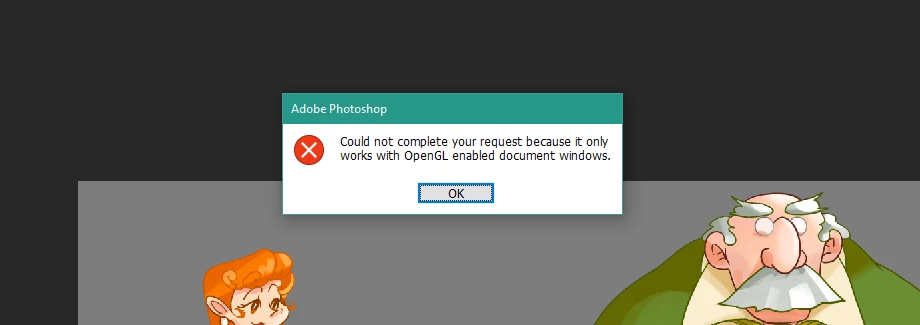
Rotate tool and Scrubby zoom is not working

  • April 4, 2020
  • 3 Antworten
  • 1561 Ansichten

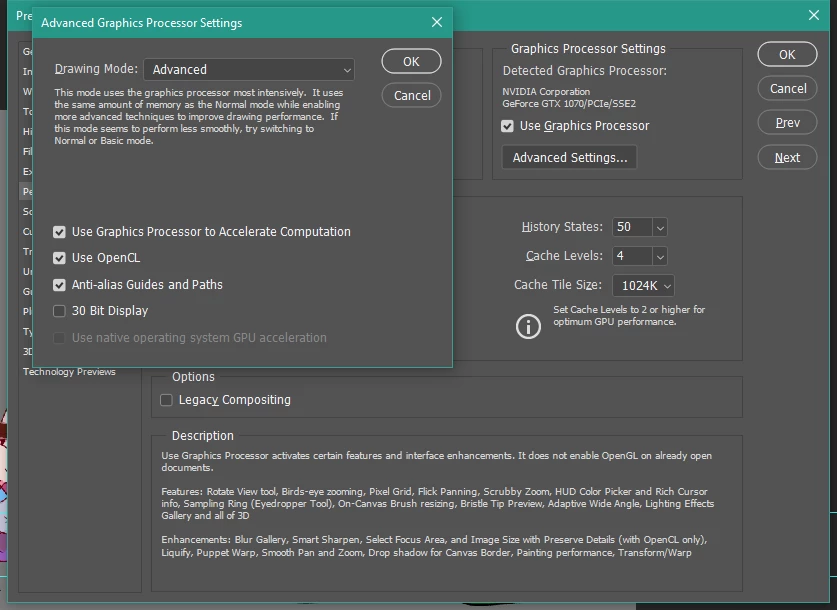
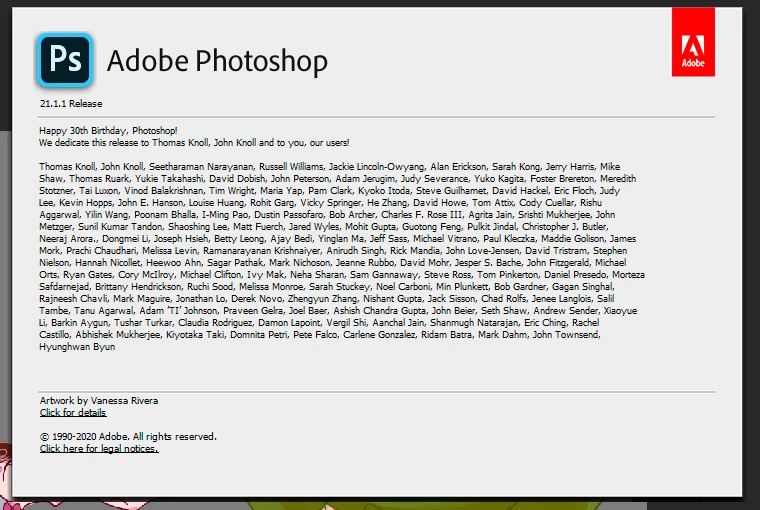
I 've been using Photoshop 2018 for two years, it works just fine until yesterday Scrubby zoom option greyed out. I tried the preference setting but it doesn't help. Then I installed the 2020 version, and it works perfectly in the first few hours. Suddenly scrubby zoom and rotation tool greyed out again. Then I keep uninstall and install, uploaded my video card driver to the latest.  Checked the Graphics Processor setting.  But the problems are not solved.

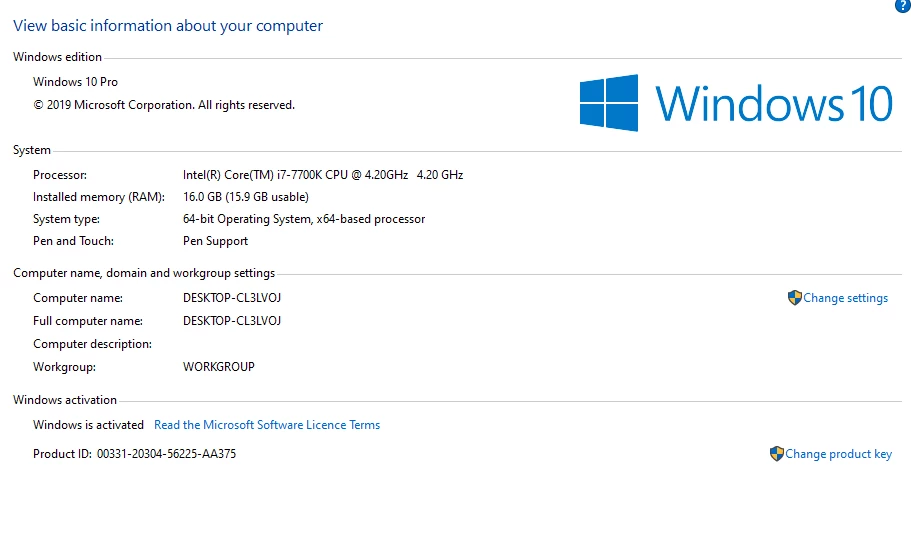
My system is 
 

Dieses Thema wurde für Antworten geschlossen.

3 Antworten

Known Participant
September 23, 2020

Do you know if Scrubby Zoom is there until you resize an image? It was happening to me everytime I resized and image.


This is what worked for me...

First, just in case, go to "Preferences" and select "General" and hit "Reset Preferences on Quit".  Just to clear everything out.

NOW. Open an image. Go to "Image" and select "Image Size". BUT instead of doing what you usually do, on the drop down menu for "Resample" select "Preserve Details 2.0" instead of Automatic. And resize your image. It should work fine after that.

At least on my computer Photoshop chokes when on the "Automatic" or the original "Preserve Details" setting.  "Preserve Details 2.0" seems fine.

gener7
Community Expert
Community Expert
April 4, 2020

If that does not work, Reset Preferences:

ck931630615
Participant
April 5, 2020

Thanks for your reply, but my problems are still there...

Known Participant
September 20, 2020

Have you had any luck? I have the same video card and similar issues. When I resize an image, I lose scrubby zoom. I'm thinking of getting a different video card perhaps.

gener7
Community Expert
Community Expert
April 4, 2020
gener7
Community Expert
Community Expert
April 5, 2020

Sorry to hear that. 😞  I'll leave the topic to someone who might have a better idea.


Gene