


sabreh35149647
Participant
February 5, 2018
질문

Screenshots & pngs not showing up in Photoshop

  • February 5, 2018
  • 3 답변들
  • 2825 조회

Whenever I place a screenshot in photoshop it shows up like this (and what that photo is is not even the screen shot):
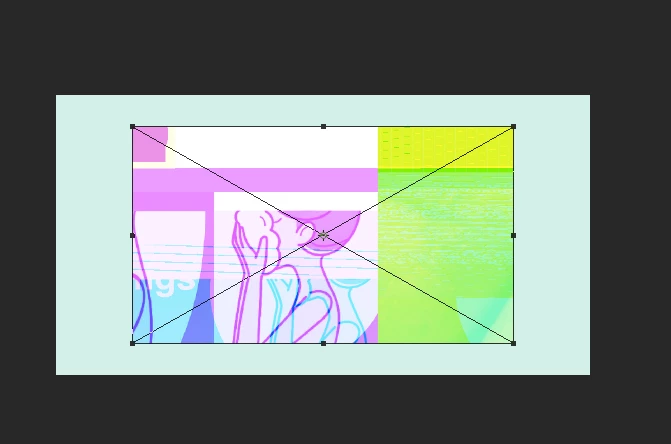
It looks fine in preview.

Even my transparent images I exported from illustrator that I made aren't showing up and look like this:
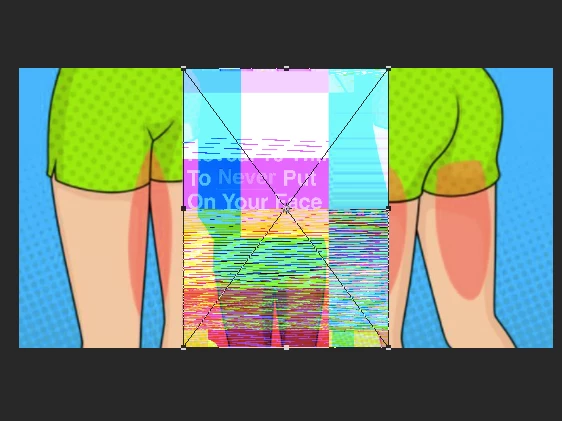
    이 주제는 답변이 닫혔습니다.

    3 답변

    Participant
    April 24, 2018

    Hay, I have been suffering with the same png/Mobile/Screenshot images issues on Photoshop, but accidentally discovered a technique to over come this bug.

    1. Open your png image in a browser like mozilla/Chrome

    2. Right click on the image > Copy Image

    3. Paste it on your current photoshop/Illustrator file, you must see the actual png the way you noticed it actually.

    Hope this bug must be fixed by Adobe.

    Mohit Goyal
    Community Manager
    Community Manager
    April 24, 2018

    Hi ravindrap,

    Thanks for providing the workaround.

    Regards,

    Mohit

    Mohit Goyal
    Community Manager
    Community Manager
    March 14, 2018

    Hi sabreh,

    This problem should be fixed after the Photoshop 19.1.2 update. You can install this update via Creative Cloud desktop app.

    Also, you can refer the list of the fixed issues after the Photoshop 19.1.2 update, here: Fixed issues in Adobe Photoshop CC

    Regards,

    Mohit

    c.pfaffenbichler
    Community Expert
    Community Expert
    February 5, 2018