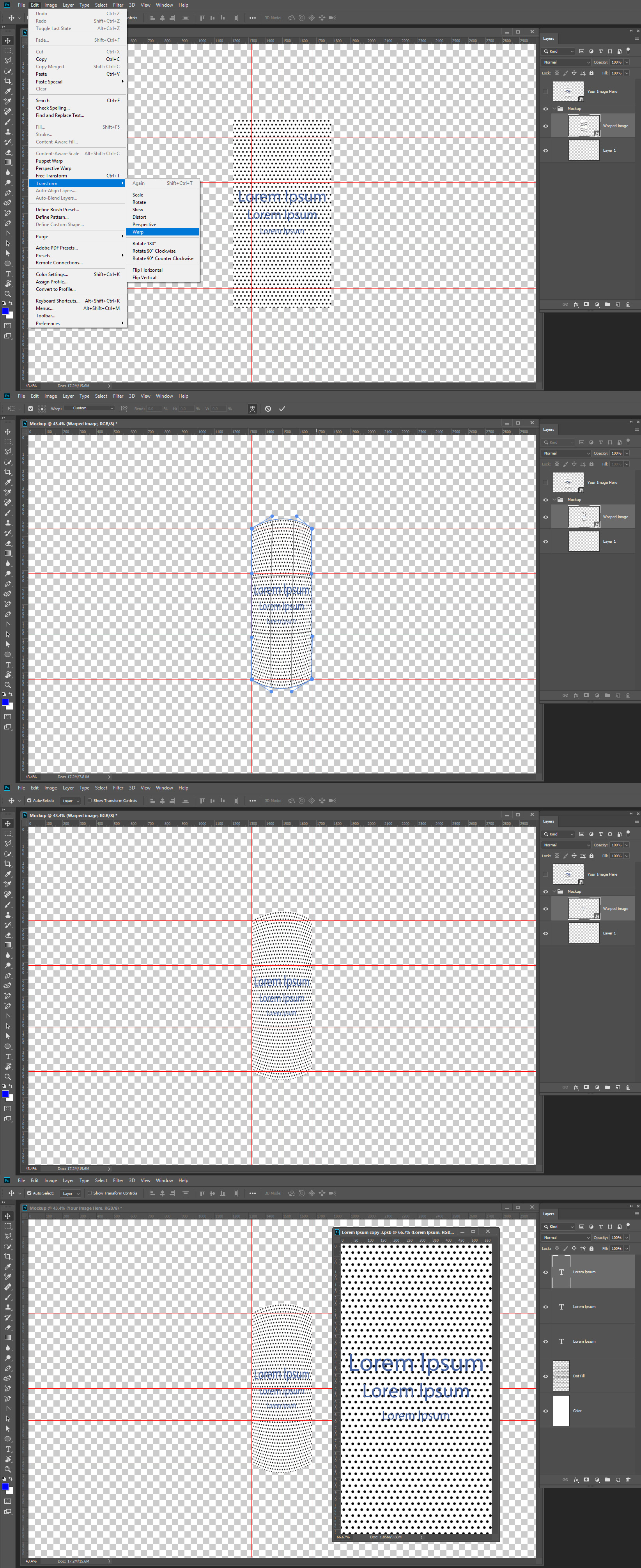
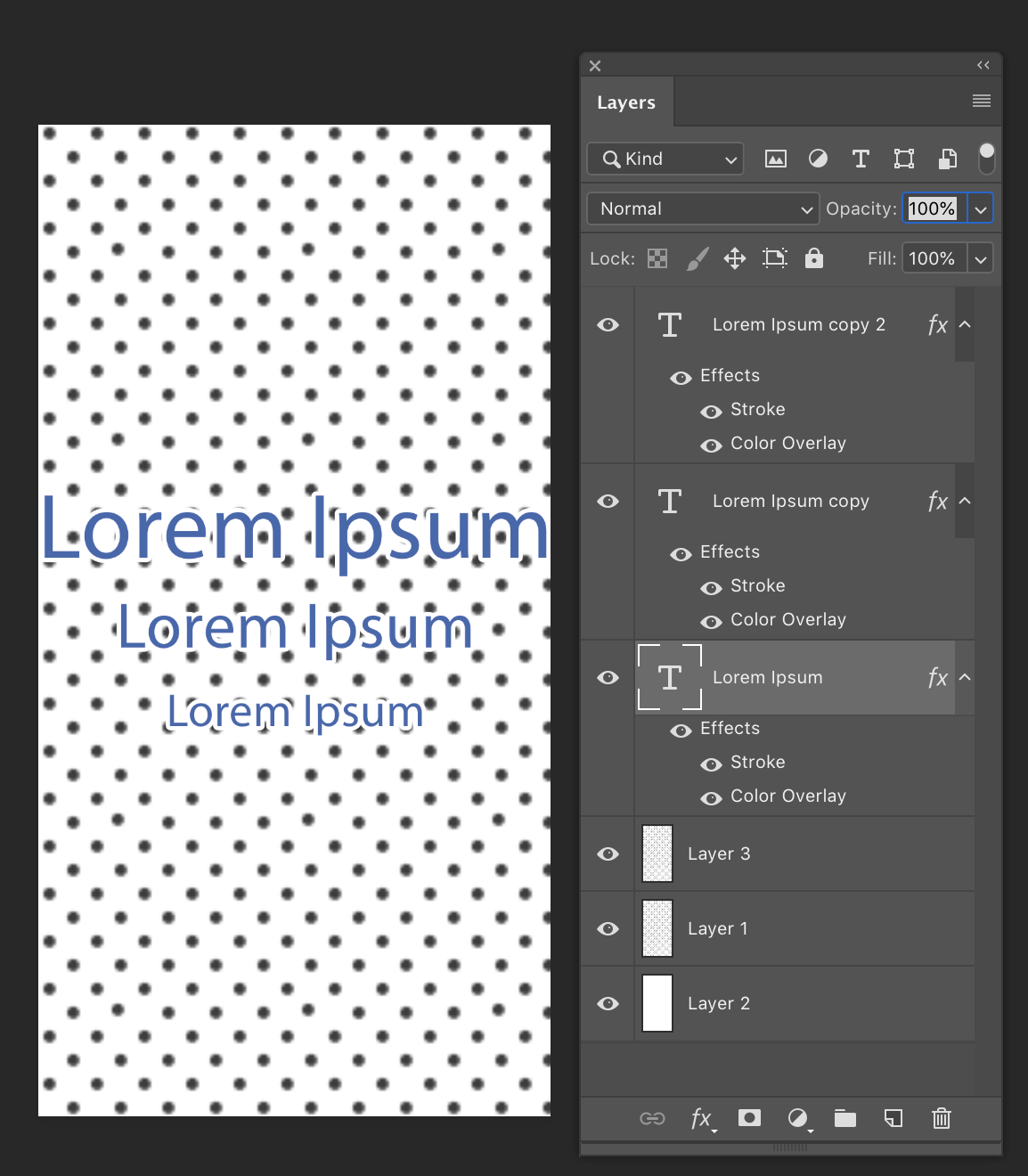
If you use Ctrl+J on a smart object layer the duplicated smart object layer will share the original smart object layer object. There will the two layer with two different associated layer transforms. If you replace the object the content of both layer change. Mockup templates are often created using this feature to their advantage the. Top level Smart object layers are normally set not to be visible in the document composite. Their visibility is off or fill set to 0 or opacity set to 0. You normally see these layer will have a name like you Image here. Inside the mock there or other smart object layer that share these top smart object layers objects. These layers associated transform position size and distort the images for the template perspective.
The Major problem is if you use replace content the replacement files need to be the correct size. The aspect ration, the number of pixels and the Print DPI resolution need to be exactly the same as the objects in the template. For the existing associated transform to work correctly. The associated transform are not replaced or changes when replace content is used and replace content seem to use Photoshop Place that resized images basted on DPI Print resolution. Place is a strange feature.
JJMack






 2
Replies
2
Replies





 AdChoices