
Question
Something wrong with my colour range selection
I know how to use the ' Colour Range' to select the colour I want.
However, I have no idea why it doesn't work now.
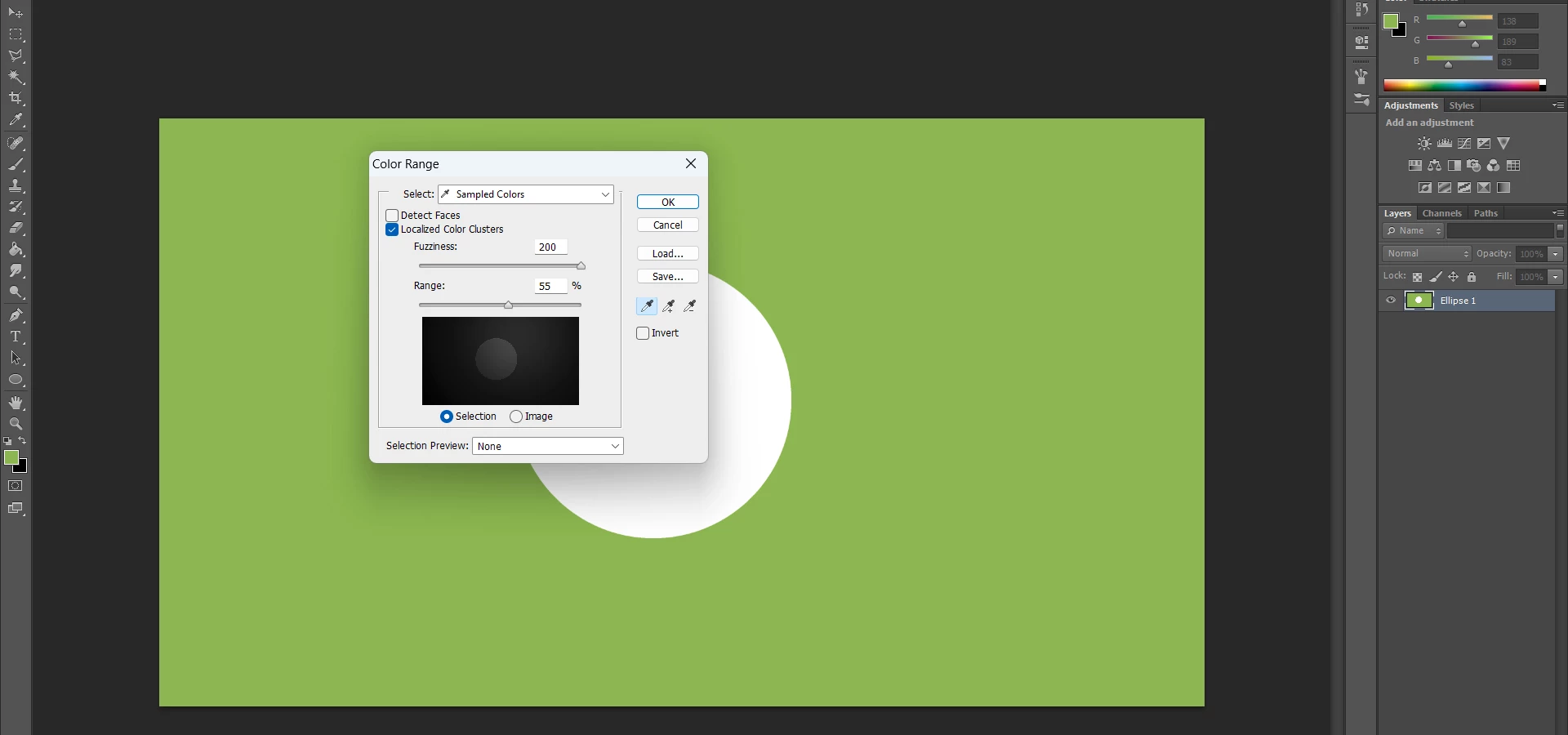
I cannot select any colours even that colour is solid.
It is the example that I selected the green area below, it showed nothing if I selected the white circular area (all black in the that selection window).
 AdChoices