
taimingkoh
Participant
September 3, 2018
Answered

Tab/Window automatically hides when clicking outside of it

  • September 3, 2018
  • 1 reply
  • 2280 views

[19.1.6 Release] [macOS 10.13.6]

When dragging a tab out it opens a window on the primary workspace as shown in the picture below:
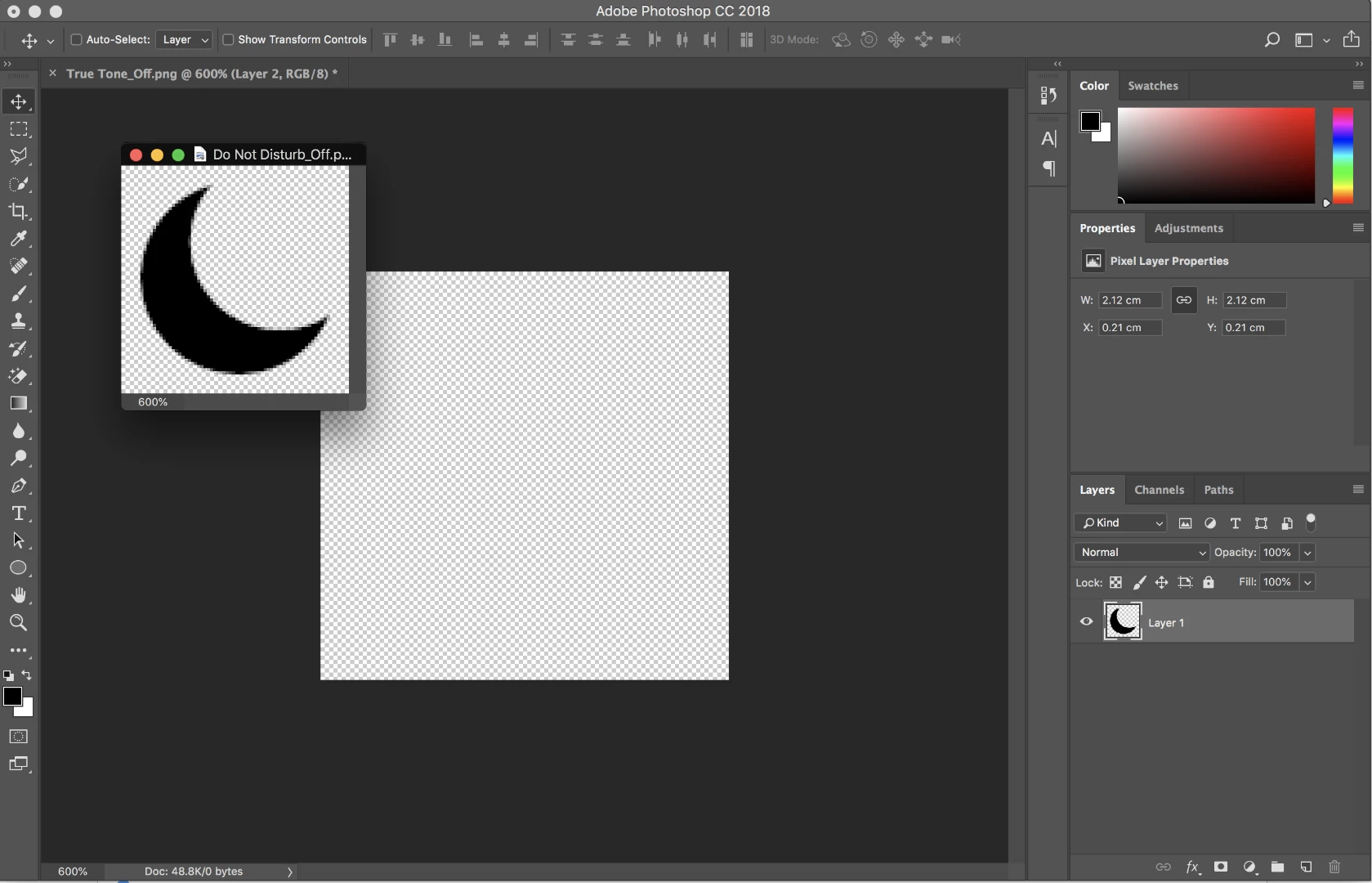
But when I drag the Crescent Moon file to the workspace in the middle. The window automatically hides. This is quite annoying because I have use cmd+` to bring back the window.
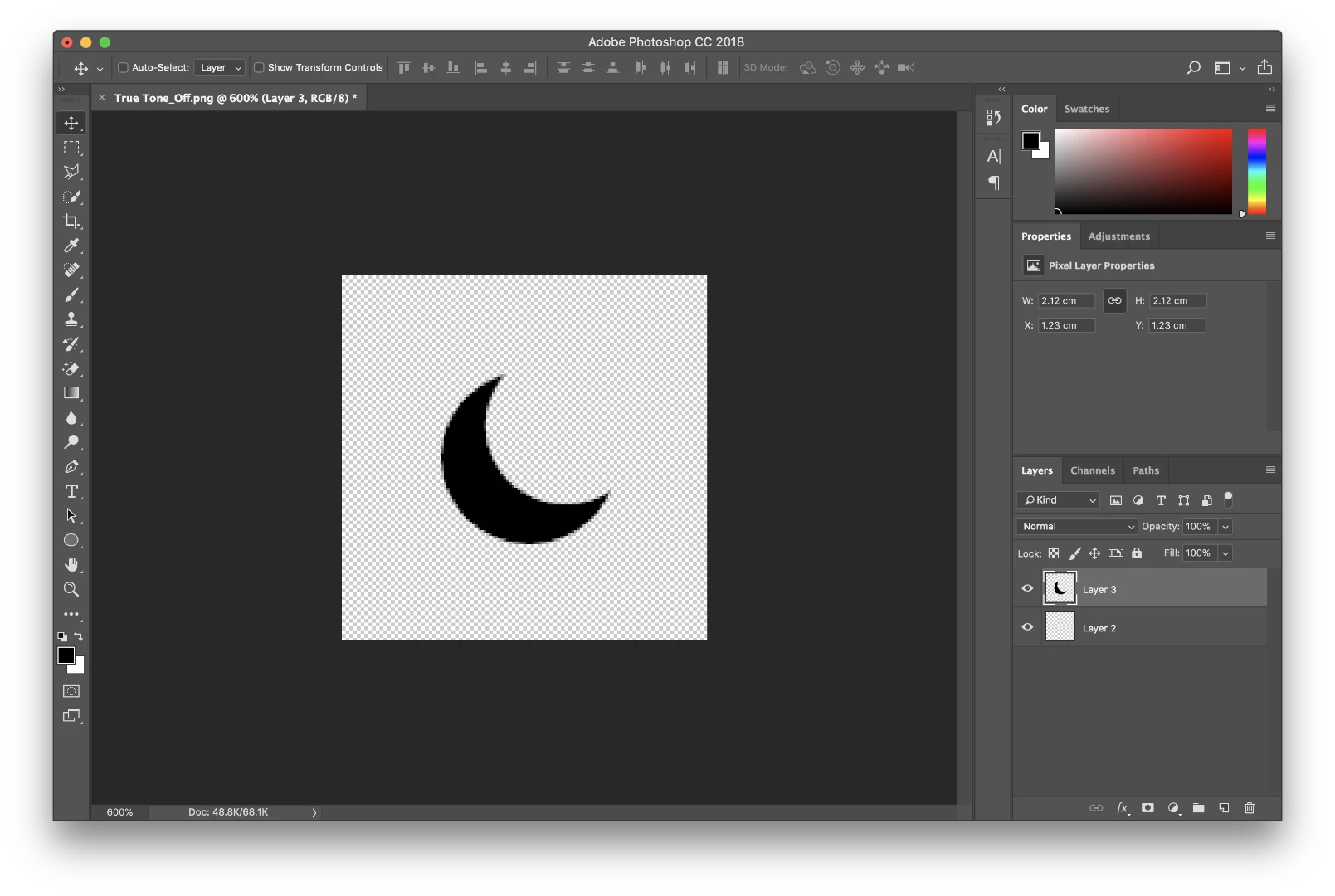
So is there a way to leave the floating tab/window open after dragging or clicking on the the main workspace? I previously used Photoshop on Windows 10 and this wasn't an issue. I believe there must be setting somewhere but I can't seem to find it.

Thanks!

Correct answer Sahil.Chawla

Thanks for sharing the information. I just tried this workflow at my end, however, my tabs are not disappearing. I believe the issue only occurs on MacOS as I'm using windows.

After doing some research I was able to find out that it's a known issue, would request you to add your vote to this issue here: Photoshop CC 2014: Floating windows stay on top of other applications on MacOS 10.10 | Photoshop Family Customer Communi…

as this forum is monitored by our engineering team.

1 reply

Sahil.Chawla
Adobe Employee
Adobe Employee
September 3, 2018

Hi Taimingkoh,

As the floating tabs go behind the screen when you click on a different canvas, could you please let us know since when are you facing this issue?

Also, have you tried turning off the application frame? Window > Application Frame Does that help?

Regards,
Sahil

taimingkoh
Participant
September 3, 2018

Hi Sahil,

I've faced this issue since I installed Photoshop on my MacBook Pro.

Turning off the application frame makes the workspace disappear and the problem still persists.

Regards,

Tai Ming

Participating Frequently
July 10, 2025

This is literally one of the worst bugs for photoshop of Mac. Windows doesn't hide the open tabs and having them available makes designing way easier. I literally have to move photoshop around to find open tabs behind the application to drag assets from those tabs to my active tab. This has been an issue with photoshop of Mac for years!m and it's annoying that Adobe hasn't resolved it. 


Do you have a solution now?