
Question
Text and shapes cause a pixelation / unwanted blur when merged to a 360° panorama in Photoshop
When working on a 360 degree panorama through the 3D menu, I add text or shapes to the image and then merge them down to the original image to preserve the position. However, when I rasterize and merge it down, it creates a blur around the shape, making the background image look pixelated.
Here are two examples: 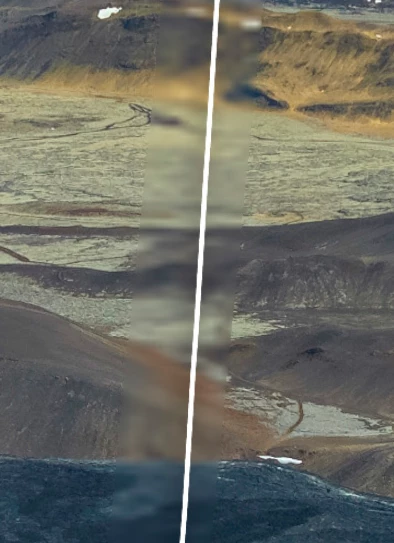
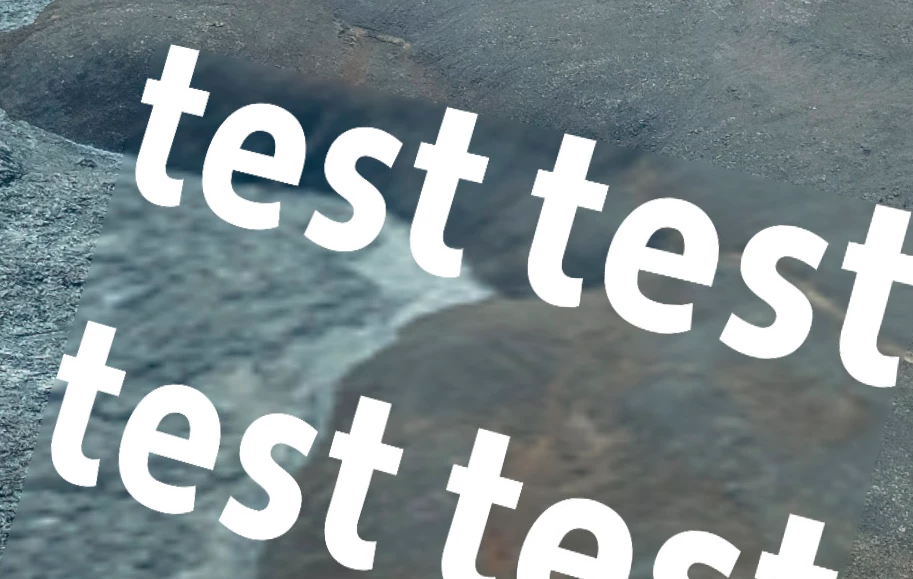
I want the text and shapes to have a drop shadow and have no blur around them, just a clean merge to the image.
Does anyone know a fix to this?


 AdChoices